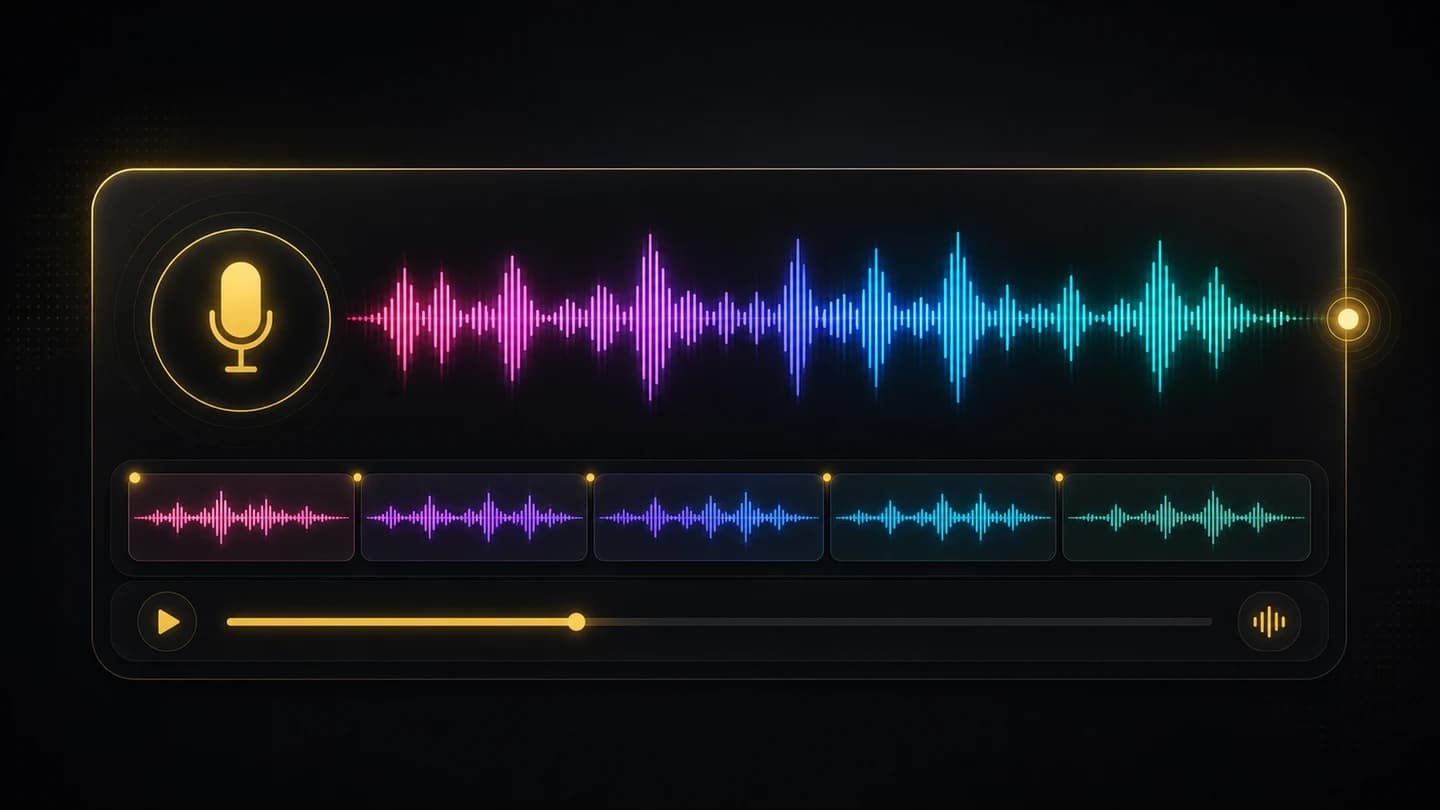
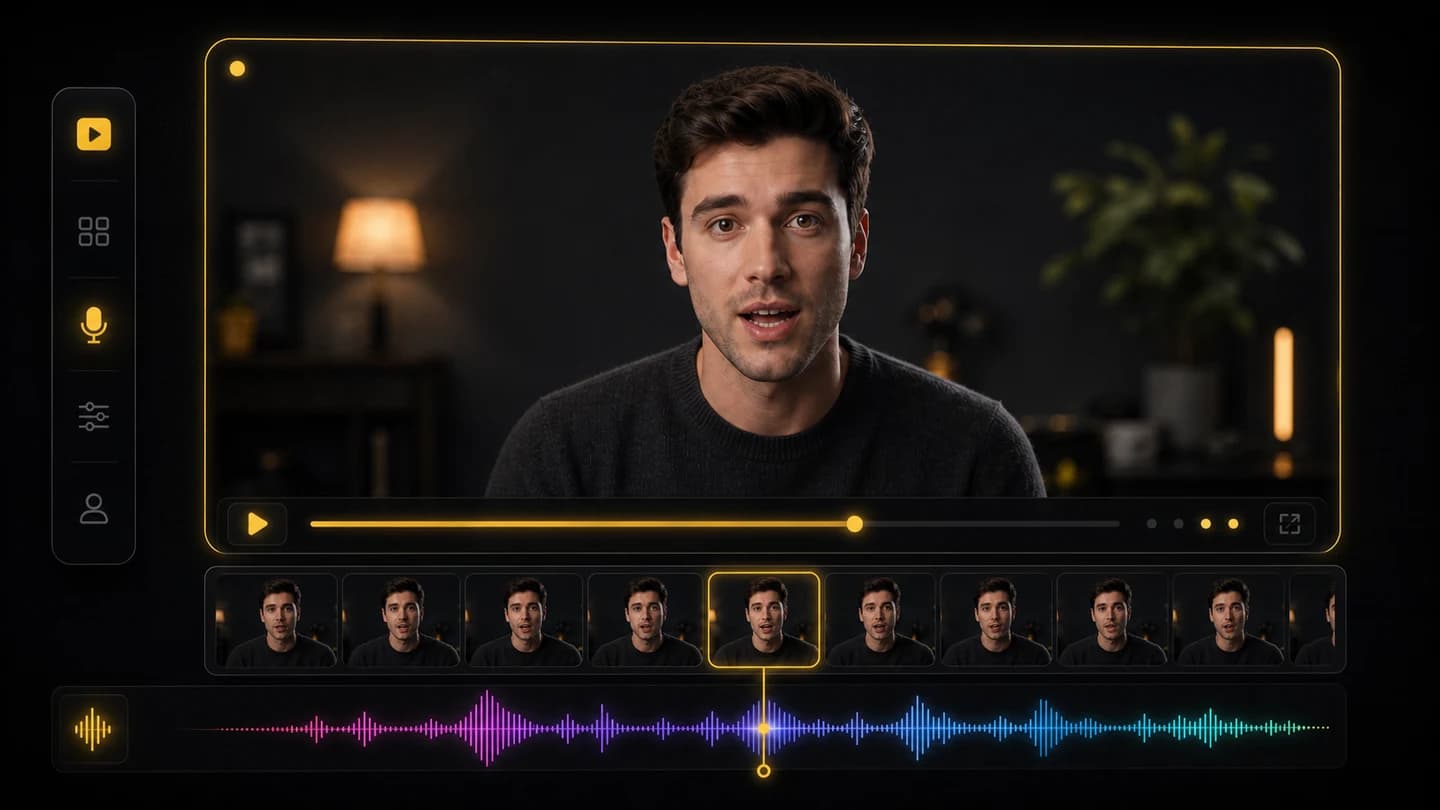
Upload your video and voice track, then create a polished talking clip in minutes.
How to make an AI lip sync video
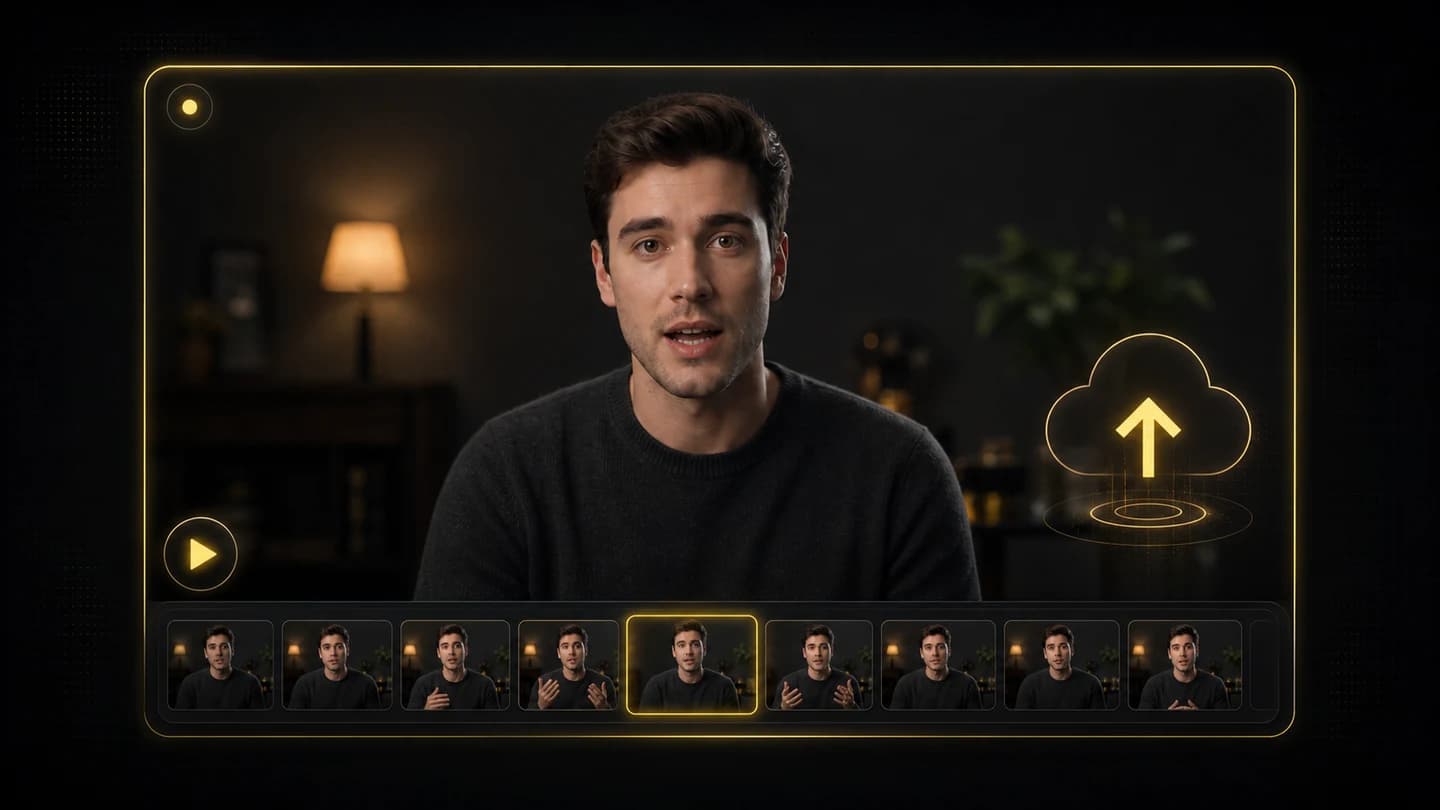
Upload the source video
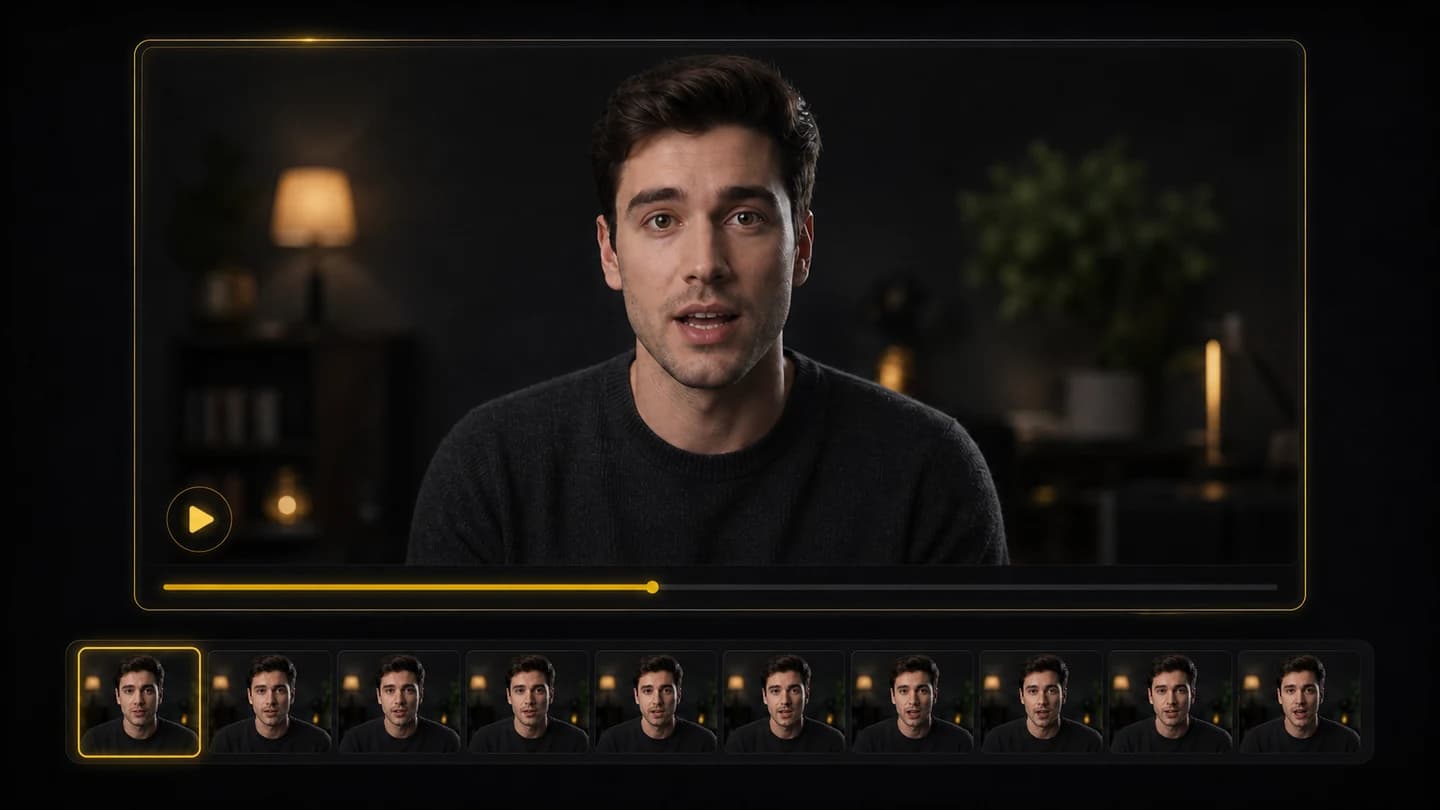
Choose a clear face-forward or speaking-style clip where the mouth area is visible enough for lip sync generation.
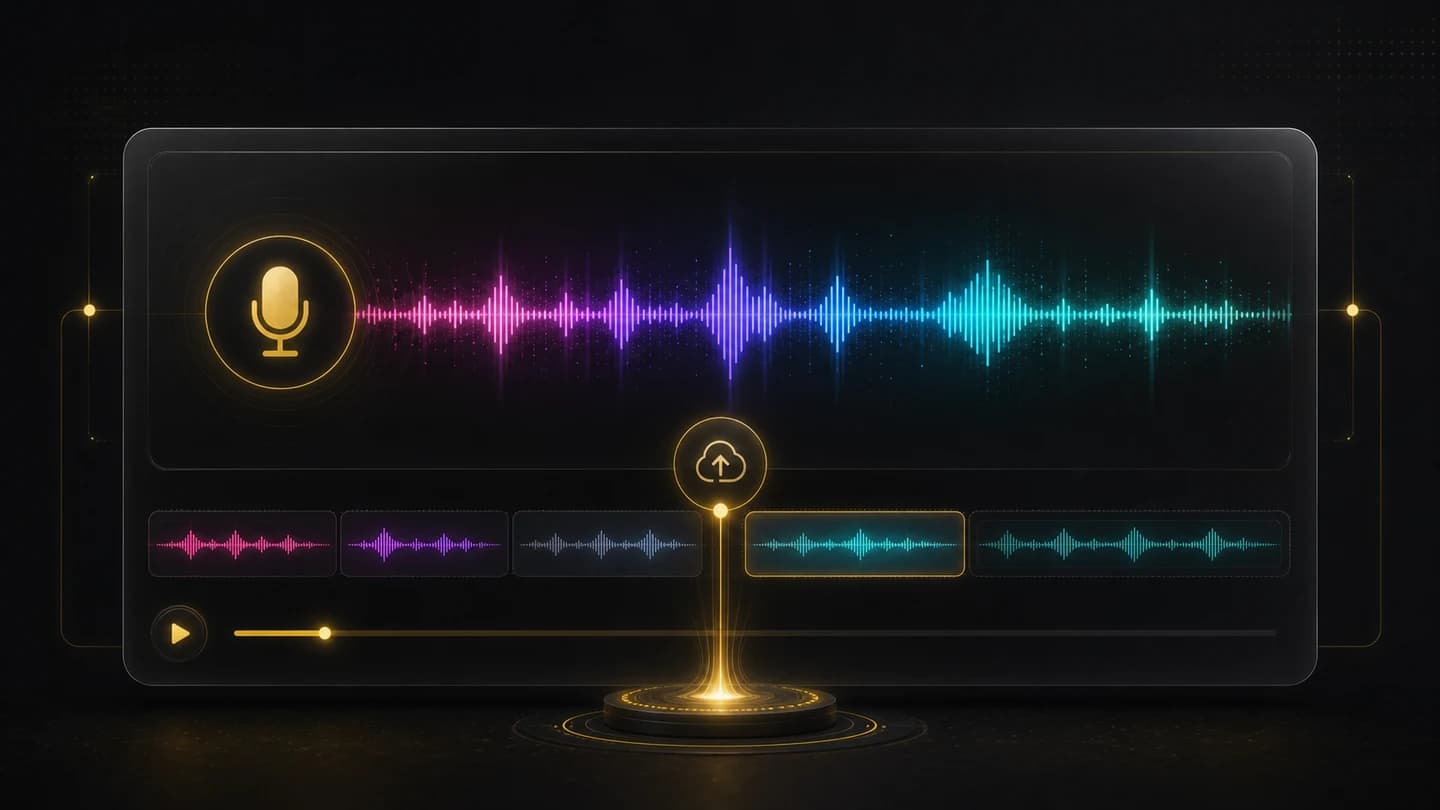
Add the voice audio
Upload the voice track, narration, translation, or short script recording you want the person or avatar to speak.
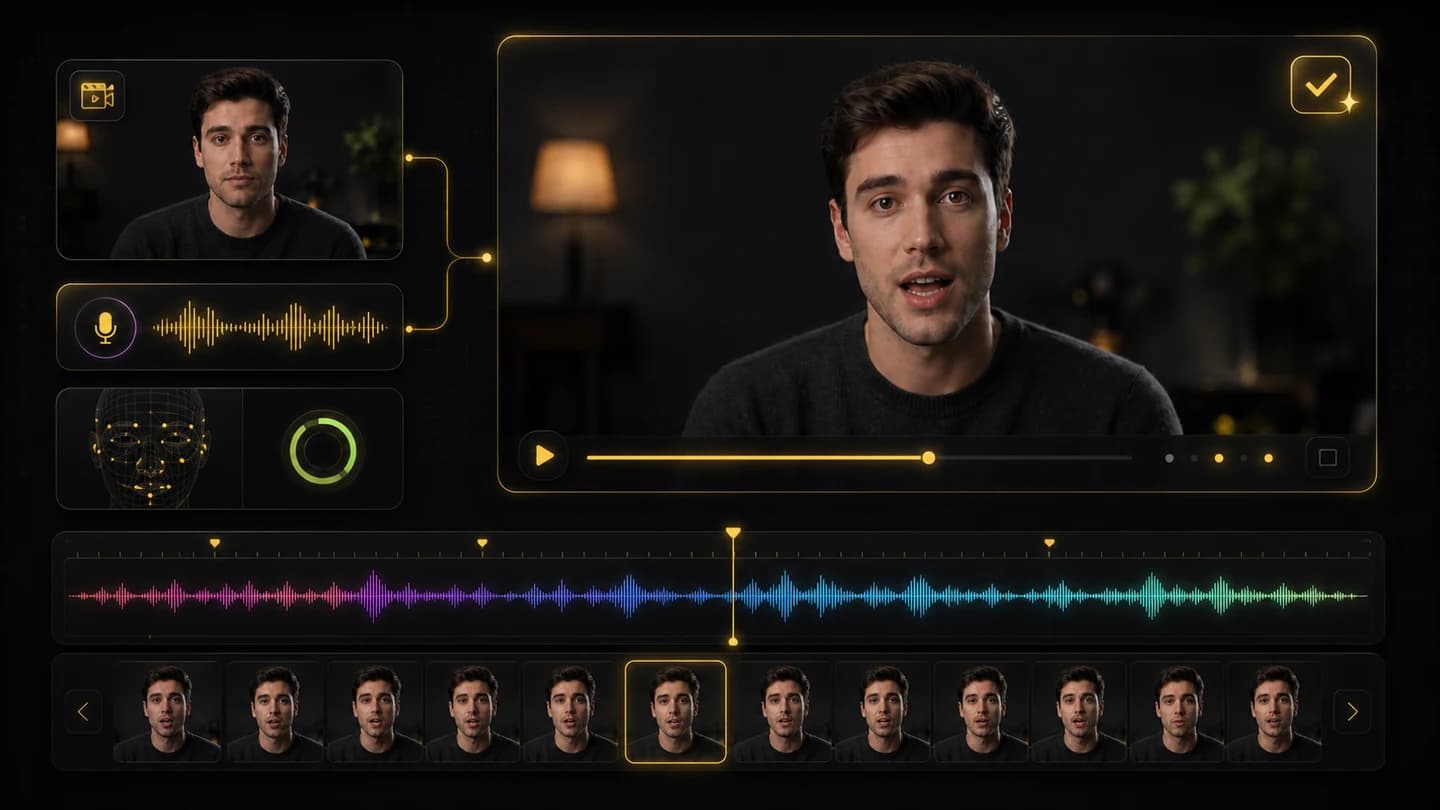
Generate and review sync
Create the lip-synced video, then review mouth timing, expression, and audio alignment before using the result.
Why Creatii Is Built for Natural AI Lip Sync Videos
Upload a video and a voice track, then generate a talking clip with mouth movement aligned to the audio. Creatii keeps the workflow focused on fast dubbing, avatar clips, explainers, and creator videos.
01
Video and voice in one workflow
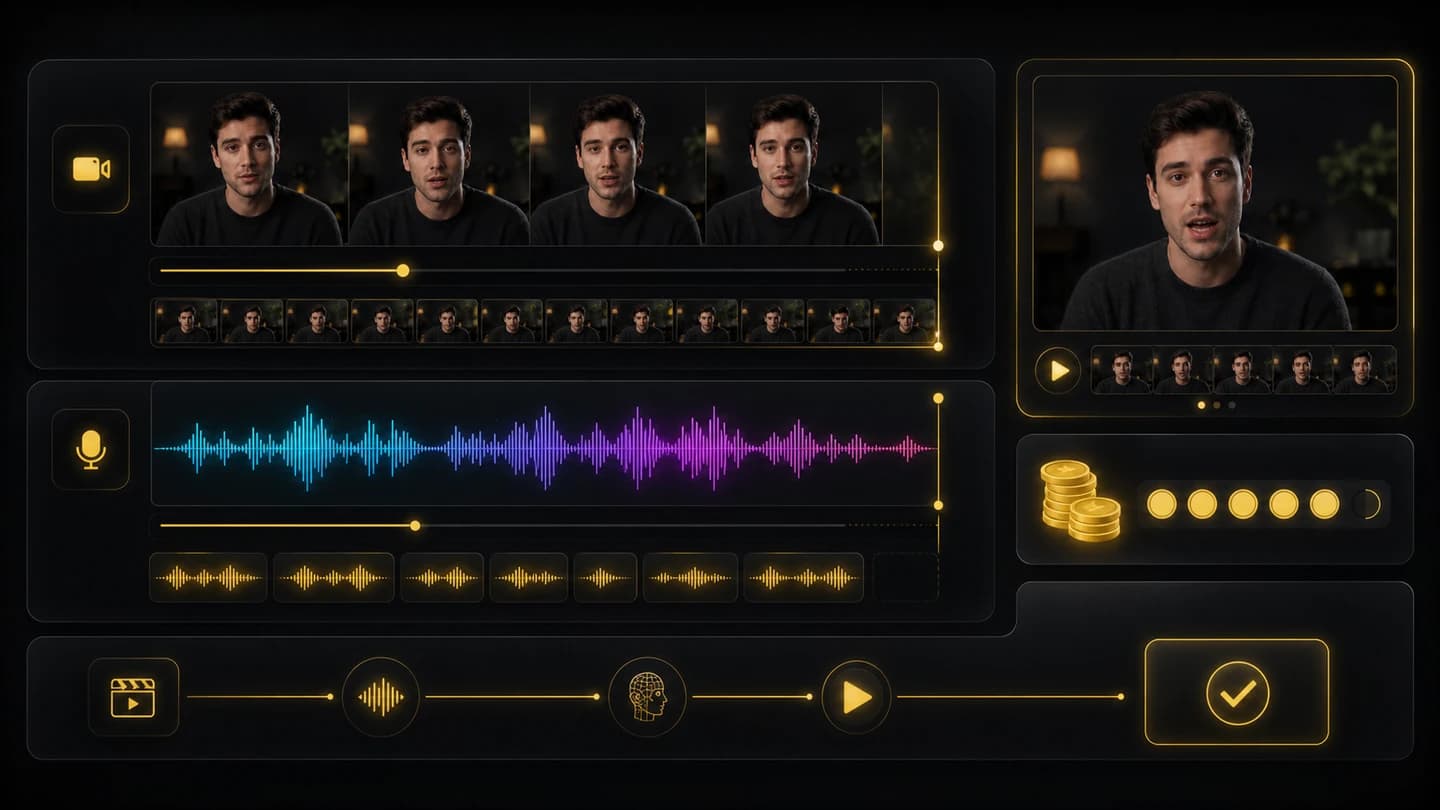
Upload the clip you want to animate and the audio track it should speak. Creatii keeps the inputs visible so the lip sync setup stays simple and easy to review.
02
Mouth movement matched to audio
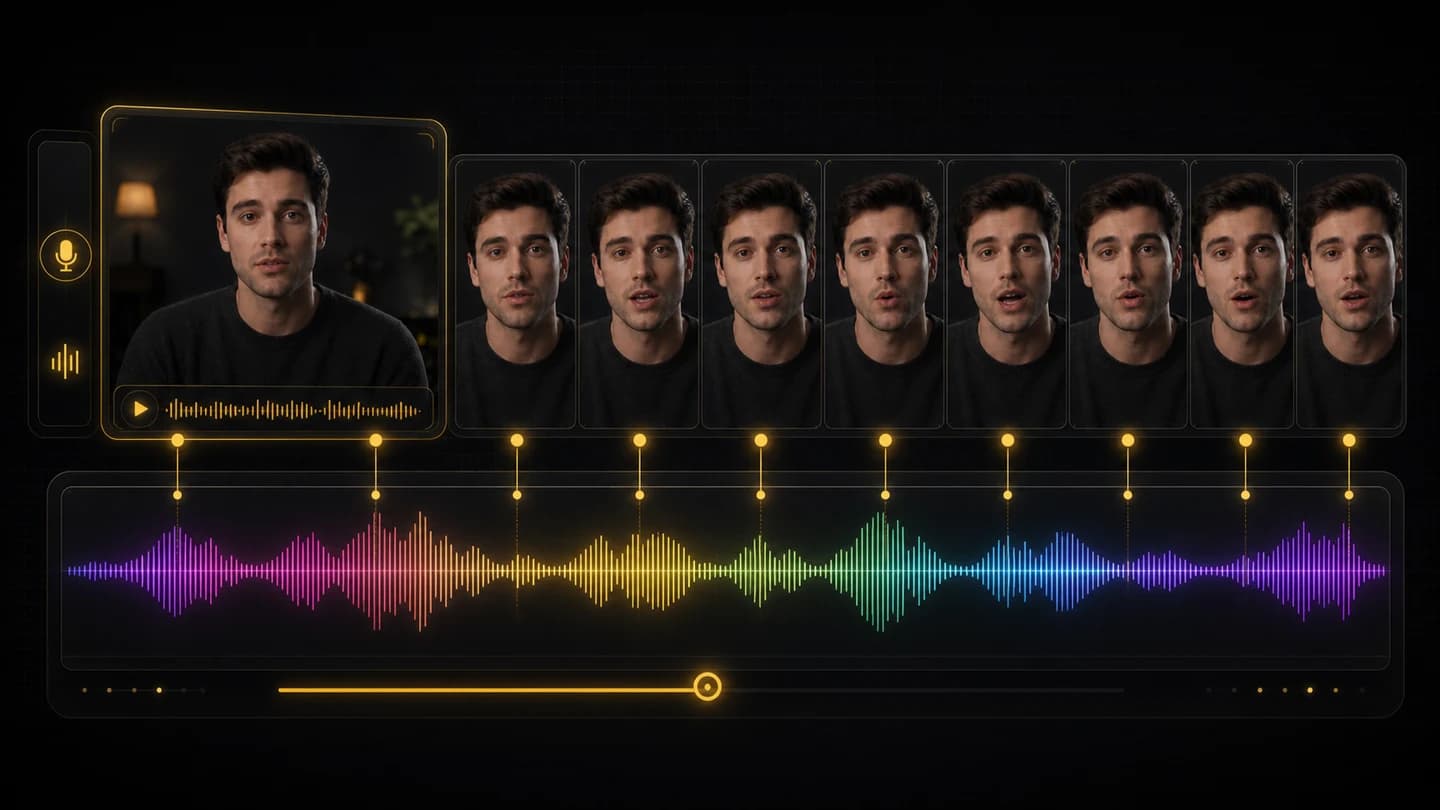
Create a new talking video where the visible speech motion follows the timing and rhythm of the uploaded voice track.
03
Made for creator and marketing clips
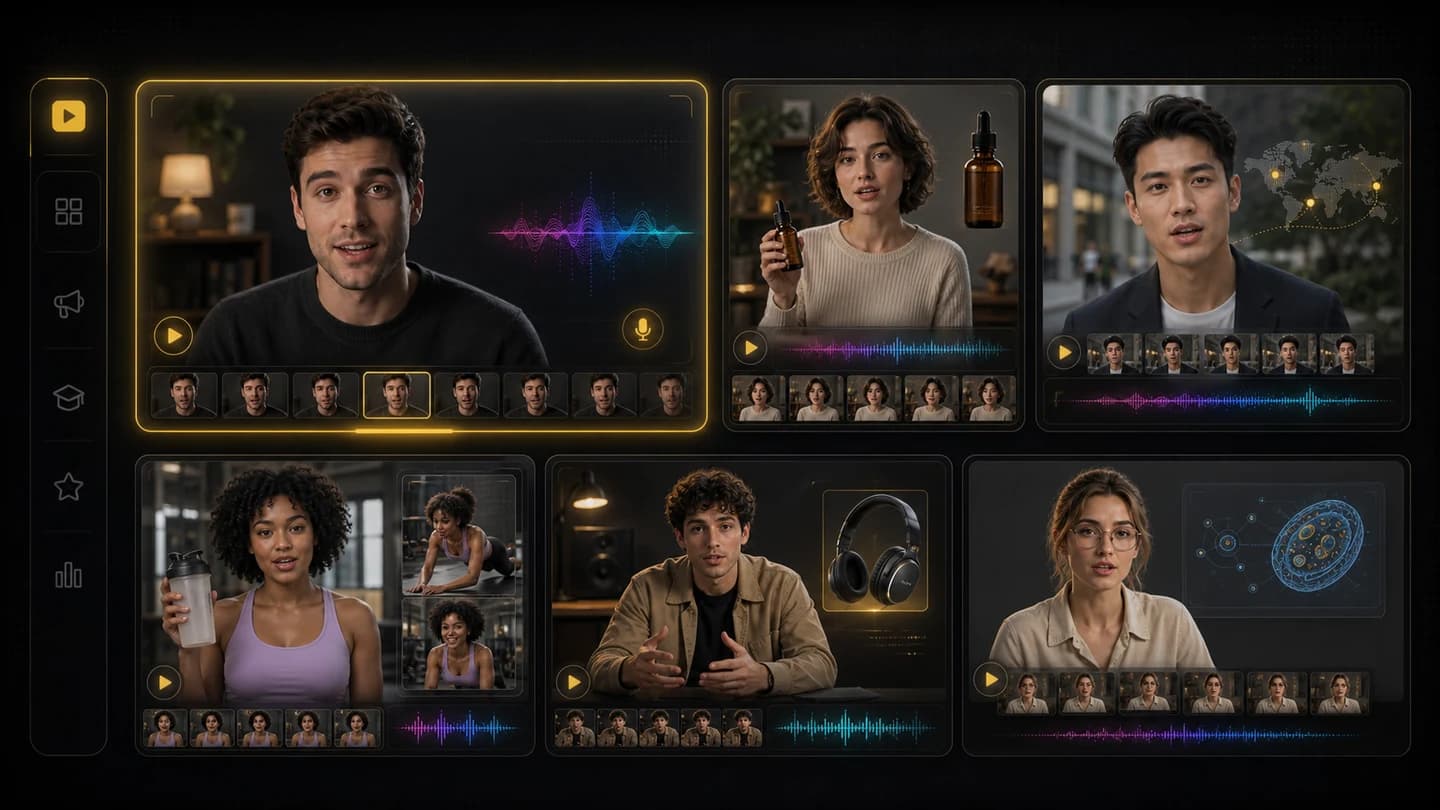
Use lip sync for avatar intros, product explainers, localized social clips, short ads, education snippets, and quick voiceover tests without reshooting footage.
04
Duration-aware generation
Creatii reads video and audio duration, estimates credits, and helps prevent mismatched uploads before the task starts.
See How Video and Audio Become One Talking Clip
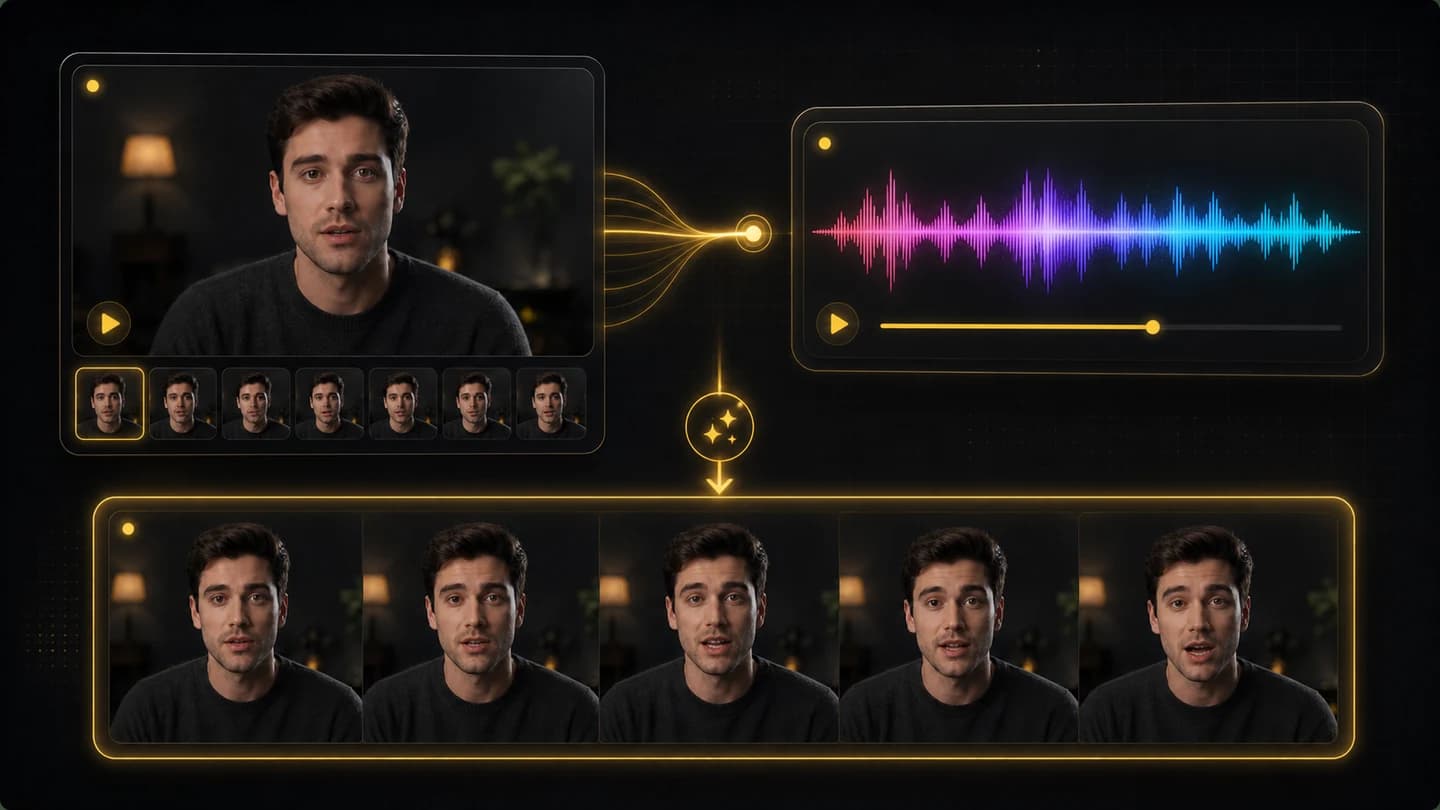
The source video provides the face and performance, while the audio provides the speech timing. Creatii combines them into a lip-synced video ready for review.
Input video
+
Synced output
Make Your Next Video Speak Naturally
Upload a video and a voice track, then create an AI lip sync clip for explainers, avatars, ads, dubbing tests, and social content.
Plans for every creator
Choose the plan that fits your workflow.
Basic
50% OFF
For quick tests, personal projects, and everyday creation.
$19.9$9.95/mo
Billed annually · $119.40
Save $119.40/year/Cancel anytime
800 Credits / month
~ 100 Nano Banana 2 Images
~ 200 GPT Image 2 Images
~ 14 Seedance 2.0 videos
~ 33 Kling 3.0 videos
Features
No credits bonus
Access to selected image models
Access to selected video models
Access to selected Apps
1 concurrent task
No queue waiting
No watermark
Private generation
Commercial license
Most Popular
Pro
60% OFF
For active creators who want more credits and every model.
$39.9$15.96/mo
Billed annually · $191.52
Save $287.28/year/Cancel anytime
2000 Credits / month
~ 250 Nano Banana 2 Images
~ 500 GPT Image 2 Images
~ 34 Seedance 2.0 videos
~ 83 Kling 3.0 videos
Features
20% credits bonus
Access to all image models
Access to all video models
Access to all Apps
Access to all video effects
2 concurrent tasks
No queue waiting
No watermark
Private generation
Commercial license
Early access to advanced AI features
Best Value
Max
70% OFF
For high-output creators who need the most credits to create often.
$119.9$35.97/mo
Billed annually · $431.64
Save $1,007.16/year/Cancel anytime
7200 Credits / month
~ 900 Nano Banana 2 Images
~ 1800 GPT Image 2 Images
~ 120 Seedance 2.0 videos
~ 300 Kling 3.0 videos
Features
30% credits bonus
Access to all image models
Access to all video models
Access to all Apps
Access to all video effects
4 concurrent tasks
No queue waiting
No watermark
Private generation
Commercial license
Early access to advanced AI features
Not ready to subscribe yet?
Starter credit pack
200 credits
$5
Frequently Asked Questions
An AI lip sync generator updates mouth and facial speech movement in a video so it matches an audio track. It helps make a person or avatar appear to speak the uploaded voice.
You need a source video and an audio file. The video supplies the face and scene, while the audio supplies the speech timing for the final synced clip.
Yes. Lip sync is useful for dubbing tests, localized social clips, explainer videos, and voiceover variants when you want the visible speech to better match the new audio.
Use a clear video where the face is visible, lighting is stable, and the mouth is not heavily blocked. Extreme blur, profile-only angles, or heavy occlusion can make syncing harder.
No. Creatii keeps lip sync as an upload-and-generate workflow, so you do not need to manually animate mouth shapes or edit frame by frame.
Yes, as long as you have the rights and consent needed for the video, voice, and final use. Always review the result before publishing.