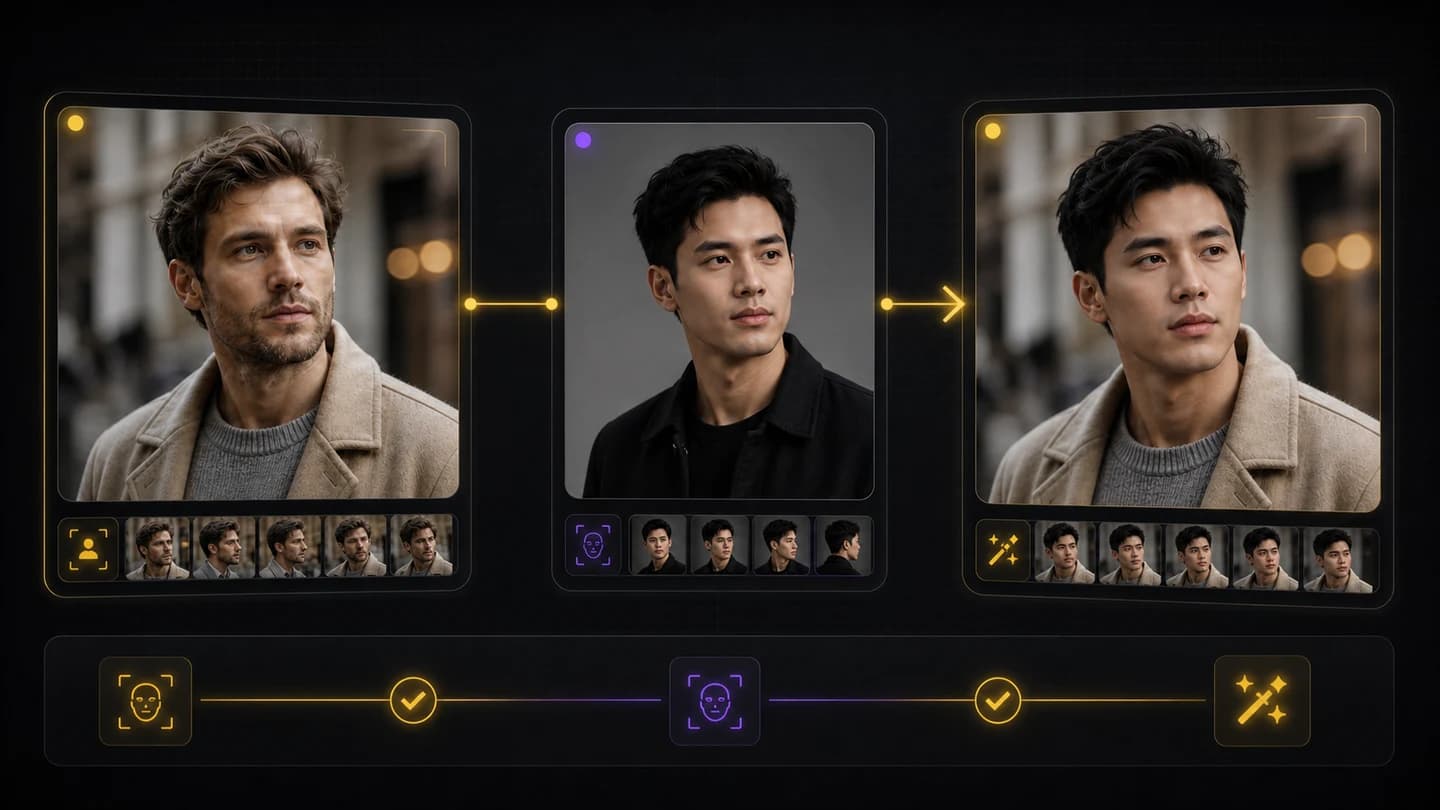
01
ขั้นตอนการทำงานสลับใบหน้าสองภาพ
อัปโหลดภาพถ่ายเป้าหมายและการอ้างอิงใบหน้า จากนั้นสร้างภาพใหม่จากหน้าเดียวกัน ขั้นตอนการทำงานถูกสร้างขึ้นตามอินพุตที่แน่นอนที่ผู้ใช้ต้องการสลับใบหน้า
อัปโหลดรูปภาพและใบหน้าของคุณ จากนั้นสร้างการแลกเปลี่ยนที่สวยงามพร้อมที่จะแชร์
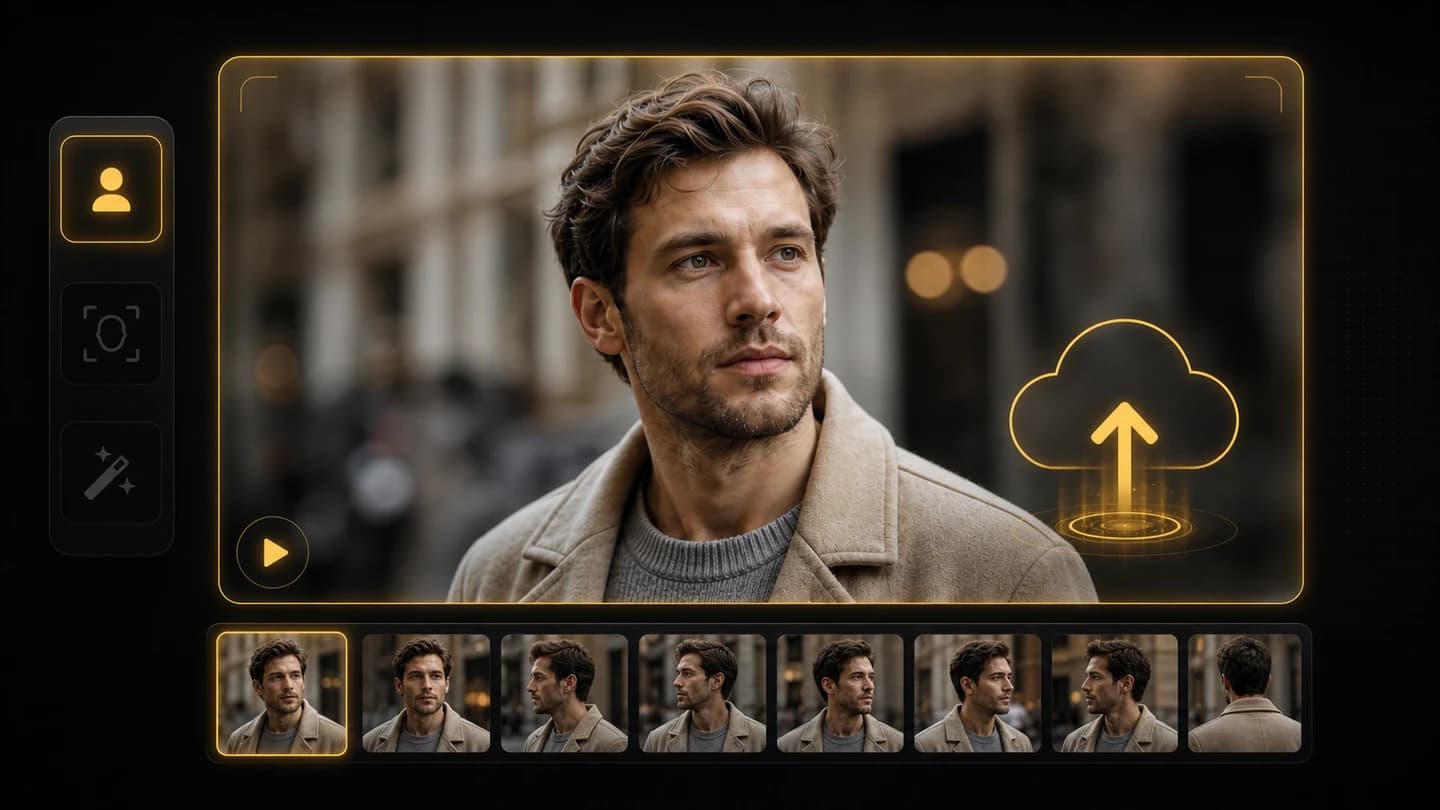
เริ่มต้นด้วยภาพที่ใบหน้าใหม่ควรปรากฏ แสงที่ชัดเจนและใบหน้าที่มองเห็นได้มักจะให้ผลลัพธ์ที่สะอาดยิ่งขึ้น
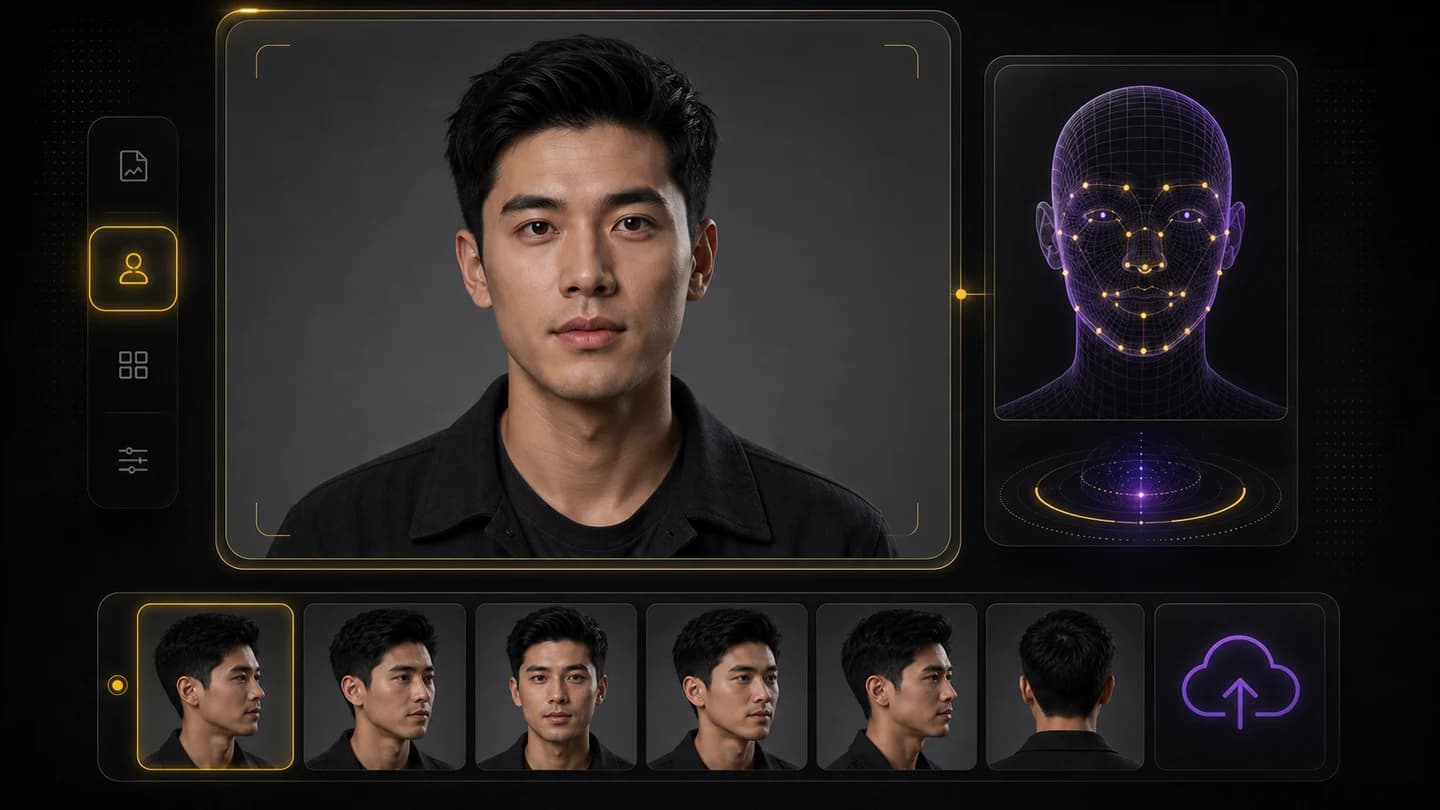
อัปโหลดภาพใบหน้าที่มีมุมหรือสีหน้าคล้ายกันเมื่อเป็นไปได้ เพื่อช่วยให้การสลับสลับกันดูเป็นธรรมชาติมากขึ้น
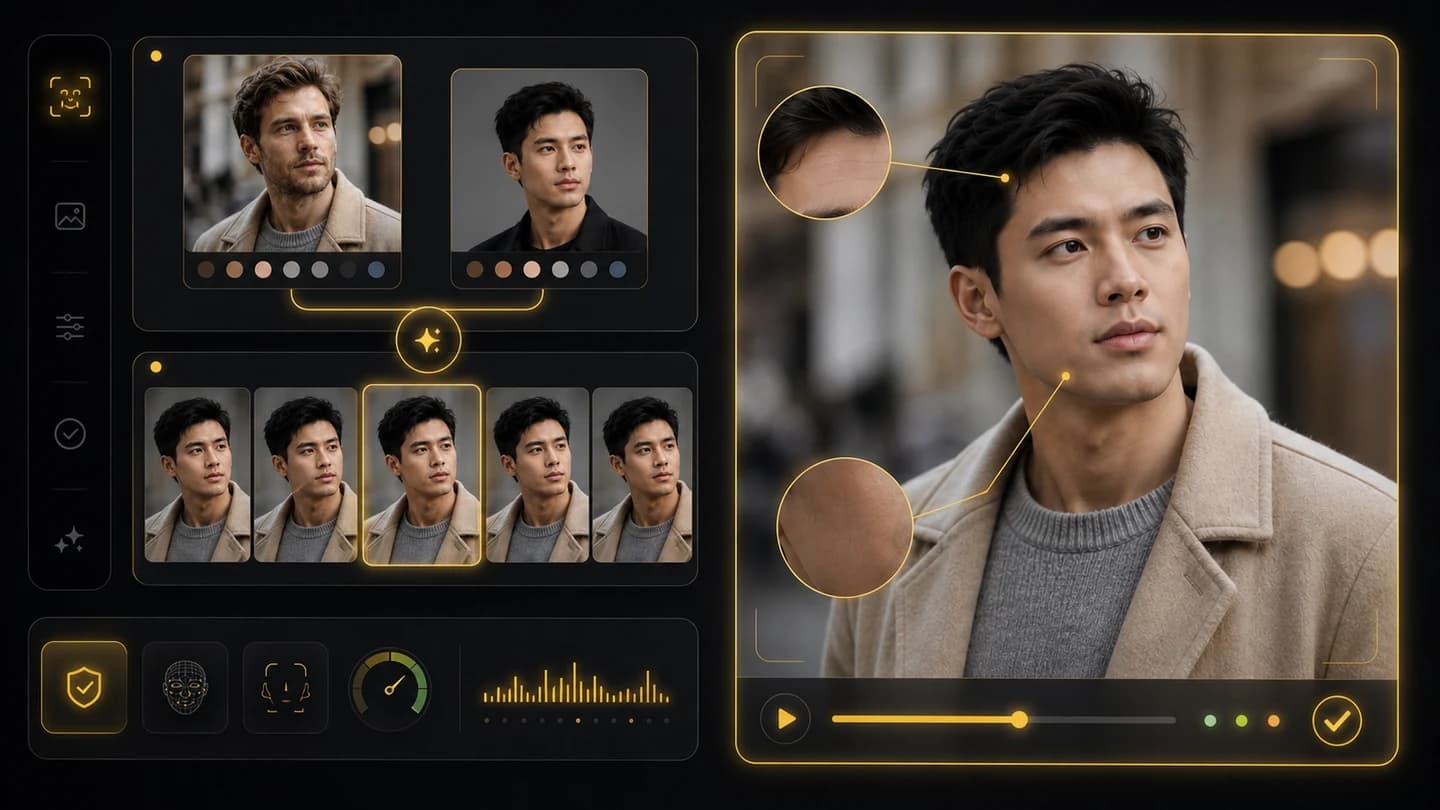
สร้างการสลับใบหน้า จากนั้นตรวจสอบความพอดีของตัวตน แสง การแสดงออก และสิ่งประดิษฐ์ใดๆ ก่อนดาวน์โหลด
สลับใบหน้าในภาพถ่ายด้วยเวิร์กโฟลว์การกำหนดเป้าหมายและการอ้างอิงที่มุ่งเน้น Creatii ช่วยให้ผู้สร้างทดสอบภาพบุคคล แนวคิดของแคมเปญ และรูปลักษณ์ของตัวละครโดยไม่ต้องเปิดซอฟต์แวร์แก้ไขที่ซับซ้อน
อัปโหลดภาพถ่ายเป้าหมายและการอ้างอิงใบหน้า จากนั้นสร้างภาพใหม่จากหน้าเดียวกัน ขั้นตอนการทำงานถูกสร้างขึ้นตามอินพุตที่แน่นอนที่ผู้ใช้ต้องการสลับใบหน้า
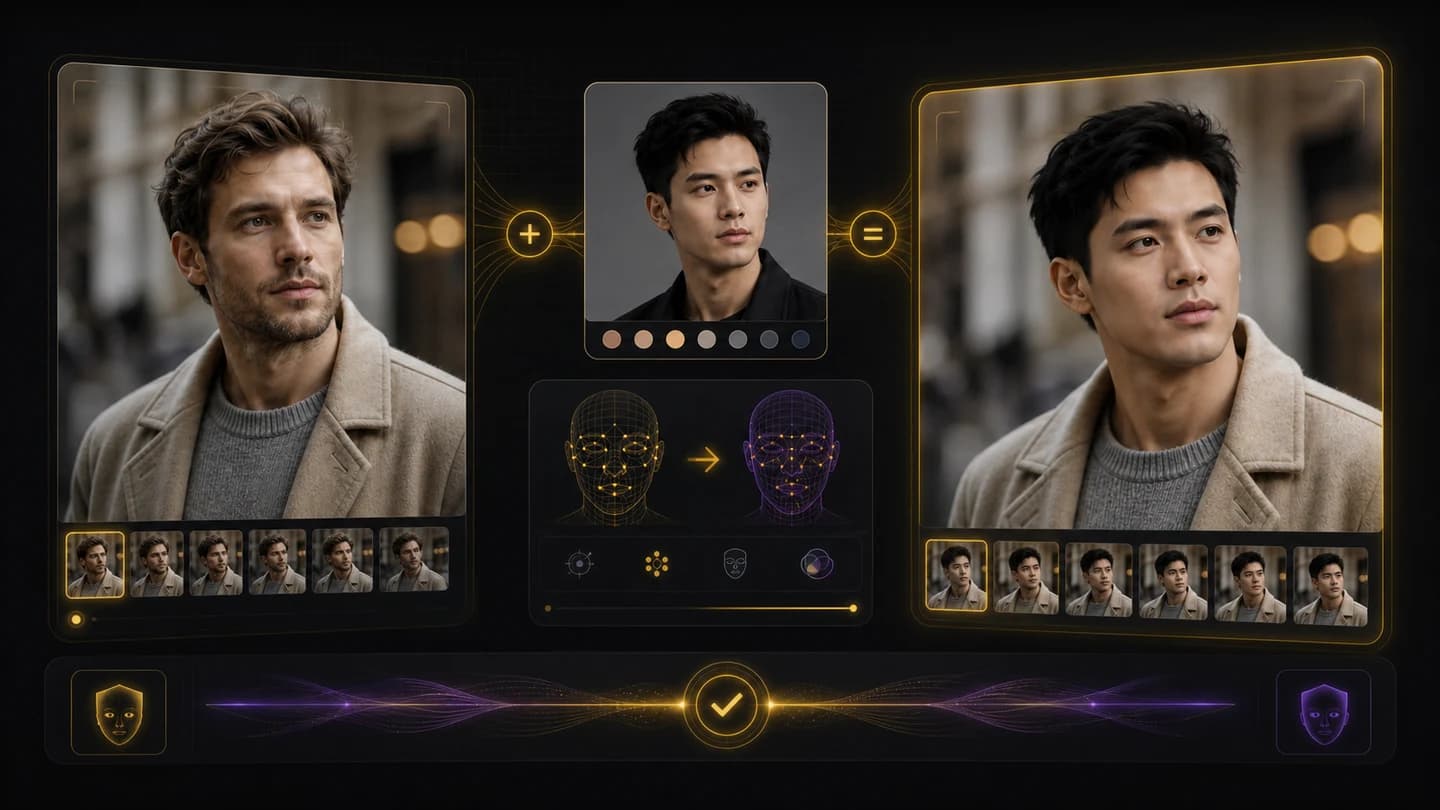
ใช้รูปภาพที่ชัดเจนและมีแสงสว่างเพียงพอเพื่อให้ผลลัพธ์สามารถติดตามมุมใบหน้า การแสดงอารมณ์ แสง และสไตล์โดยรวมของภาพถ่ายเป้าหมายได้ดียิ่งขึ้น
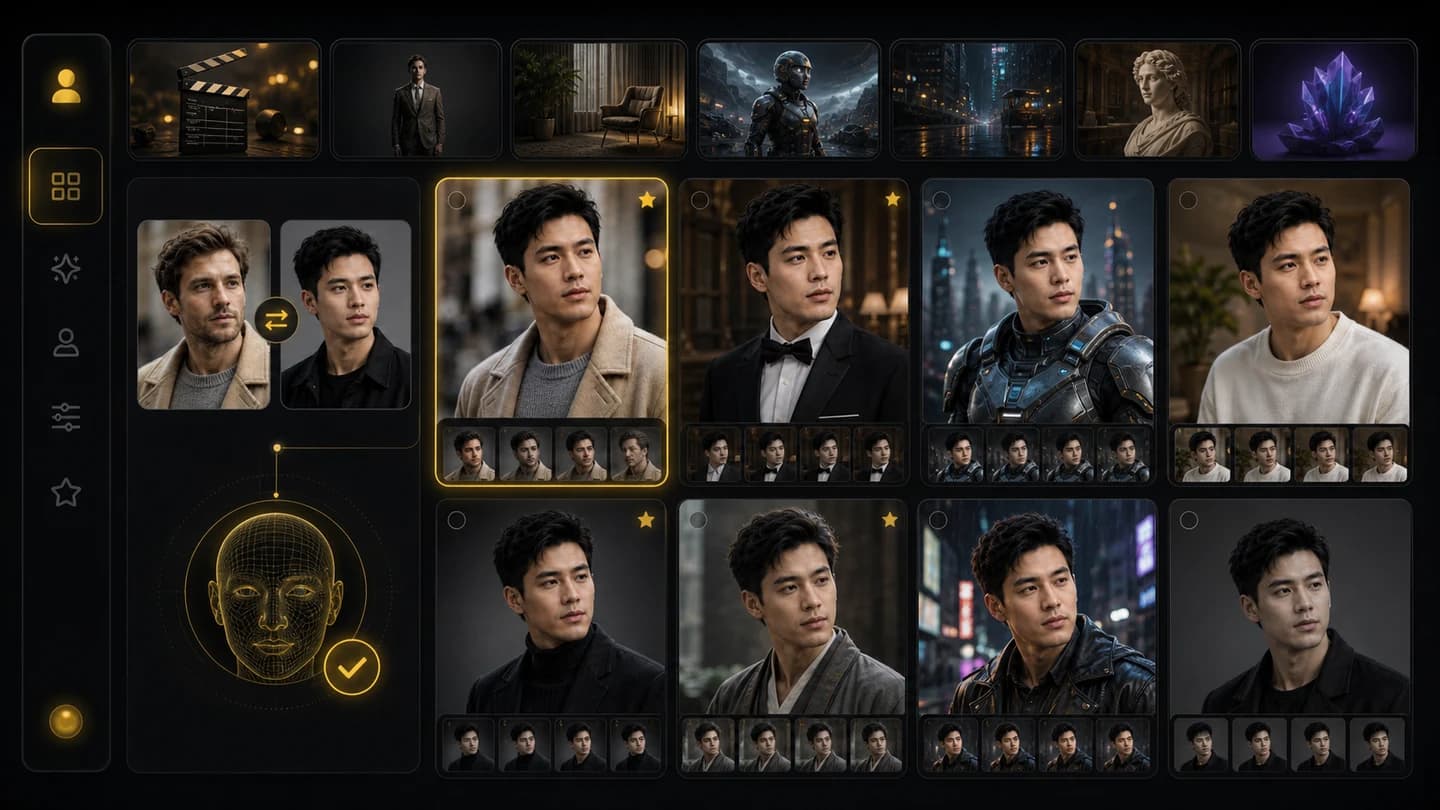
สร้างรูปแบบแนวตั้งที่รวดเร็ว การจำลองแคมเปญ แนวคิดเกี่ยวกับตัวละคร แนวคิดเกี่ยวกับโปรไฟล์ และการทดลองด้านภาพ ก่อนที่จะดำเนินการถ่ายทำหรือแก้ไขทั้งหมด
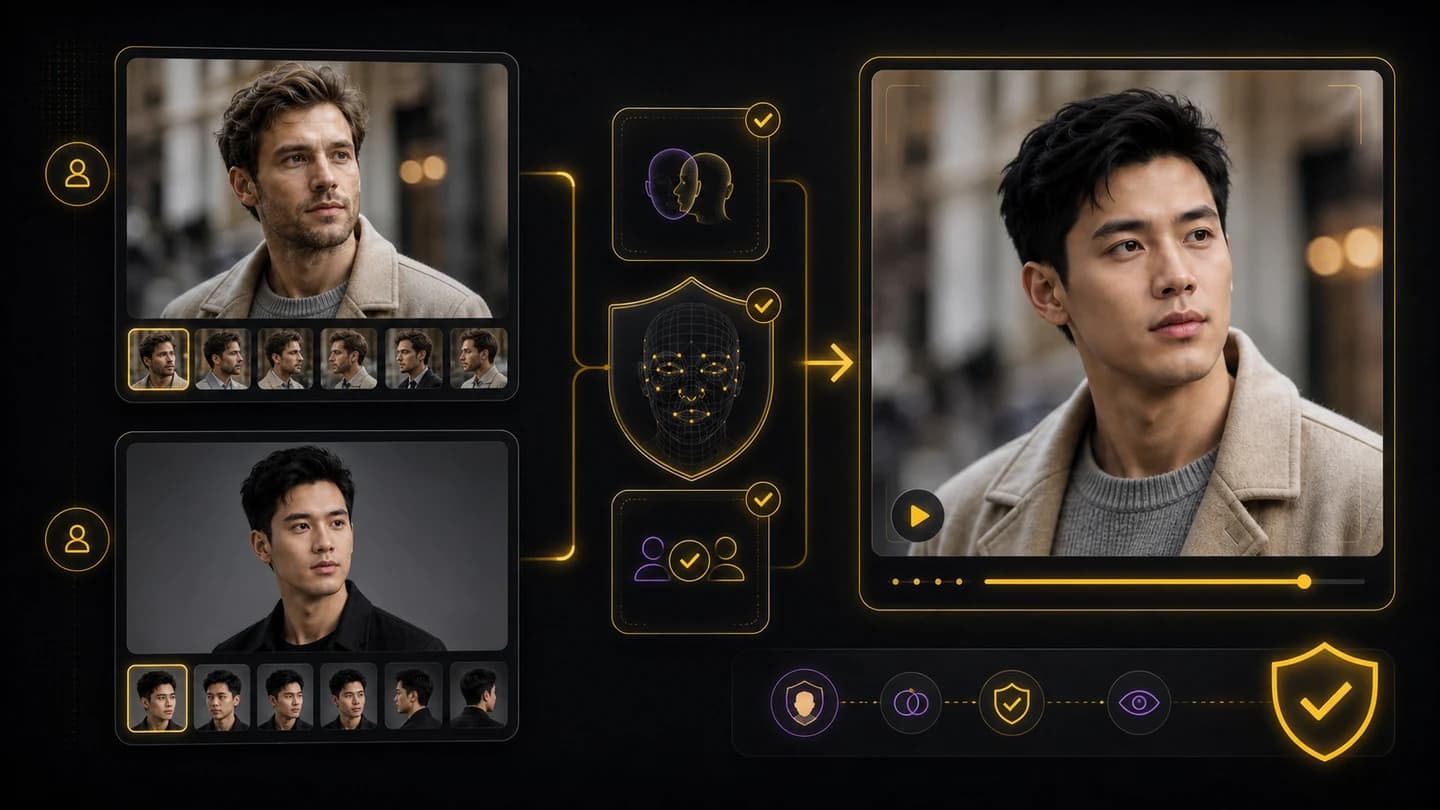
Creatii เก็บรูปภาพที่สร้างขึ้นไว้ในขั้นตอนการแสดงตัวอย่าง เพื่อให้คุณสามารถตรวจสอบคุณภาพ สิทธิ์ ความยินยอม และความเหมาะสมของแพลตฟอร์ม ก่อนที่จะแชร์การแลกเปลี่ยนใบหน้า
ภาพถ่ายเป้าหมายจะแสดงฉากและท่าทาง ในขณะที่การอ้างอิงใบหน้าจะเป็นแนวทางในการเปลี่ยน Creatii สร้างอิมเมจใหม่ที่คุณสามารถตรวจสอบก่อนใช้งาน
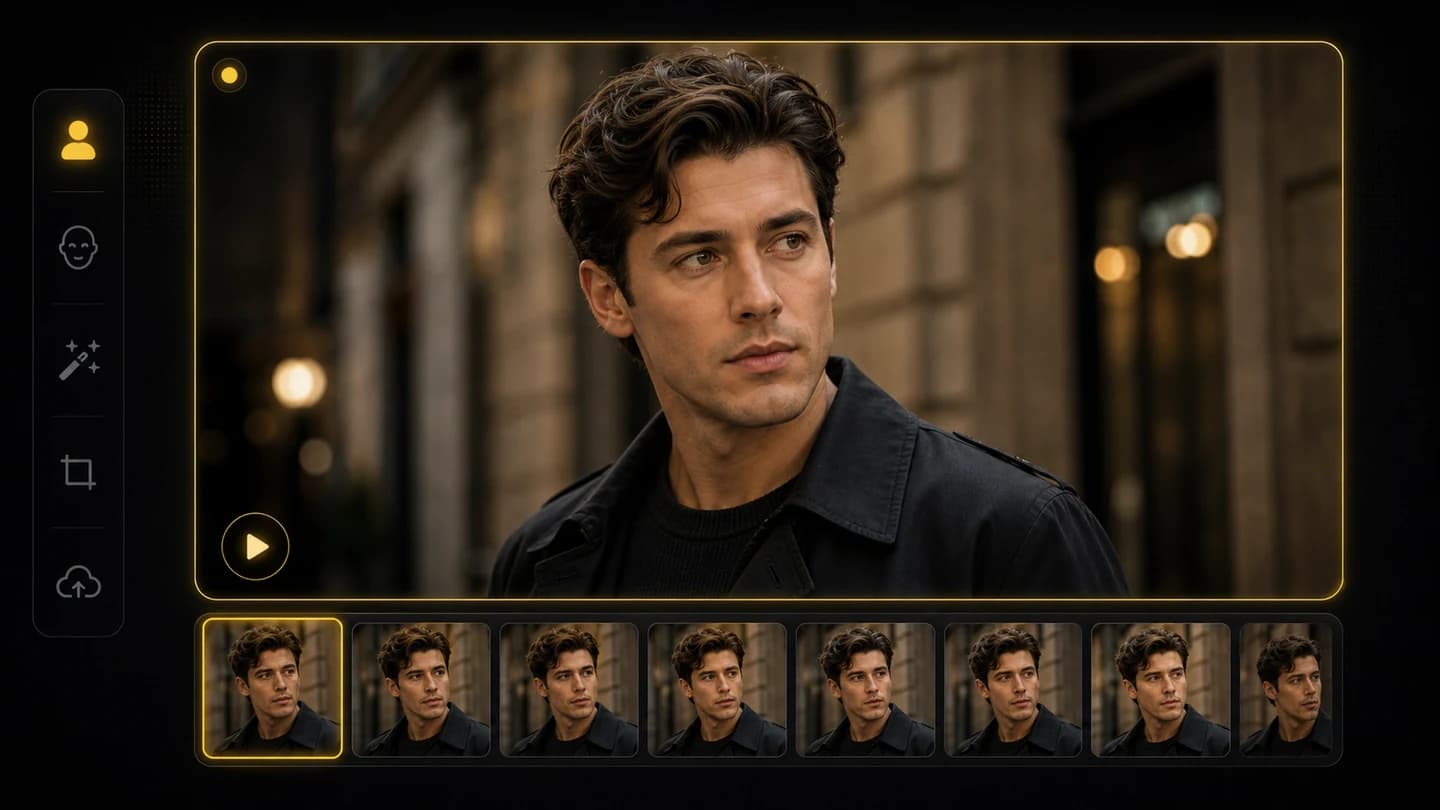
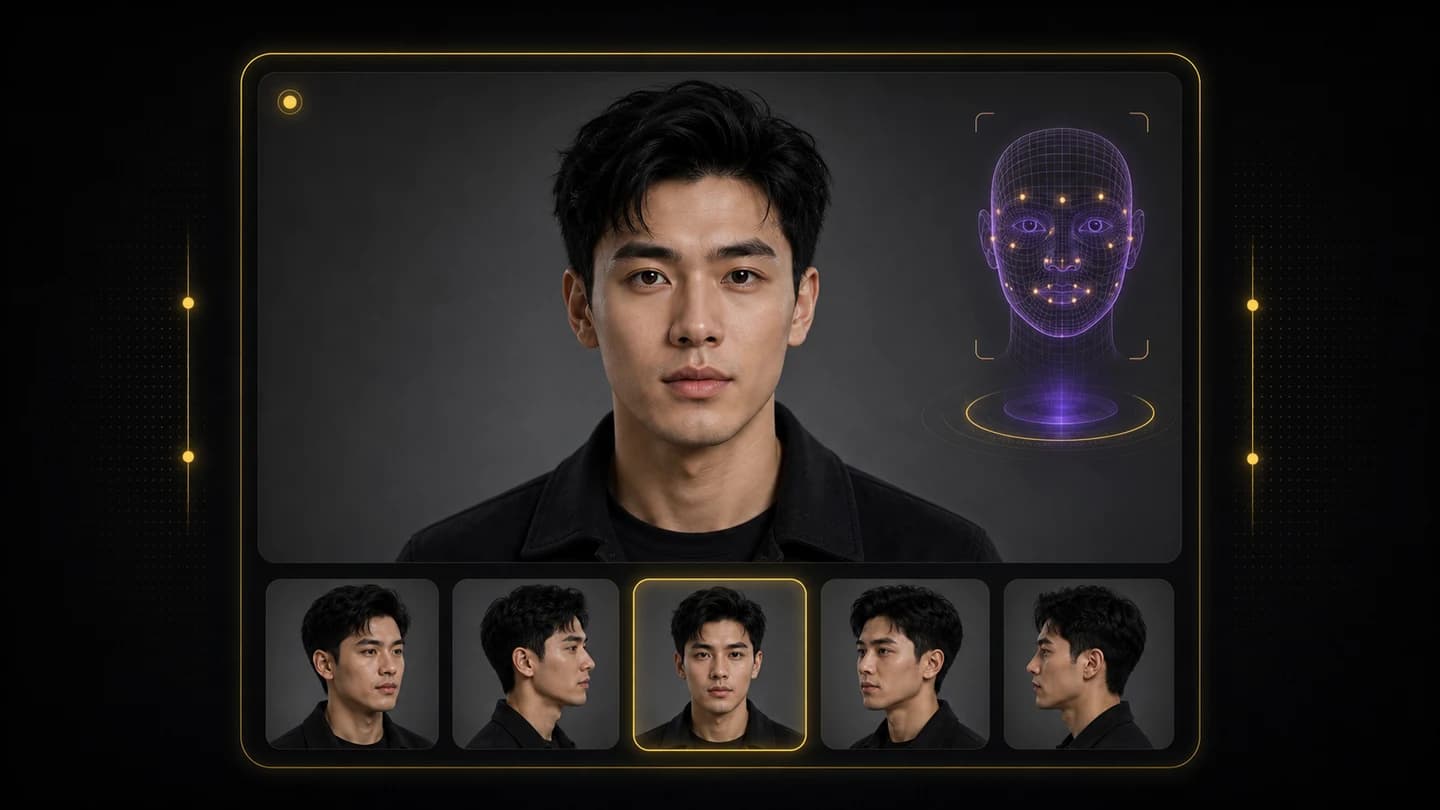
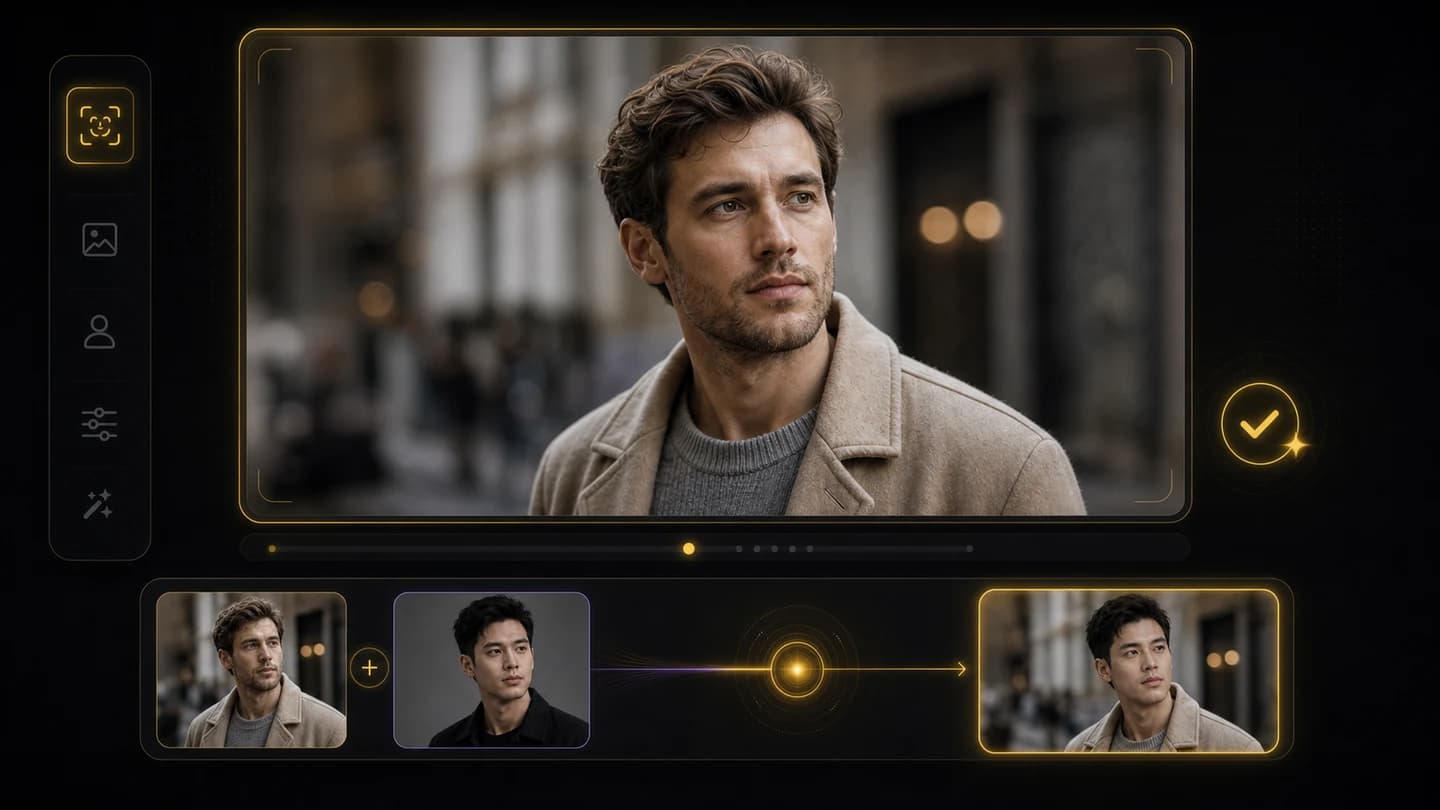
อัปโหลดภาพถ่ายเป้าหมายและการอ้างอิงใบหน้า จากนั้นสร้างการสลับใบหน้าด้วยภาพถ่ายสำหรับภาพบุคคล คอนเซ็ปต์ การแก้ไขทางสังคม และการจำลองแคมเปญ
เลือกแพ็กเกจที่เหมาะกับเวิร์กโฟลว์ของคุณ
เหมาะกับการทดสอบเร็วๆ โปรเจกต์ส่วนตัว และงานสร้างสรรค์ประจำวัน
เรียกเก็บเงินเป็นรายปี · $119.40
800 เครดิต / เดือน
~ 100 ภาพ Nano Banana 2
~ 200 ภาพ GPT Image 2
~ 14 วิดีโอ Seedance 2.0
~ 33 วิดีโอ Kling 3.0
ฟีเจอร์
เหมาะกับครีเอเตอร์ที่ต้องการเครดิตมากขึ้นและเข้าถึงทุกโมเดล
เรียกเก็บเงินเป็นรายปี · $191.52
2,000 เครดิต / เดือน
~ 250 ภาพ Nano Banana 2
~ 500 ภาพ GPT Image 2
~ 34 วิดีโอ Seedance 2.0
~ 83 วิดีโอ Kling 3.0
ฟีเจอร์
เหมาะกับครีเอเตอร์ส่วนตัวที่สร้างงานบ่อยและต้องการเครดิตสูงสุด
เรียกเก็บเงินเป็นรายปี · $431.64
7200 เครดิต / เดือน
~ 900 ภาพ Nano Banana 2
~ 1800 ภาพ GPT Image 2
~ 120 วิดีโอ Seedance 2.0
~ 300 วิดีโอ Kling 3.0
ฟีเจอร์
ยังไม่พร้อมที่จะสมัครสมาชิกใช่ไหม?
ยังมีคำถามอยู่หรือไม่ ติดต่อเราได้ที่ support@creatii.ai