
01
Video-first character replacement
Upload the clip you want to transform and a clear character image. Creatii focuses the workflow on replacing the visible subject in motion, not just adding a static face overlay.
Upload a video and a character image, then create a fresh swap-ready clip in minutes.
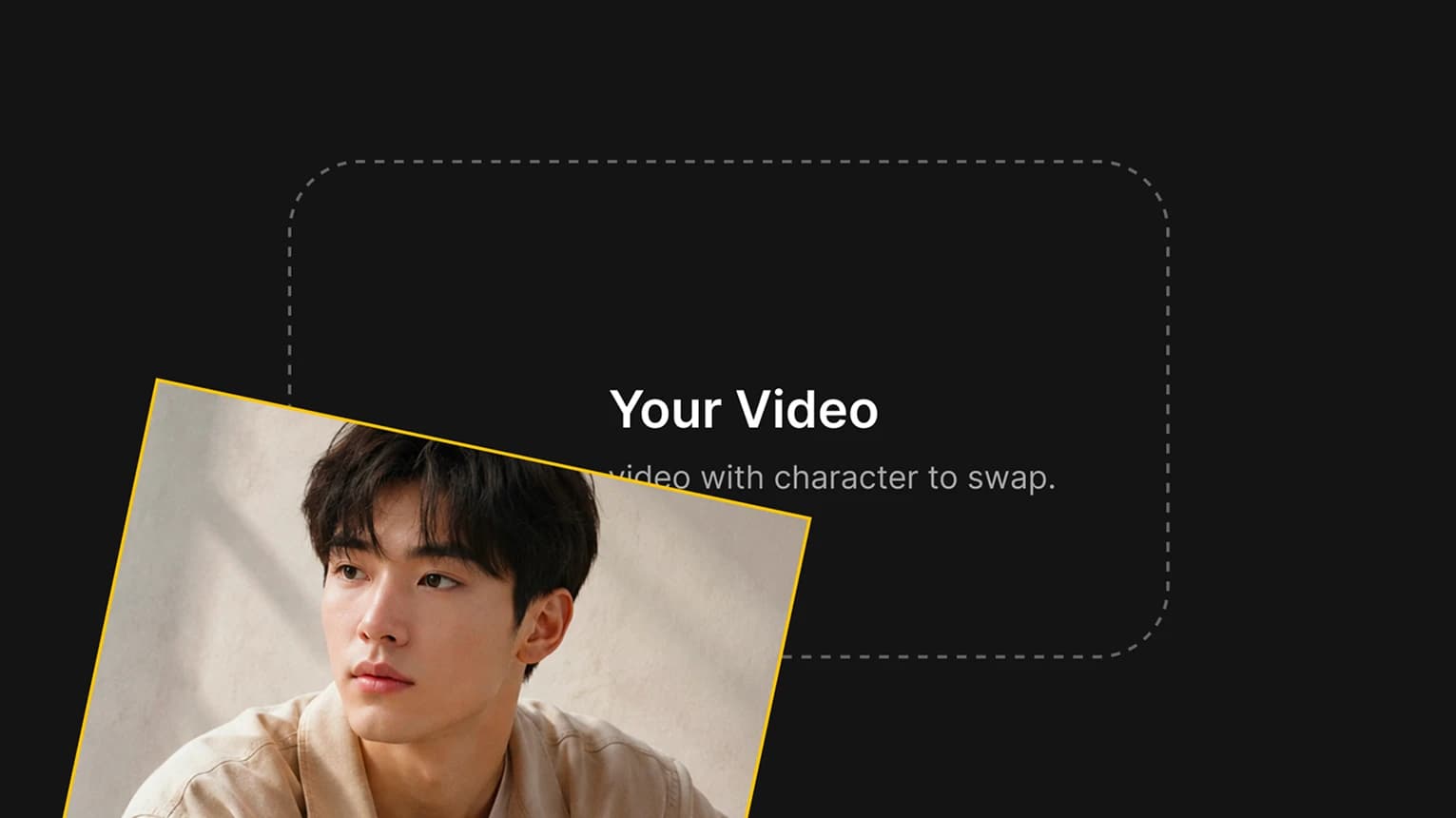
Choose a short, clear clip with the character you want to replace.
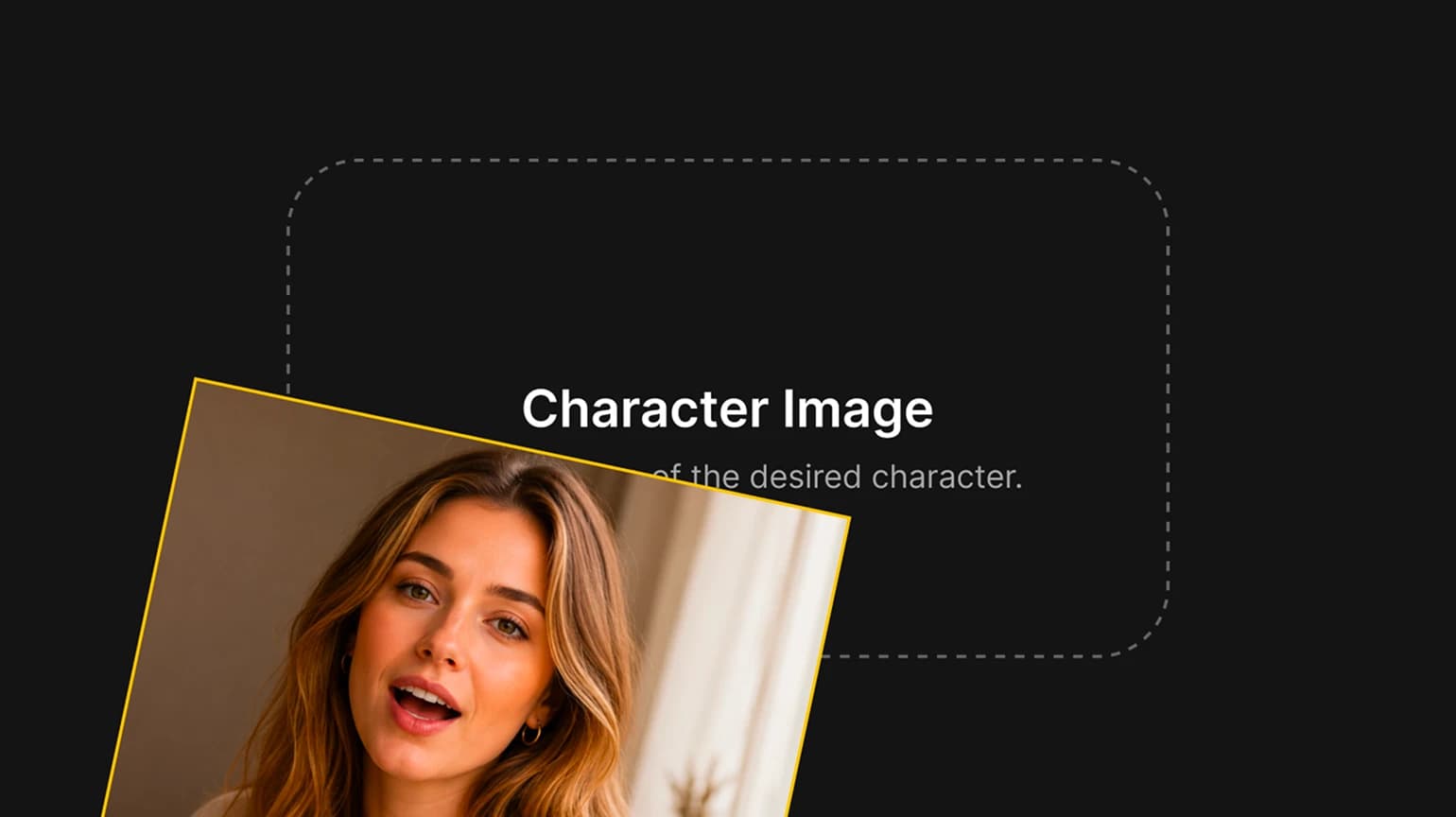
Upload a bright, clear reference image for the new character.
Generate the swap, then review motion and identity consistency.
Replace characters without rebuilding the shot. Creatii keeps the original motion, camera flow, and scene rhythm while giving creators clear control from one reference image.
Upload the clip you want to transform and a clear character image. Creatii focuses the workflow on replacing the visible subject in motion, not just adding a static face overlay.

Keep the original performance, timing, camera movement, and scene rhythm so the new character follows the action instead of forcing you to rebuild the shot.

Guide the swap with a character image that defines the look you want. Clear face and body framing helps the AI character swap stay more consistent across frames.

Turn one short source clip into fresh creator, avatar, campaign, or meme-style variations for TikTok, Reels, Shorts, ads, and concept testing.
Start with a source clip and one character image. Creatii applies the new identity while keeping the original motion, timing, and scene flow ready for your next edit.
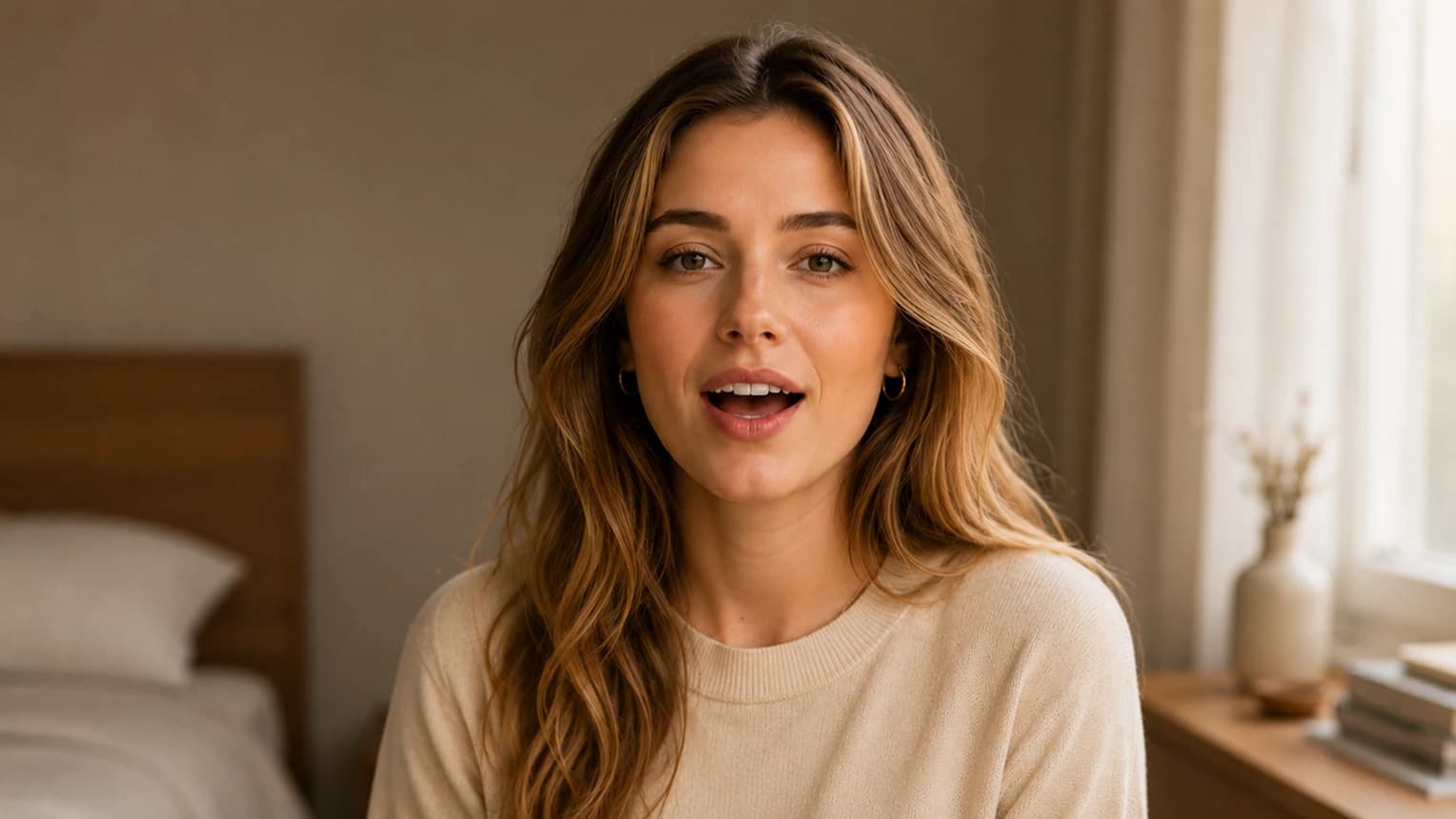
Upload a source clip and a character image, then create a fresh AI character swap video ready for social posts, concepts, and campaign tests.
Choose the plan that fits your workflow.
For quick tests, personal projects, and everyday creation.
Billed annually · $119.40
800 Credits / month
~ 100 Nano Banana 2 Images
~ 200 GPT Image 2 Images
~ 14 Seedance 2.0 videos
~ 33 Kling 3.0 videos
Features
For active creators who want more credits and every model.
Billed annually · $191.52
2000 Credits / month
~ 250 Nano Banana 2 Images
~ 500 GPT Image 2 Images
~ 34 Seedance 2.0 videos
~ 83 Kling 3.0 videos
Features
For high-output creators who need the most credits to create often.
Billed annually · $431.64
7200 Credits / month
~ 900 Nano Banana 2 Images
~ 1800 GPT Image 2 Images
~ 120 Seedance 2.0 videos
~ 300 Kling 3.0 videos
Features
Not ready to subscribe yet?
Still have questions? Contact us at support@creatii.ai.