01
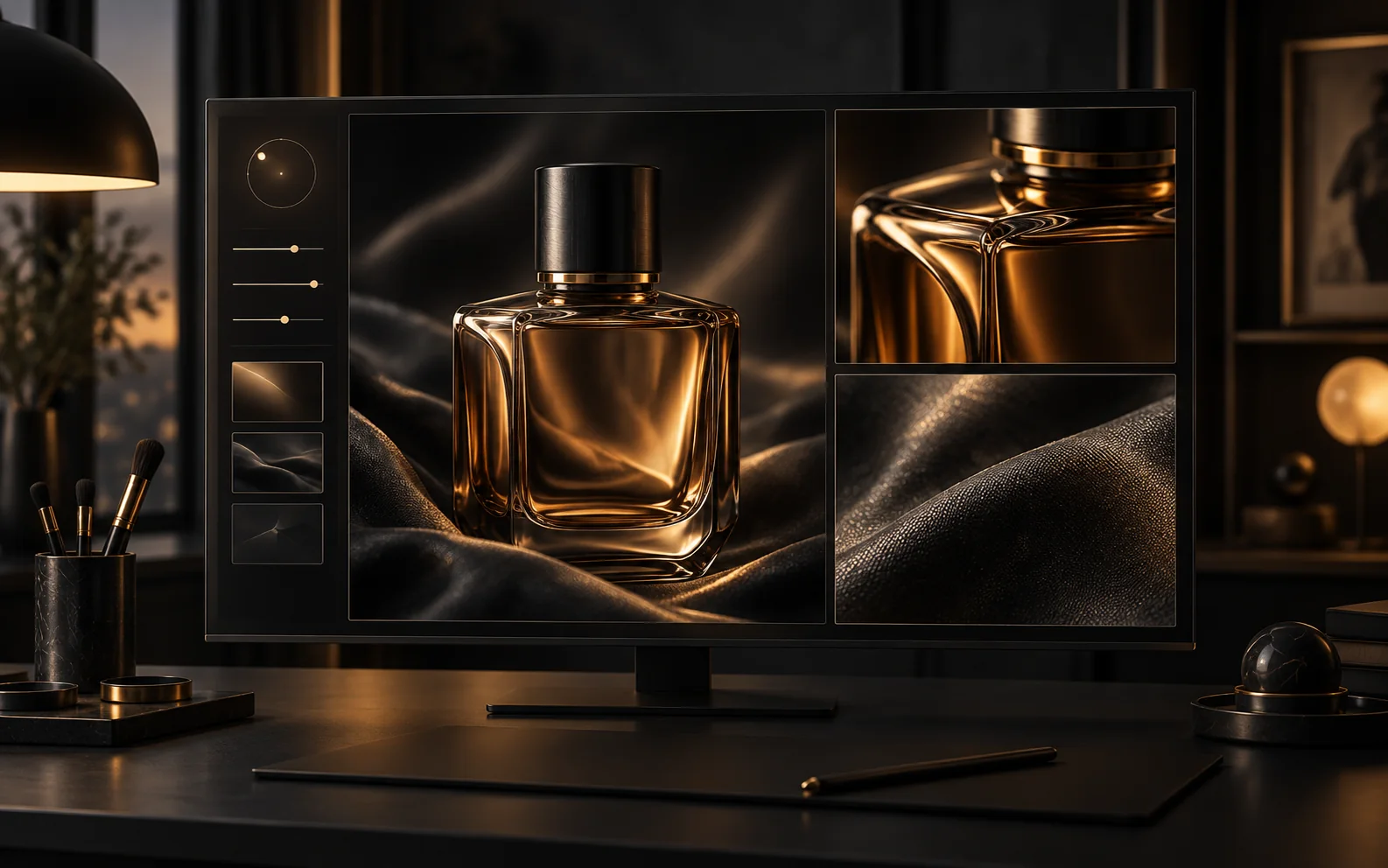
Give each edit a precise purpose
Sunburst is OpenAI’s quality-focused option. Describe the lighting, material, or layout to change, and name the subject details that should stay consistent.
Start creatingRefine product visuals with GPT Image 2.5 Sunburst. Guide image edits with references, choose quality and resolution, and review credits before creating.
Develop a chosen visual by specifying the lighting, materials, and composition to refine, alongside the details to preserve.
Sunburst is OpenAI’s quality-focused option. Describe the lighting, material, or layout to change, and name the subject details that should stay consistent.
Start creating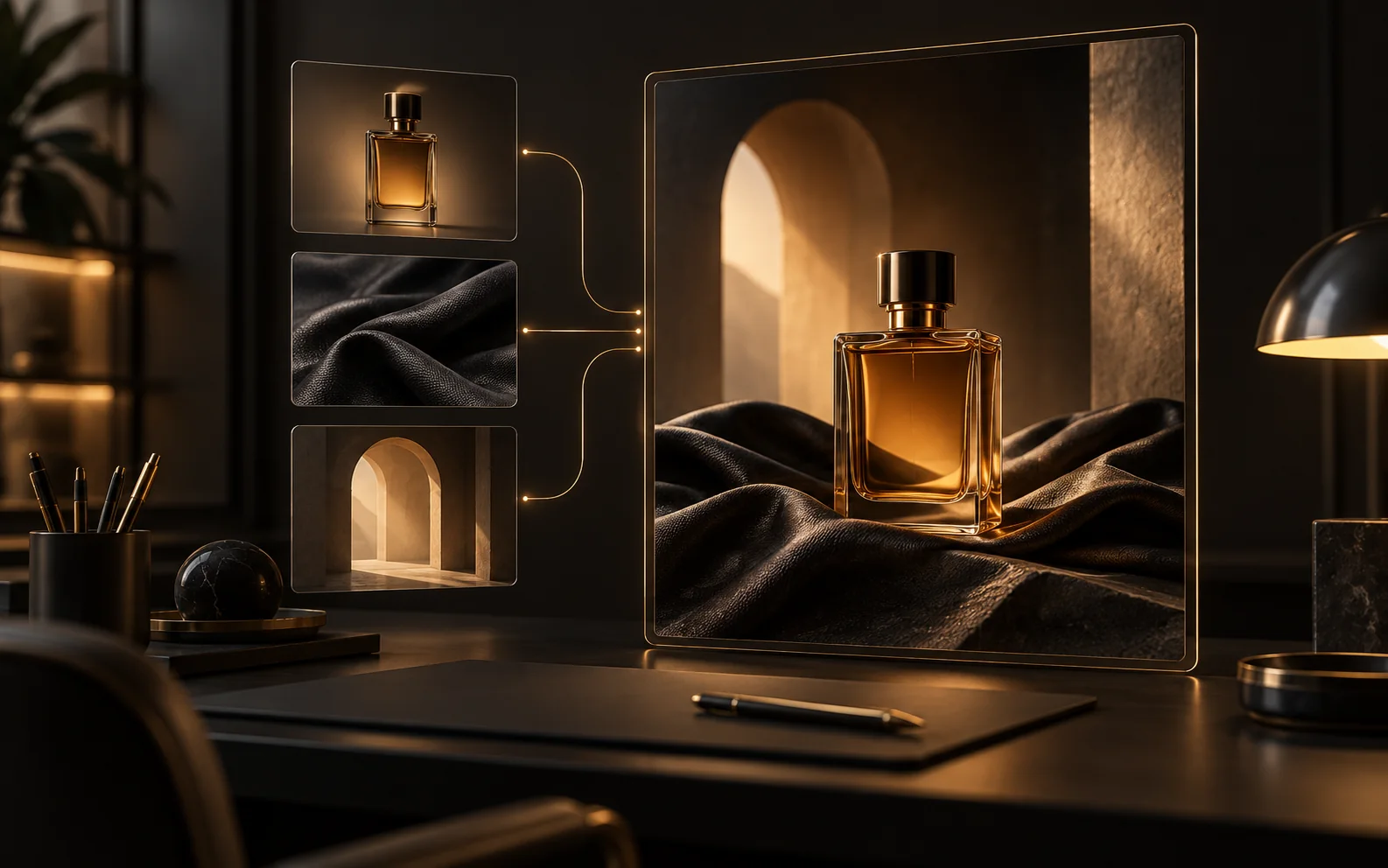
Use 1–16 images to distinguish the product shape, material, and lighting you want. Explain which reference controls each detail of the edit.
Start creating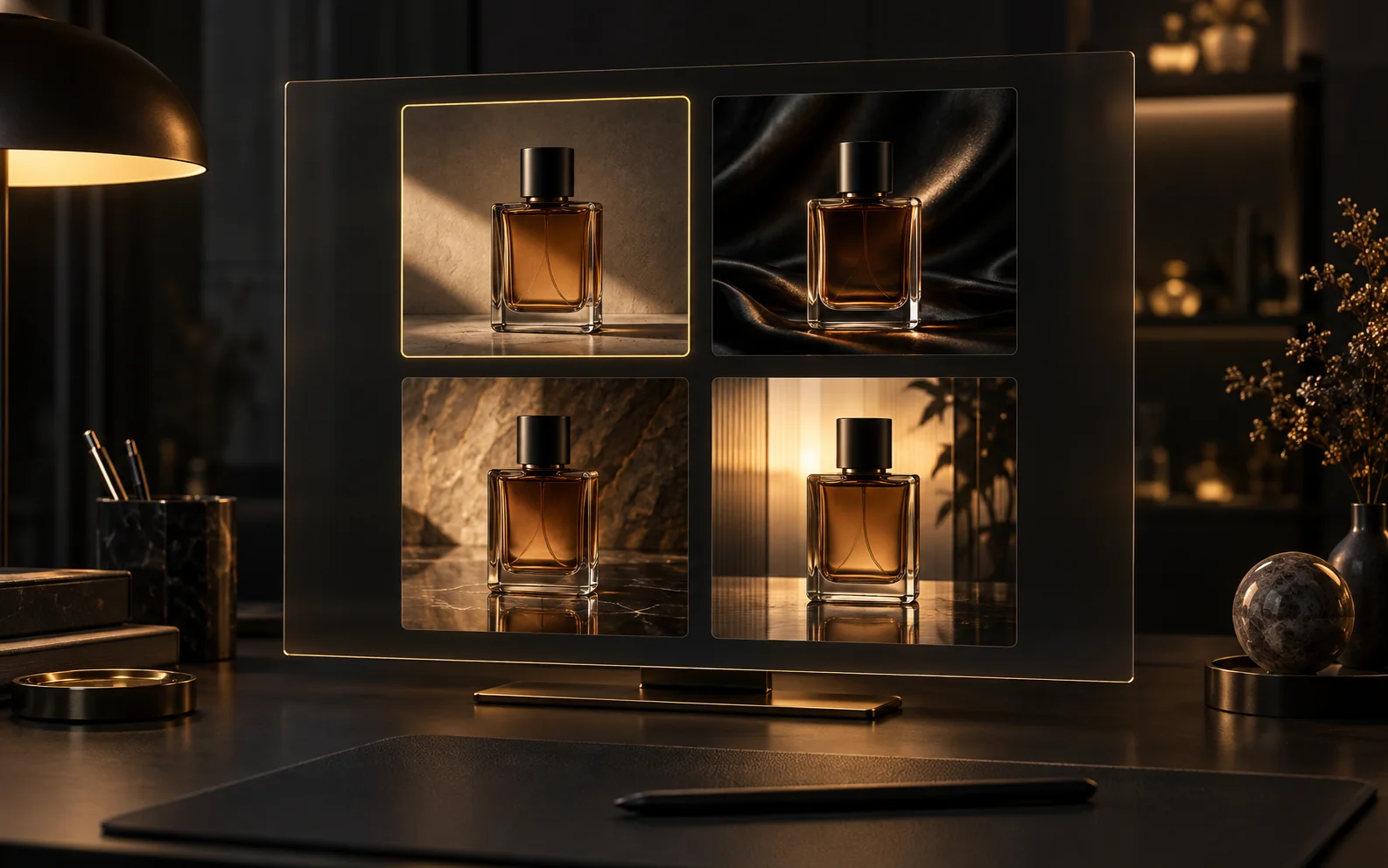
Generate 1–4 versions of a focused edit and inspect reflections, edges, and texture. Choose low, medium, high, xhigh, or max quality for the request.
Start creatingIllustrative first-person reviews written for typical creative scenarios; names are fictional.
For a perfume campaign, I care about the glass edge and cap as much as the lighting. My Sunburst brief would name those details so a beautiful reflection does not become a different bottle.
When adjusting a fashion image, I want the lighting to change without redesigning the garment. With Sunburst, I would compare seams, folds, and texture against my references before choosing a version.
I would bring Sunburst a composition I already want to keep. A cleaner background or a more deliberate highlight is a more useful next step for my campaign than starting over with another style.
My product reference and my lighting reference serve different purposes. I would explain that distinction to Sunburst, including what needs to stay unchanged, instead of leaving the edit open-ended.
For a final campaign image, I want to compare subtle finishes in the same composition. I would review Sunburst variations at the size I intend to publish before choosing a higher-resolution version.
Bring a product image and a focused edit brief. Use Sunburst to explore the finish you want for the final composition.
Start creatingChoose the plan that fits your workflow.
For quick tests, personal projects, and everyday creation.
Billed annually
800 Credits / month
~ 100 Nano Banana 2 Images
~ 200 GPT Image 2 Images
~ 14 Seedance 2.0 videos
~ 33 Kling 3.0 videos
Features
For active creators who want more credits and every model.
Billed annually
2000 Credits / month
~ 250 Nano Banana 2 Images
~ 500 GPT Image 2 Images
~ 34 Seedance 2.0 videos
~ 83 Kling 3.0 videos
Features
For high-output creators who need the most credits to create often.
Billed annually
7200 Credits / month
~ 900 Nano Banana 2 Images
~ 1800 GPT Image 2 Images
~ 120 Seedance 2.0 videos
~ 300 Kling 3.0 videos
Features
Not ready to subscribe yet?
200 credits
Use 1–16 images to distinguish the product shape, material, and lighting you want. Explain which reference controls each detail of the edit.
Choose 1K or 2K in 1:1, 4:3, 3:4, 16:9, or 9:16. At 4K, choose 16:9 or 9:16 only.
Credits depend on quality, resolution, and output count. Text and editing modes use the same rates; reference count does not add a surcharge. Check the total on Generate.
Flare prioritizes speed; Sunburst prioritizes demanding visual quality and editing. Compare the same prompt, size, and quality setting to choose for your project.
Generate 1–4 versions of a focused edit and inspect reflections, edges, and texture. Choose low, medium, high, xhigh, or max quality for the request.
Still have questions? Contact us at support@creatii.ai.