Apps/Motion Control

Make Your Character Follow Any Move

Upload a motion video and character image, then generate a ready-to-share animated clip.

How to make an AI motion control video

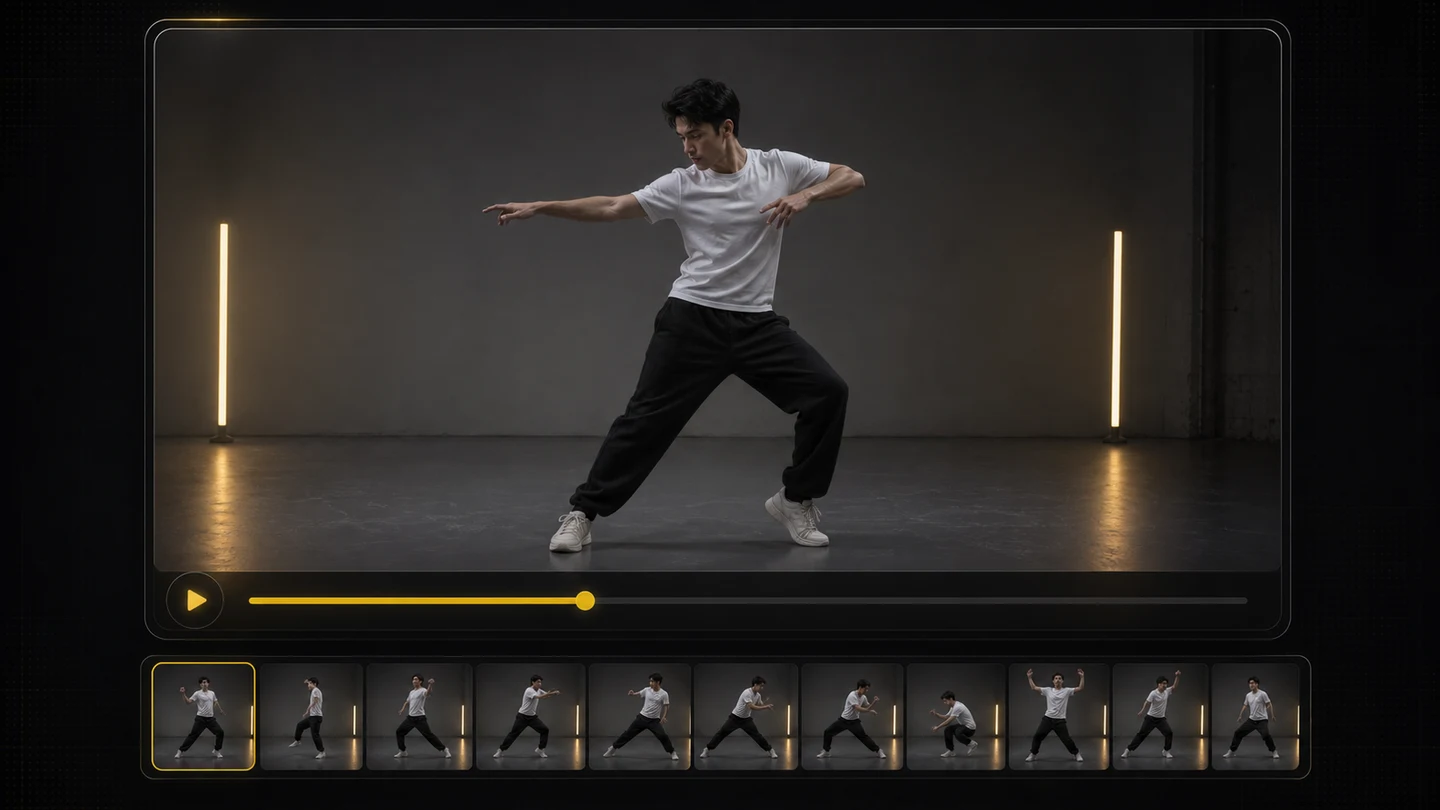
  1. Motion reference video upload step for an AI motion control workflow

    Upload a motion video

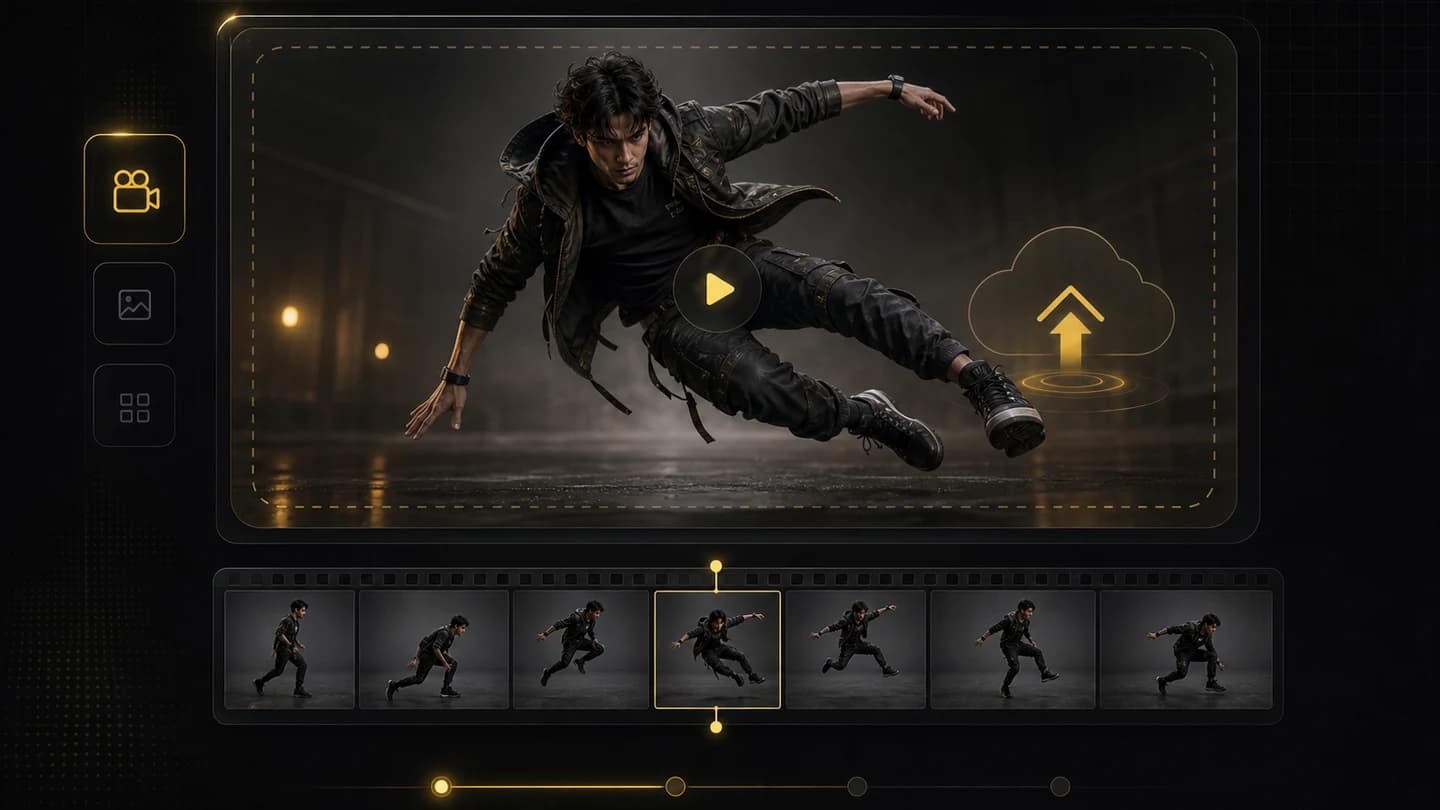
    Choose a clear clip with the body movement, gesture, or performance you want your character to follow.

  2. Character reference image upload step for AI motion transfer

    Add the character image

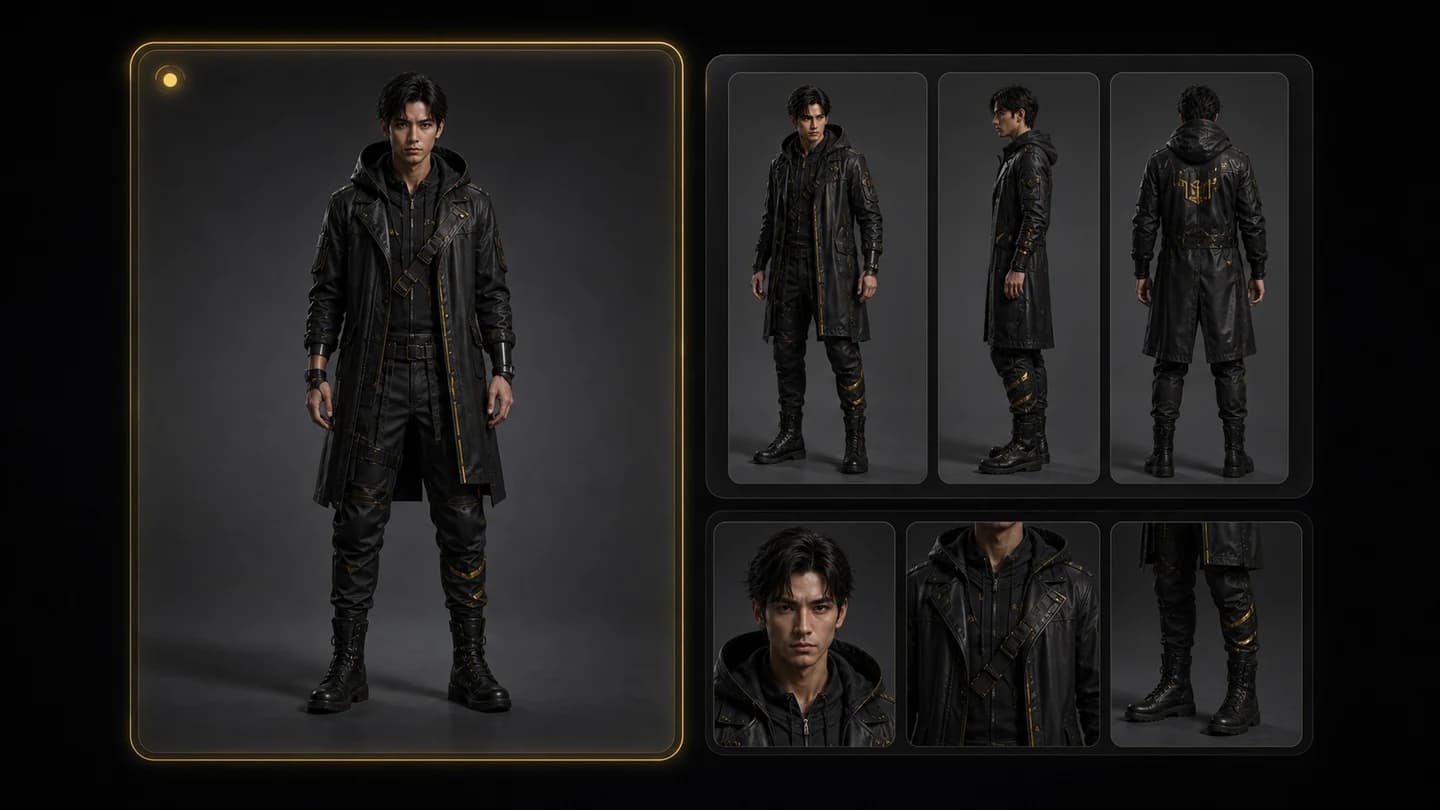
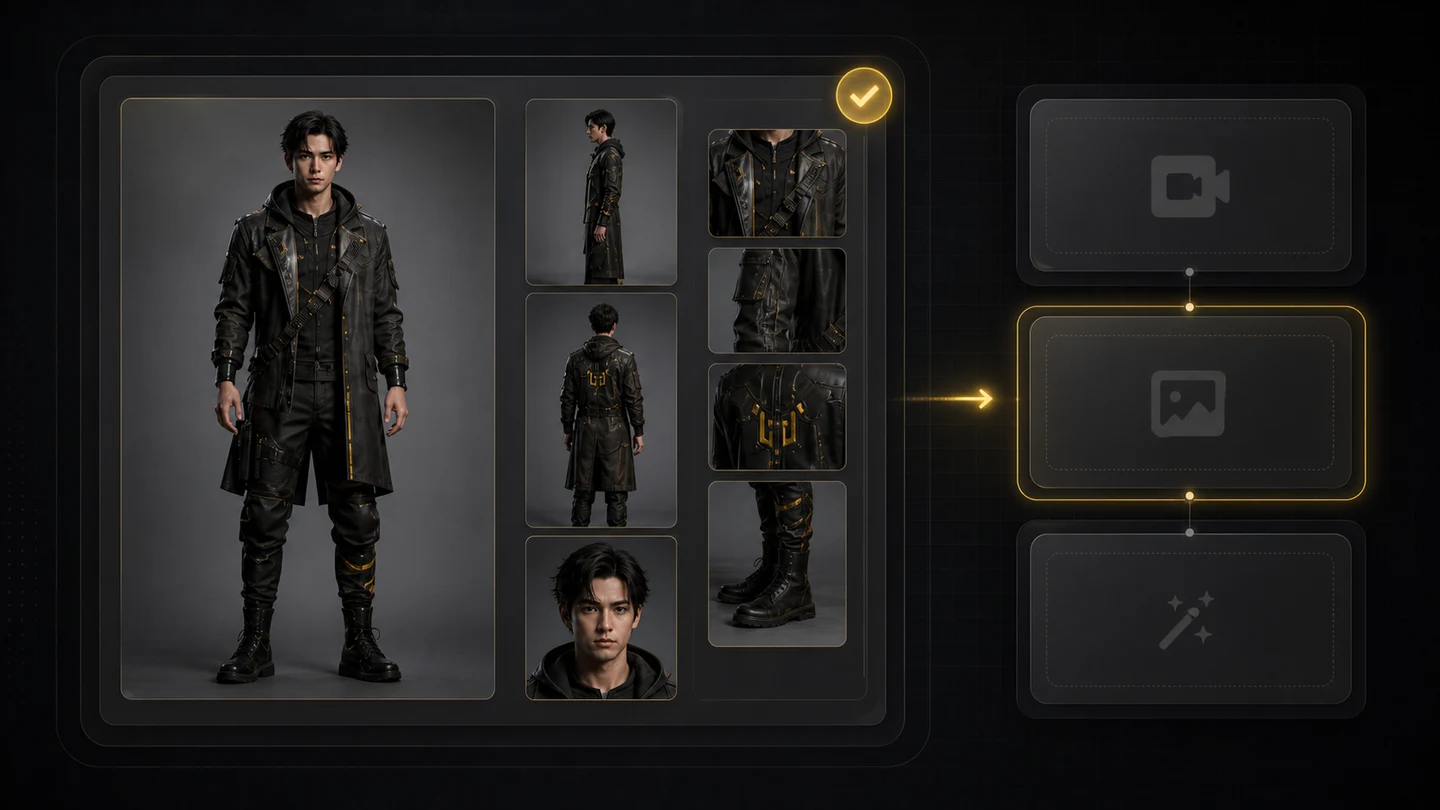
    Use a clean character reference with strong lighting and visible body details so the animation has a stable visual target.

  3. Generated motion control video review step with character movement preserved

    Generate and compare movement

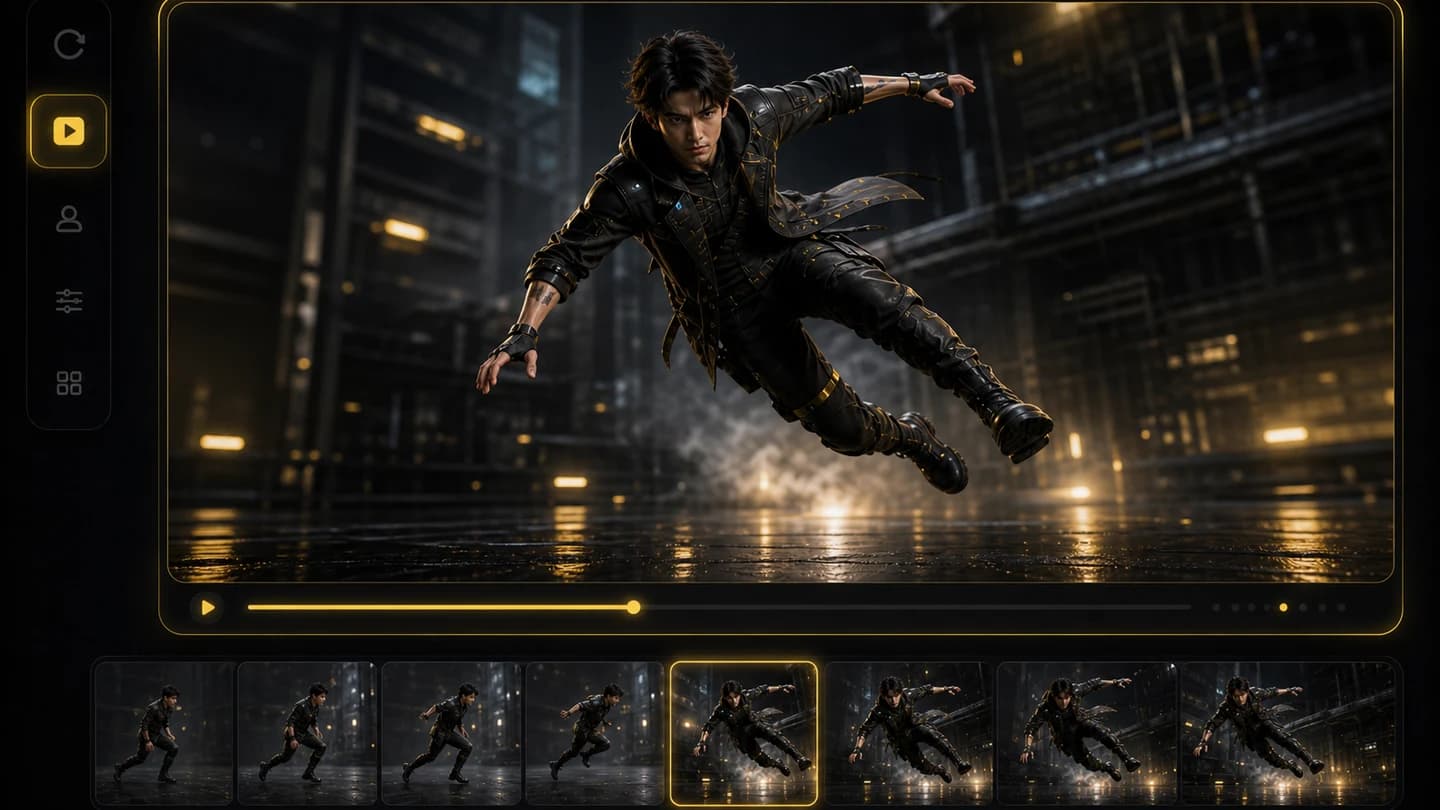
    Create the motion-controlled clip, then review body movement, pose timing, and character consistency before publishing.

Why Creatii Is Built for Motion-Controlled Character Videos

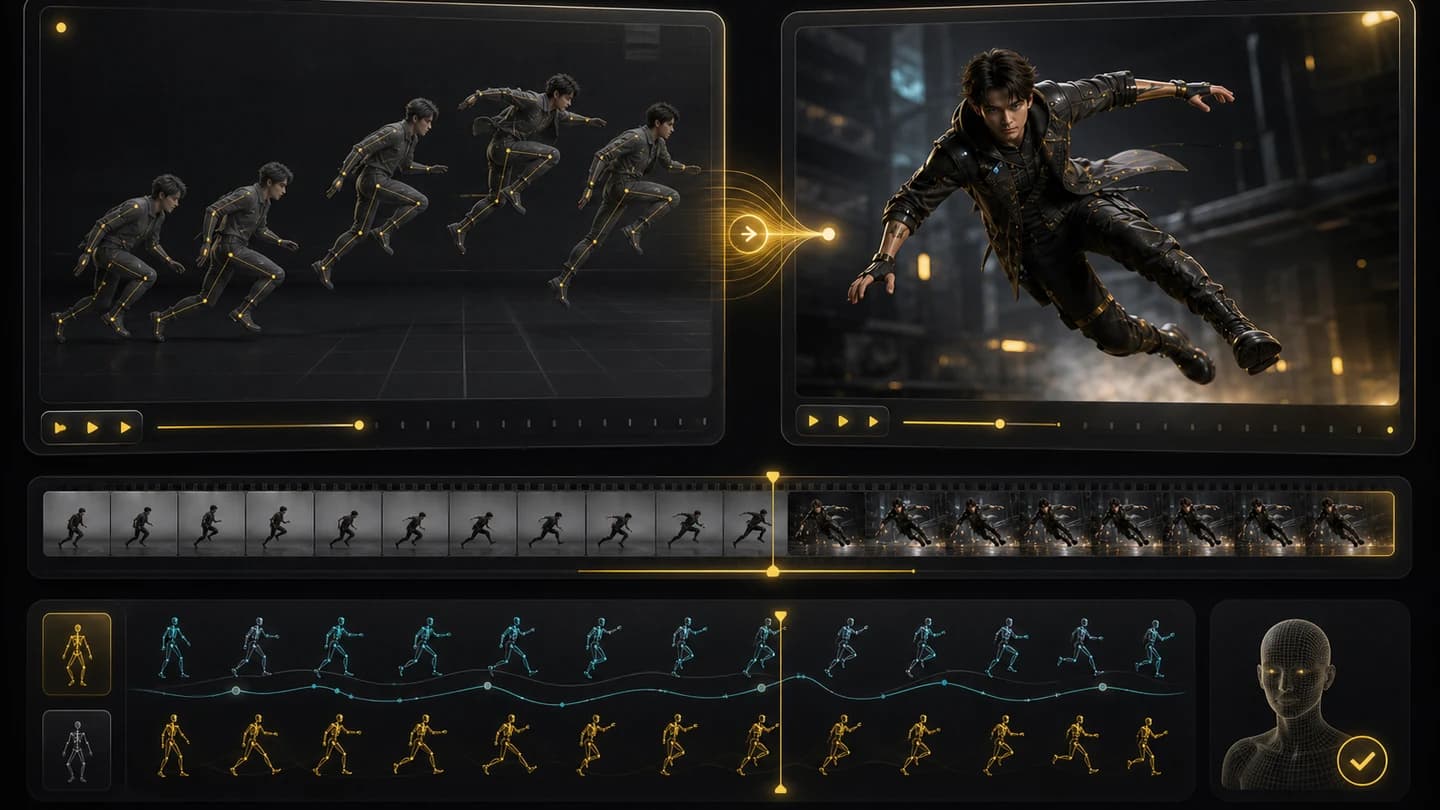
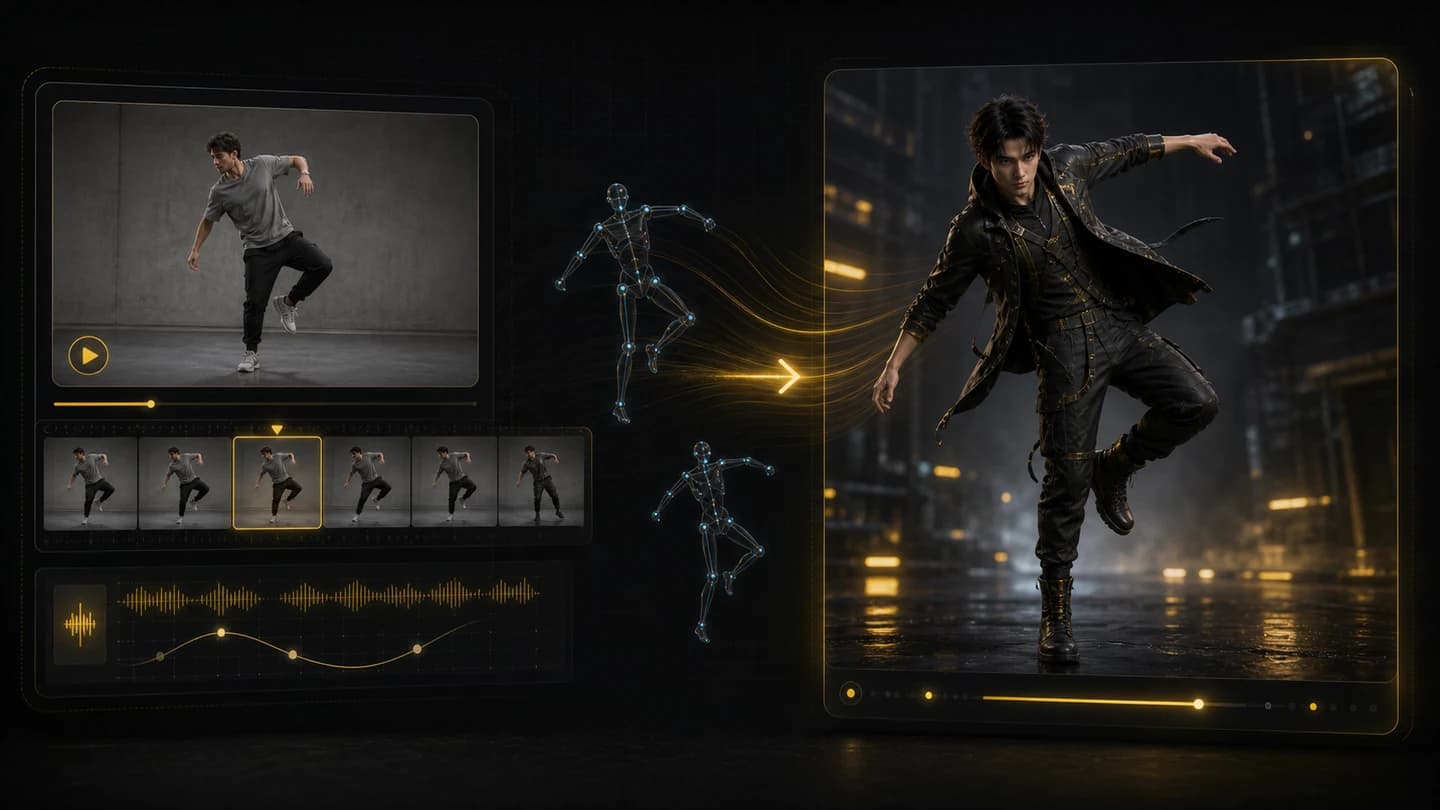
Animate a character image with movement from a reference video. Creatii turns real motion, gestures, and camera rhythm into a guided AI video workflow for creators who need action without manual keyframes.

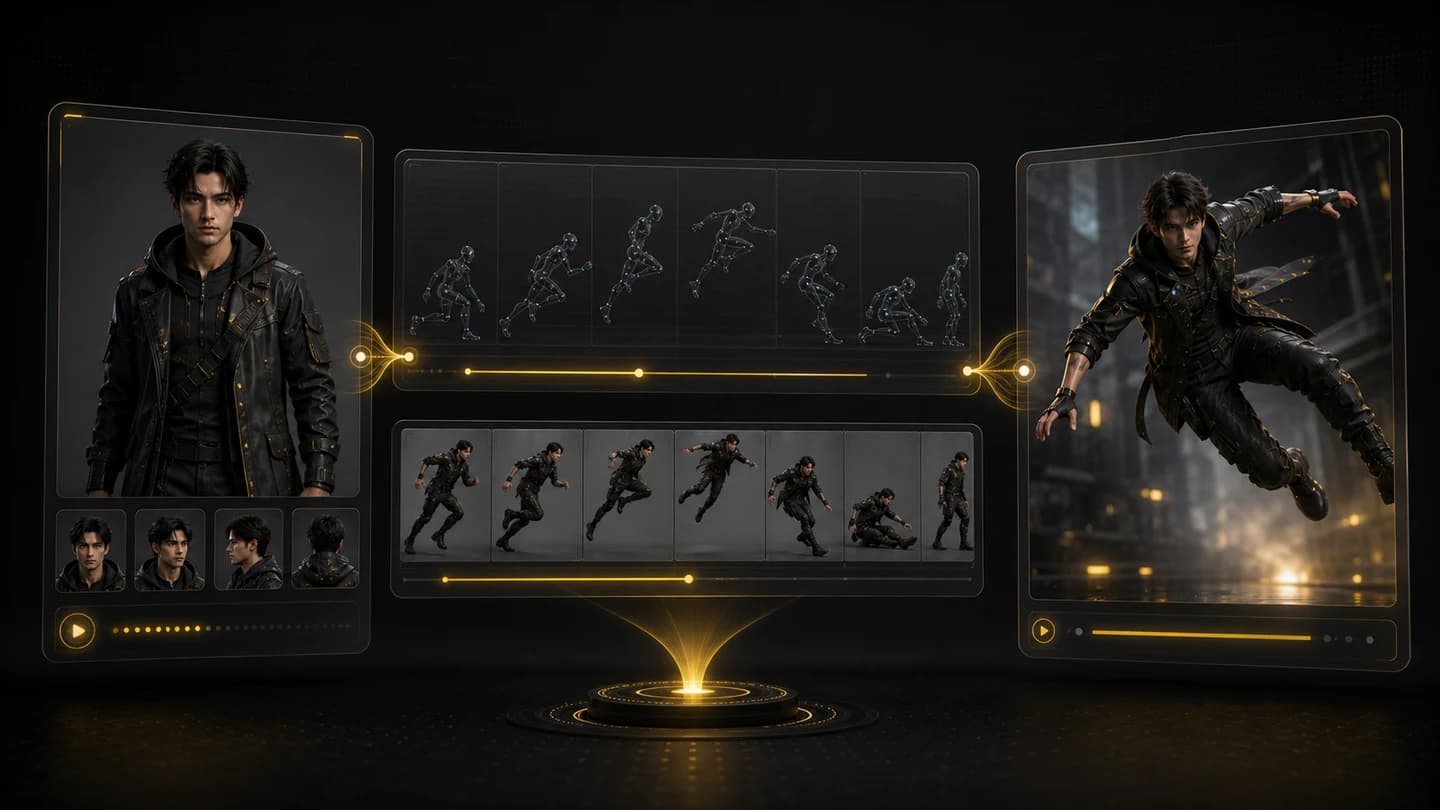
A motion reference video transferring movement onto a character image
01

Reference video motion transfer

Upload a motion reference video and a character image. Creatii uses the video as the action guide so the character can walk, gesture, dance, or perform without manual keyframes.

A character image staying consistent while following guided motion frames
02

Character consistency across action

Keep the character image as the visual anchor while the source video guides pose, timing, and movement, helping creators test action ideas from one still reference.

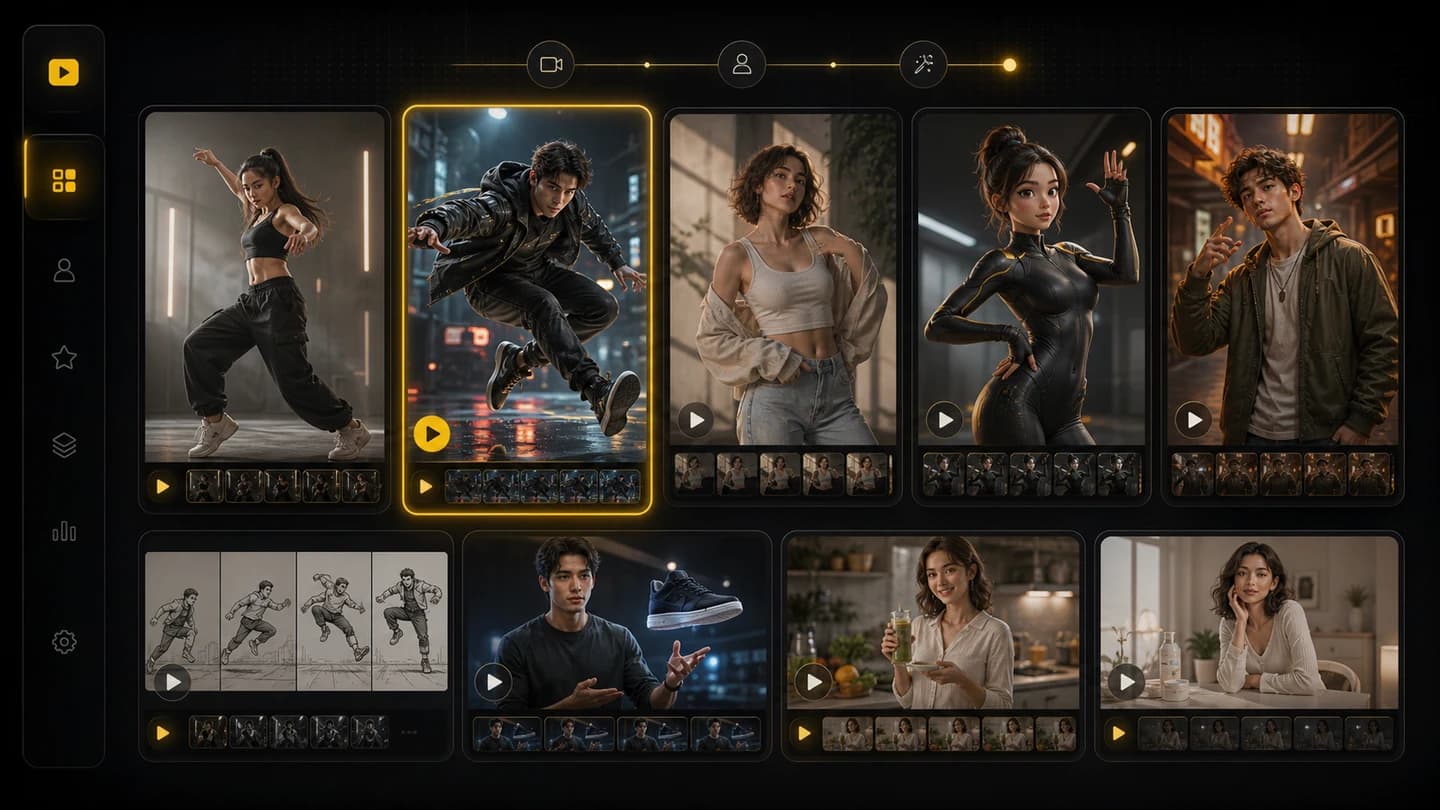
Motion-controlled character video variants arranged for social content
03

Built for short-form movement tests

Turn one motion clip into creator-ready character animations for dance previews, social ads, storyboards, game concepts, and avatar motion tests.

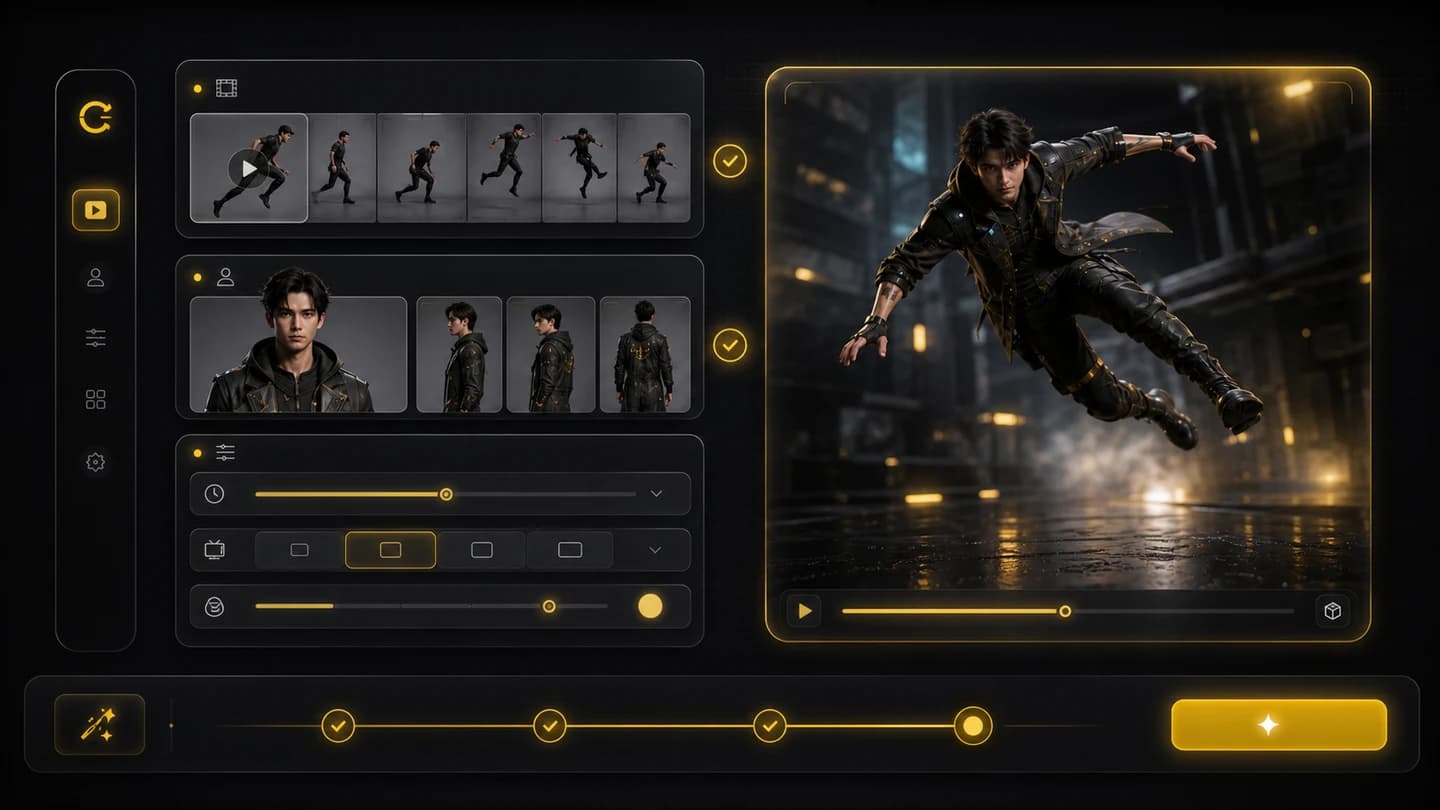
Motion control app inputs and output settings shown before generation
04

Clear input review before generation

The page keeps the motion video, character image, duration, resolution, and credit estimate visible so you can check the setup before spending credits.

See How Motion Becomes Character Animation

A reference video supplies movement while the character image supplies identity. Creatii combines them into a guided AI motion control video for social clips, storyboards, and avatar concepts.

Motion reference video used as the movement guide
Motion video
Character image used as the visual reference for motion control
Generated AI motion control video preview
Animated output

Turn a Still Character into a Moving Clip

Upload a motion reference and a character image, then create a guided AI motion control video for action tests, avatar clips, and creator content.

Plans for every creator

Start small. Scale when you're ready.

Up to 70% OFF

Basic

For light, everyday creation.

800 Credits / month

= 100 Nano Banana 2 Images

~ 14 Seedance 2.0 videos

$19.9/mo
Billed monthly

Cancel anytime

Includes

  • Access to selected image models
  • Access to selected video models
  • Access to selected AI Tools
  • 1 concurrent task
  • No queue waiting
  • No watermark
  • Private generation
  • Commercial license
Most Popular

Pro

More credits and full model access.

2000 Credits / month

= 250 Nano Banana 2 Images

~ 34 Seedance 2.0 videos

$39.9/mo
Billed monthly

Cancel anytime

Includes

  • Access to all image models
  • Access to all video models
  • Access to all AI Tools
  • 2 concurrent tasks
  • No queue waiting
  • No watermark
  • Private generation
  • Commercial license
  • Early access to advanced AI features
Best Value

Max

High volume for serious output.

7200 Credits / month

= 900 Nano Banana 2 Images

~ 120 Seedance 2.0 videos

$119.9/mo
Billed monthly

Cancel anytime

Includes

  • Access to all image models
  • Access to all video models
  • Access to all AI Tools
  • 4 concurrent tasks
  • No queue waiting
  • No watermark
  • Private generation
  • Commercial license
  • Early access to advanced AI features

Frequently Asked Questions

AI motion control uses a reference video to guide how a character or subject should move. The source video provides movement, pose timing, and gestures while the character image guides the final look.

You need a motion reference video and a character image. The video should clearly show the action you want, and the image should clearly show the character you want to animate.

Yes. Motion control is useful for dance tests, gesture-driven avatar clips, action previews, social videos, and storyboards when you want a still character to follow real movement.

Use a short, well-lit clip with one main subject and visible movement. Extremely fast cuts, heavy blur, crowded scenes, or blocked limbs can make motion transfer less stable.

No. Character swap replaces a subject inside an existing video. Motion control starts from a character image and uses a separate video as the movement guide.

No. Creatii is designed as an upload-and-generate motion control workflow, so you can test character movement without rigging, tracking, or keyframe animation.