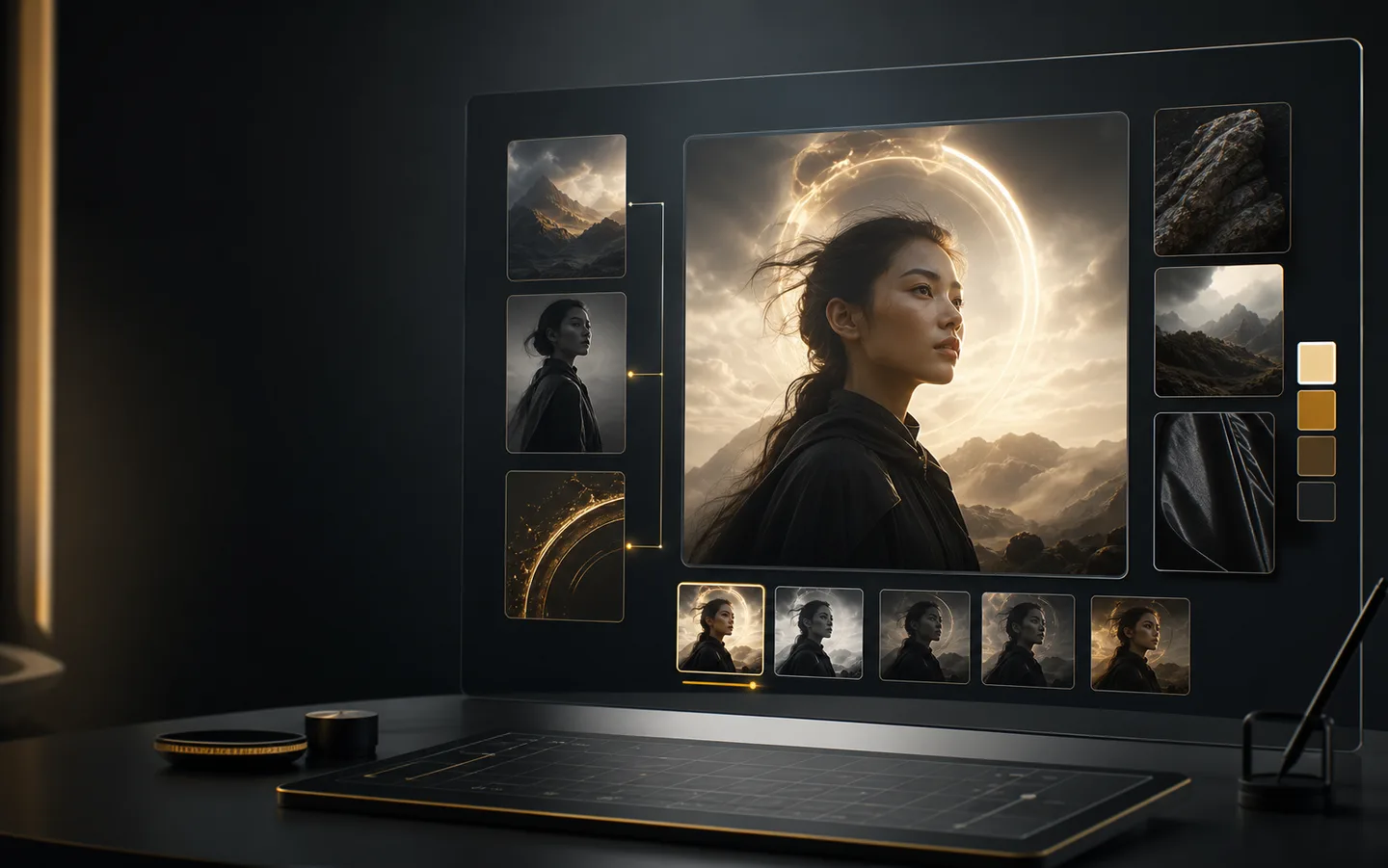
Built for precise image editing, preservation, and quick creative iteration
GPT Image 1.5 is tuned for controlled edits, subject preservation, and reference-aware image workflows, giving you a focused way to create images without switching tools.
OpenAI image model
GPT Image 1.5 helps creators turn prompts and source images for editing or regeneration into refined edits, visual variations, and consistent creative assets. Use Creatii to compare settings, generate polished images, and keep your creative workflow moving.

Model highlights

GPT Image 1.5 is tuned for controlled edits, subject preservation, and reference-aware image workflows, giving you a focused way to create images without switching tools.

Start from prompts and source images for editing or regeneration, then refine aspect ratio, output count, and quality settings to match the image you need.

Use GPT Image 1.5 for refined edits, visual variations, and consistent creative assets, then iterate with saved directions and related Creatii image tools.
How it works
Create with GPT Image 1.5 from the Creatii image workspace in a few focused steps.
Start from the GPT Image 1.5 model page, then open the Creatii image generator with GPT Image 1.5 preselected.
Write the image prompt, add reference images when useful, and choose the aspect ratio, resolution, quality, and output count.
Review the results, keep the strongest direction, and adjust your prompt or references until the image fits your creative goal.
GPT Image 1.5 is an AI image model available in Creatii for precise image editing, preservation, and quick creative iteration. It can help generate images from prompts and, when supported, use references for more controlled results.
Open this model page, click the create button, and Creatii will take you to the image generator with GPT Image 1.5 already selected.
Strong prompts usually describe the subject, environment, style, lighting, composition, aspect ratio, and intended use. Keywords like GPT Image 1.5 generator, AI image editor, image to image AI are useful for understanding this model's common search intent.
GPT Image 1.5 supports reference-led workflows in Creatii when the model configuration allows it, so you can guide subject details, style, or composition from an existing image.
GPT Image 1.5 can be used to explore refined edits, visual variations, and consistent creative assets. Always review generated assets for brand, legal, and platform requirements before publishing.
Credits depend on the model settings, output count, quality, and resolution. Creatii shows the generation cost in the tool before you create.