01
مصمم لإنشاء فيديو سينمائي مع التحكم السردي وخيارات الصوت الأصلية
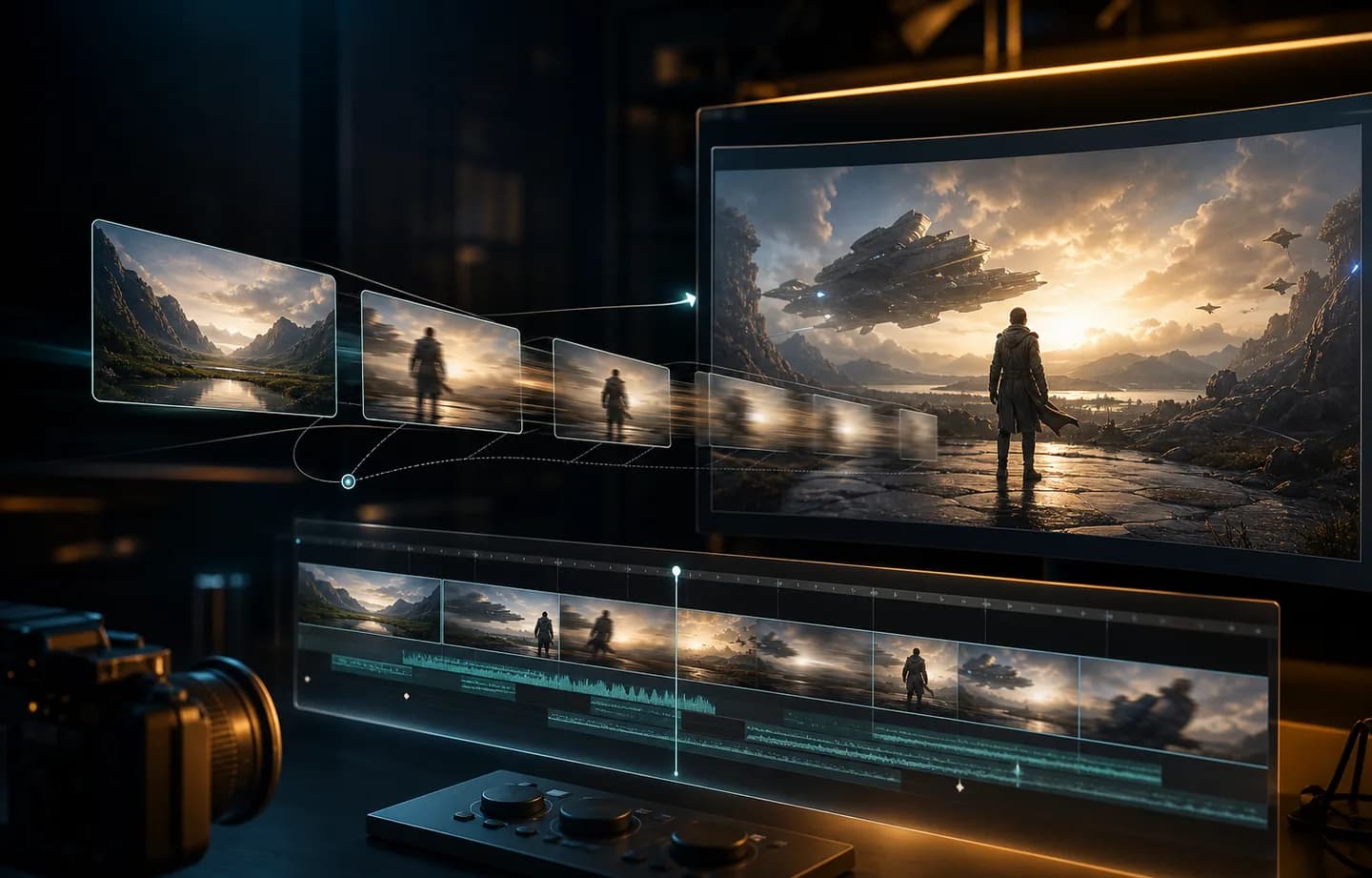
تم تصميم Kling 3.0 للحركة الواقعية، وإخراج 1080p، وتوجيه المشهد القوي القائم على السرعة، مما يساعدك على إنشاء مقاطع فيديو من اتجاه إبداعي واضح.
يساعد Kling 3.0 منشئي المحتوى على تحويل المطالبات والصور المصدر والمدة والدقة وإعدادات الصوت إلى مشاهد سينمائية وإعلانات اجتماعية ومقاطع فيديو منشئي المحتوى ومفاهيم الحركة السردية. استخدم Creatii لإنشاء الحركة ومقارنة الإعدادات والانتقال بسرعة من المفهوم إلى المقطع.
يسلط الضوء على النموذج
تم تصميم Kling 3.0 للحركة الواقعية، وإخراج 1080p، وتوجيه المشهد القوي القائم على السرعة، مما يساعدك على إنشاء مقاطع فيديو من اتجاه إبداعي واضح.
قم بتوجيه المقطع باستخدام المطالبات والصور المصدر والمدة والدقة وإعدادات الصوت، ثم اختر المدة والدقة ونسبة العرض إلى الارتفاع وخيارات الصوت حيثما تكون مدعومة.
استخدم Kling 3.0 للمشاهد السينمائية والإعلانات الاجتماعية ومقاطع فيديو المبدعين ومفاهيم الحركة السردية، ثم قم بتحسين المطالبات وإطارات المصدر حتى تصبح الحركة جاهزة للمشاركة.
كيف يعمل
قم بالإنشاء باستخدام Kling 3.0 من مساحة عمل الفيديو Creatii في بضع خطوات مركزة.
ابدأ من صفحة نموذج Kling 3.0، ثم افتح مولد الفيديو Creatii مع تحديد Kling 3.0 مسبقًا.
اكتب مطالبة بالمشهد أو قم بتحميل الصور، ثم قم بتعيين المدة والدقة ونسبة العرض إلى الارتفاع وخيارات الصوت التي يدعمها النموذج.
قم بمعاينة النتيجة، واحتفظ بالاتجاه الأقوى، واضبط الإطار الموجه أو المصدر لشكل آخر.
Kling 3.0 هو نموذج فيديو AI متوفر في Creatii لإنشاء فيديو سينمائي مع التحكم السردي وخيارات الصوت الأصلية. يمكن أن يساعد في إنشاء مقاطع فيديو قصيرة من المطالبات أو الصور أو المراجع اعتمادًا على سير العمل المحدد.
افتح صفحة النموذج هذه، وانقر فوق زر الإنشاء، وسينقلك Creatii إلى منشئ الفيديو مع تحديد Kling 3.0 بالفعل.
يدعم Kling 3.0 سير عمل الفيديو القائم على الصور في Creatii عند تكوينه لإنشاء صورة إلى فيديو أو إطار رئيسي.
يمكن استخدام Kling 3.0 لسير عمل تحويل النص إلى فيديو عند تمكين هذه الإمكانية، مما يتيح لك وصف المشهد وحركة الكاميرا والحالة المزاجية واتجاه الحركة.
يعد Kling 3.0 مفيدًا للمشاهد السينمائية والإعلانات الاجتماعية ومقاطع فيديو المبدعين ومفاهيم الحركة السردية، خاصة عندما تريد حركة واقعية وإخراج 1080p واتجاه مشهد قوي يعتمد على السرعة.
تعتمد تكلفة رصيد الفيديو على النموذج والمدة والدقة وإعدادات الصوت. يُظهر Creatii الأرصدة المقدرة قبل الإنشاء.
هل لا تزال لديك أسئلة؟ تواصل معنا عبر support@creatii.ai.