01
Focused effect direction
Each template packages the core motion idea so you can start with a strong effect instead of a blank prompt.
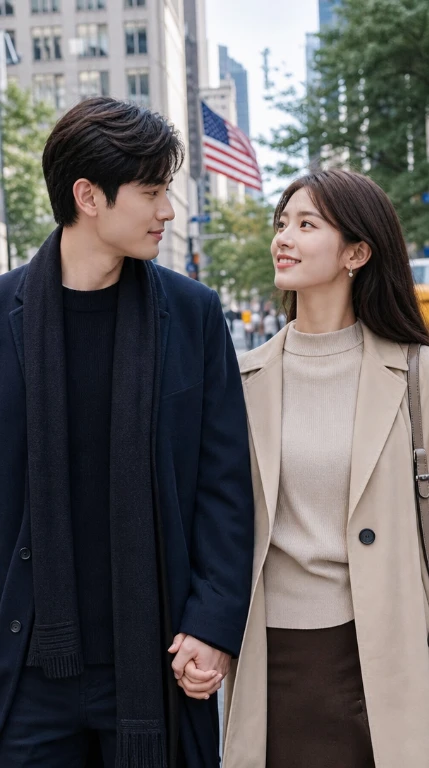
Two people move closer and share a warm hug.
AI video effect template
Use the Hug AI video effect to transform a source image into a short cinematic clip with a focused motion style, clear creative direction, and fast generation flow.
Each template packages the core motion idea so you can start with a strong effect instead of a blank prompt.
Upload one image, choose output quality, and generate a short effect video from the same page.
The vertical effect format works naturally for social clips, creative tests, and quick visual storytelling.
How it works
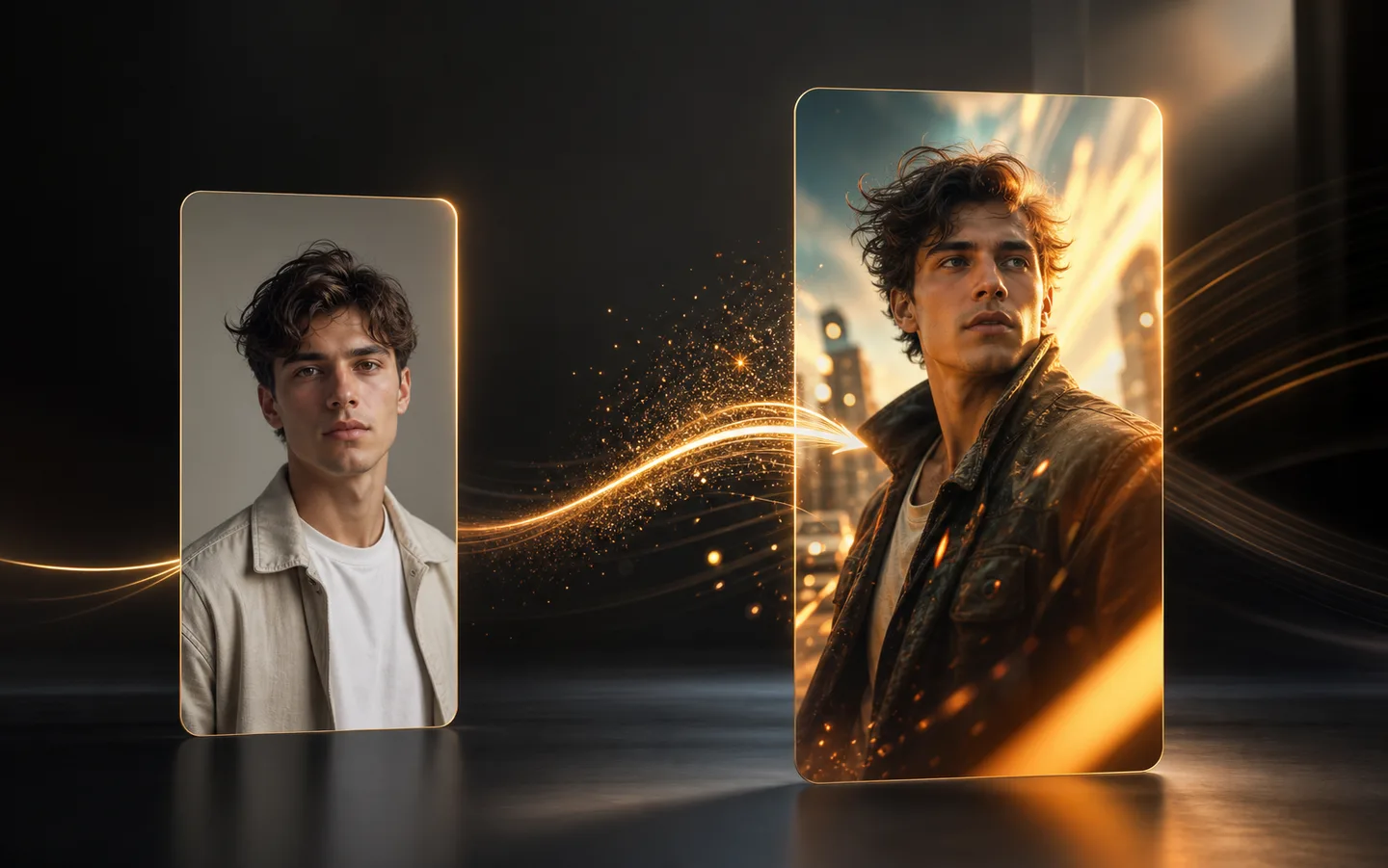
Use the Hug template to turn one source image into a short effect video with a focused motion style.
Choose an image where the main subject is easy to see, with enough face, body, or object detail for the Hug effect to follow.
Keep the template direction, choose the output quality, and make sure the result format fits the clip you want to create.
Create the Hug video, review the motion, and try again with a stronger image or a related effect when you want another variation.
Choose the plan that fits your workflow.
For quick tests, personal projects, and everyday creation.
Billed annually · $119.40
800 Credits / month
~ 100 Nano Banana 2 Images
~ 200 GPT Image 2 Images
~ 14 Seedance 2.0 videos
~ 33 Kling 3.0 videos
Features
For active creators who want more credits and every model.
Billed annually · $191.52
2000 Credits / month
~ 250 Nano Banana 2 Images
~ 500 GPT Image 2 Images
~ 34 Seedance 2.0 videos
~ 83 Kling 3.0 videos
Features
For high-output creators who need the most credits to create often.
Billed annually · $431.64
7200 Credits / month
~ 900 Nano Banana 2 Images
~ 1800 GPT Image 2 Images
~ 120 Seedance 2.0 videos
~ 300 Kling 3.0 videos
Features
Not ready to subscribe yet?
Still have questions? Contact us at support@creatii.ai.