Nano Banana 2.1 — Create Images, Refine the Details

Turn a brief into a product scene, a poster concept or a social visual. Start from text or guide Nano Banana 2.1 with reference images, then choose 1K, 2K or 4K.

From the first idea to a considered image

Describe the subject, setting and details that matter. Use references for edits, compare variations and choose the resolution that fits your next step.

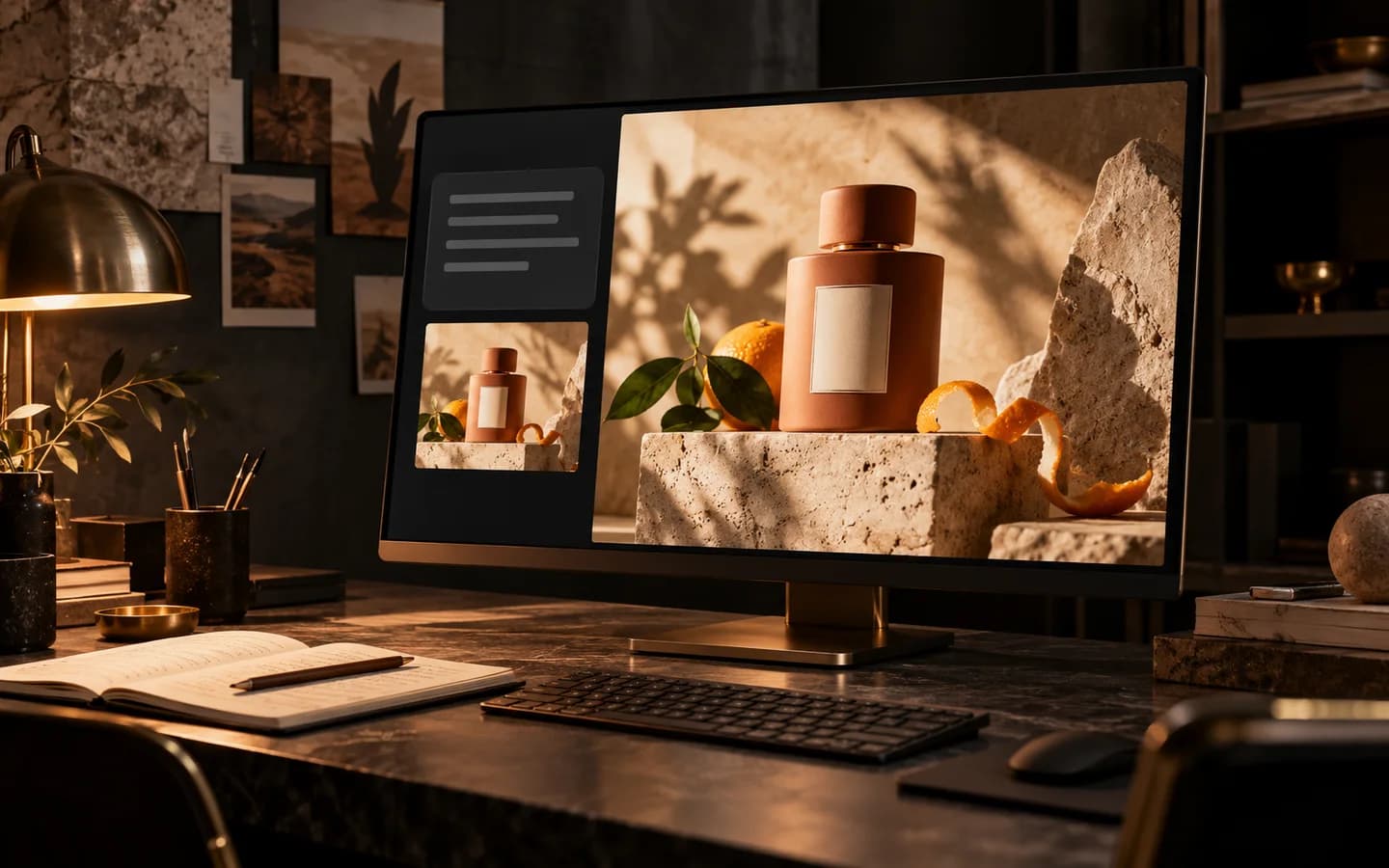
Illustration of a dark creative studio with a perfume campaign concept displayed on a monitor
01

Give your creative brief a visual direction

Describe a product, its materials and the atmosphere around it. Nano Banana 2.1 turns your prompt into an image you can evaluate for composition, lighting and detail. For posters, specify the wording and check rendered text before publishing.

Create with Nano Banana 2.1
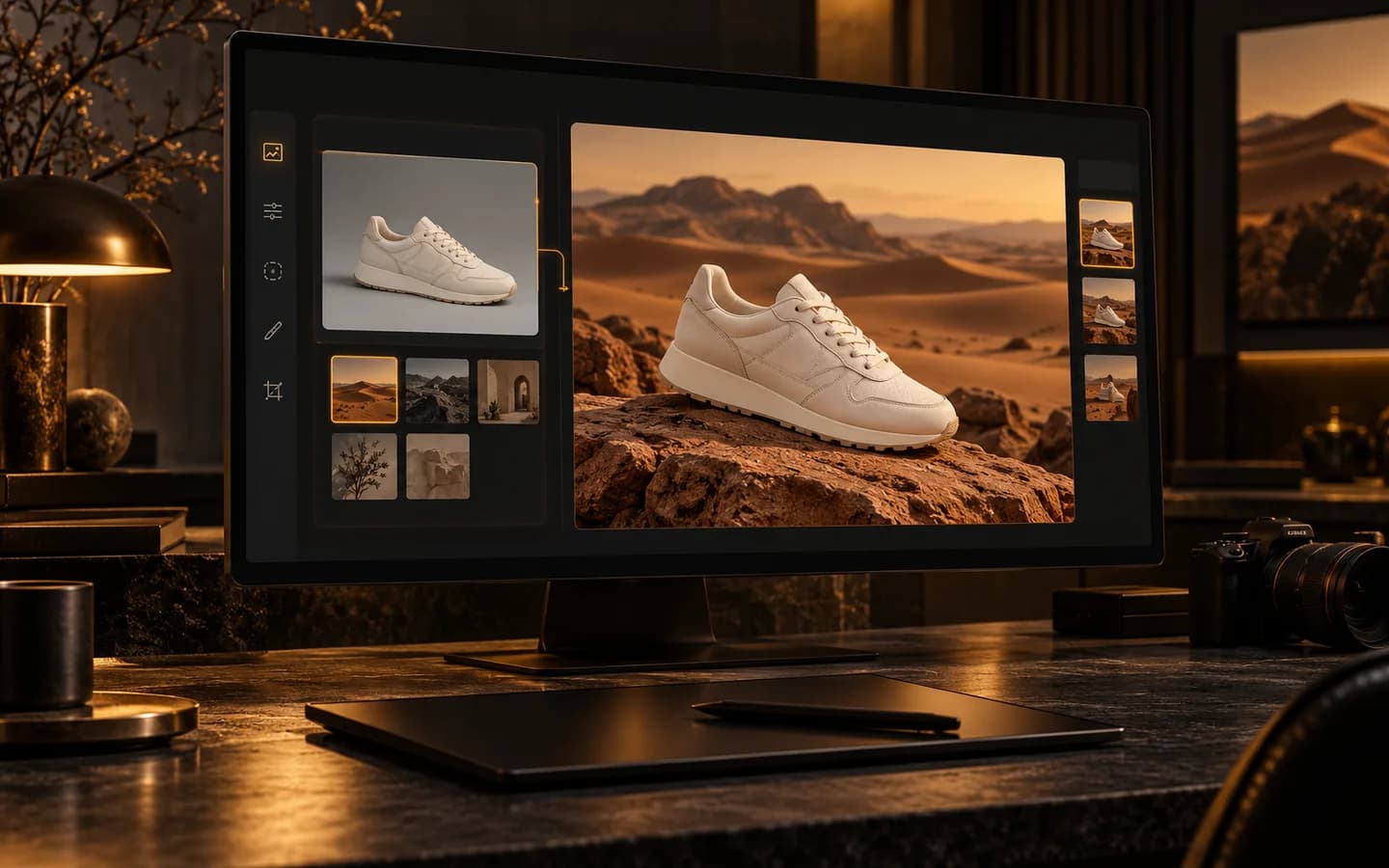
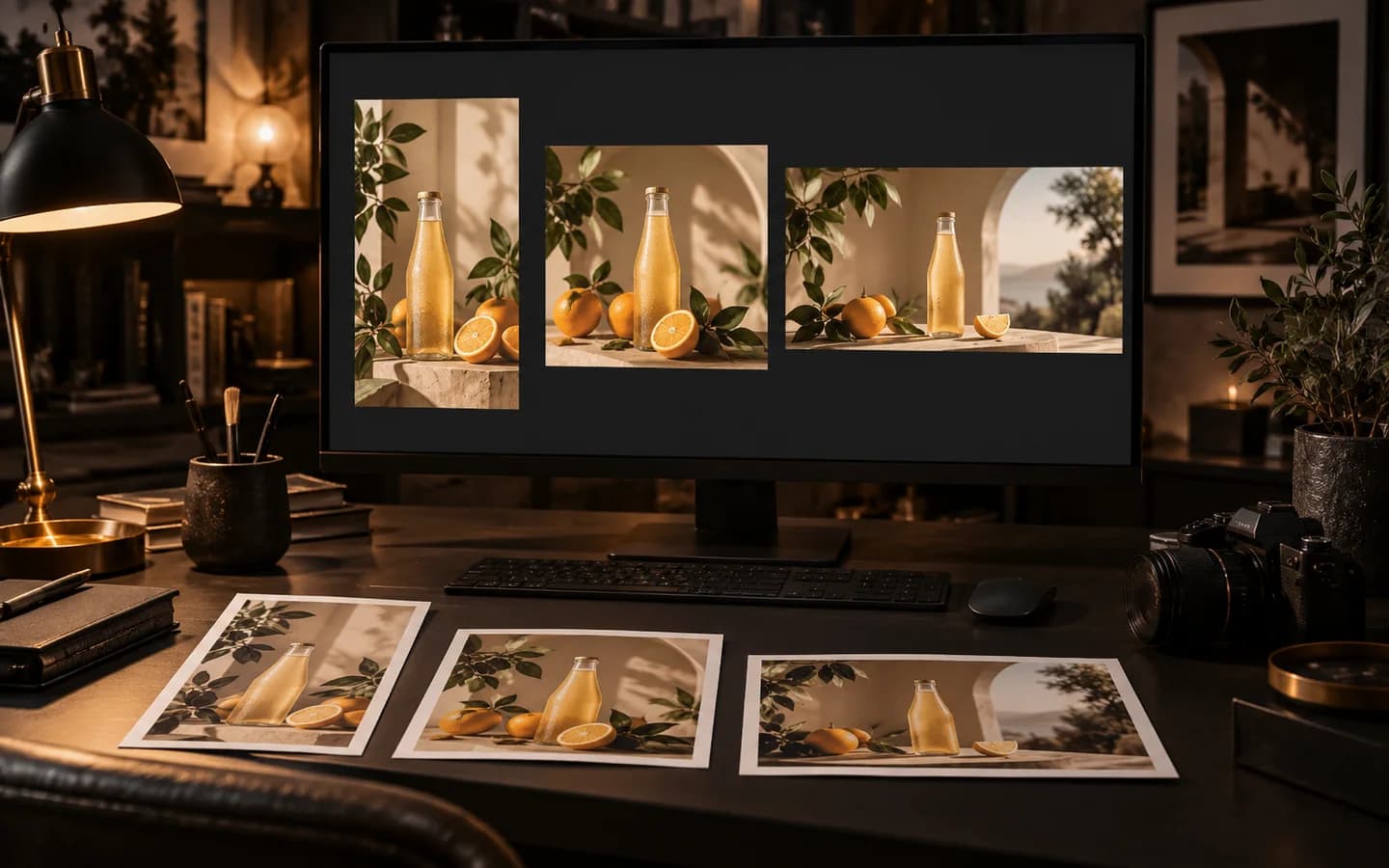
Illustration of a reference sneaker photo beside a desert campaign edit
02

Guide an edit with your own references

Add up to three reference images in Creatii and explain what should change and what should stay. Try a new setting for a product, adjust its colors or refine a portrait. Review identity, shape and small details after each edit.

Create with Nano Banana 2.1
Illustration of a designer comparing square, portrait and landscape campaign compositions
03

Choose the size and number of images you need

Compare one to four outputs per request. Use 1K for early directions, or select 2K and 4K for larger assets. Each image costs 8, 12 or 16 credits respectively, with the total shown before generation.

Create with Nano Banana 2.1

Ways to create with Nano Banana 2.1

Illustrative creative scenarios, not customer testimonials.

Product imagery

A product in a new setting

For a skincare launch, I would start with my bottle photo and ask for a warm stone backdrop. I would compare the label and silhouette against the reference before using the image in a campaign.

Poster design

A poster worth checking

For an event poster, I would include the exact headline in my prompt and describe where it belongs. Before publishing, I would check every word and leave room for the final date and venue.

Portrait editing

One portrait, a new mood

For a portrait series, I would use a reference and request a lighting change first. I would inspect the face and clothing before moving on to a different background.

Social content

Compositions for different placements

For a social campaign, I would explore a square composition and then create a portrait version with more space above the subject. I would check each layout rather than assume a crop will work.

Creative planning

A deliberate credit budget

For a new idea, I would compare two 1K outputs for 16 credits. Once the direction is clear, I would choose 2K or 4K for the next generation and review the total before submitting.

Put your next idea into an image

Try one clear brief at 1K for 8 credits per image. Review the result, refine your prompt and choose a higher resolution when you need it.

Try Nano Banana 2.1

Plans for every creator

Choose the plan that fits your workflow.

Basic

50% OFF

For quick tests, personal projects, and everyday creation.

$19.9$9.95/mo

Billed annually · $119.40

Save $119.40/year/Cancel anytime

800 Credits / month

~ 100 Nano Banana 2 Images

~ 200 GPT Image 2 Images

~ 14 Seedance 2.0 videos

~ 33 Kling 3.0 videos

Features

  • Access to selected image models
  • Access to selected video models
  • Access to selected Apps
  • 1 concurrent task
  • No queue waiting
  • No watermark
  • Private generation
  • Commercial license
Most Popular

Pro

60% OFF

For active creators who want more credits and every model.

$39.9$15.96/mo

Billed annually · $191.52

Save $287.28/year/Cancel anytime

2000 Credits / month

~ 250 Nano Banana 2 Images

~ 500 GPT Image 2 Images

~ 34 Seedance 2.0 videos

~ 83 Kling 3.0 videos

Features

  • 20% credits bonus
  • Access to all image models
  • Access to all video models
  • Access to all Apps
  • Access to all video effects
  • 2 concurrent tasks
  • No queue waiting
  • No watermark
  • Private generation
  • Commercial license
  • Early access to advanced AI features
Best Value

Max

70% OFF

For high-output creators who need the most credits to create often.

$119.9$35.97/mo

Billed annually · $431.64

Save $1,007.16/year/Cancel anytime

7200 Credits / month

~ 900 Nano Banana 2 Images

~ 1800 GPT Image 2 Images

~ 120 Seedance 2.0 videos

~ 300 Kling 3.0 videos

Features

  • 30% credits bonus
  • Access to all image models
  • Access to all video models
  • Access to all Apps
  • Access to all video effects
  • 4 concurrent tasks
  • No queue waiting
  • No watermark
  • Private generation
  • Commercial license
  • Early access to advanced AI features

Not ready to subscribe yet?

Nano Banana 2.1 questions, answered

What is Nano Banana 2.1?

Nano Banana 2.1 is Google’s image generation and editing model. In Creatii, you can generate from a text prompt or upload reference images to guide an edit, using the same workspace.

Can I edit an existing image?

Yes. Upload one to three reference images, describe the change and select Nano Banana 2.1. Make clear which subject, colors or composition should remain. Creatii’s integration accepts image references, not video URLs.

Which resolutions and aspect ratios are available?

Choose 1K, 2K or 4K. Available ratios are Auto, 1:1, 3:2, 2:3, 4:3, 3:4, 16:9, 9:16 and 21:9. The options match Nano Banana 2 in Creatii.

How many credits does Nano Banana 2.1 cost?

Each image costs 8 credits at 1K, 12 at 2K or 16 at 4K. Text generation and reference editing use the same rates. For example, four 2K images cost 48 credits. Check the total before generating.

How does Nano Banana 2.1 differ from Nano Banana 2?

Google describes 2.1 as an update focused on visual quality, instruction following and text rendering. Creatii keeps the same resolution, aspect-ratio and output-count controls, so you can compare both models with the same brief.

Still have questions? Contact us at support@creatii.ai.