01
Tipografi jelas dan tata letak presisi
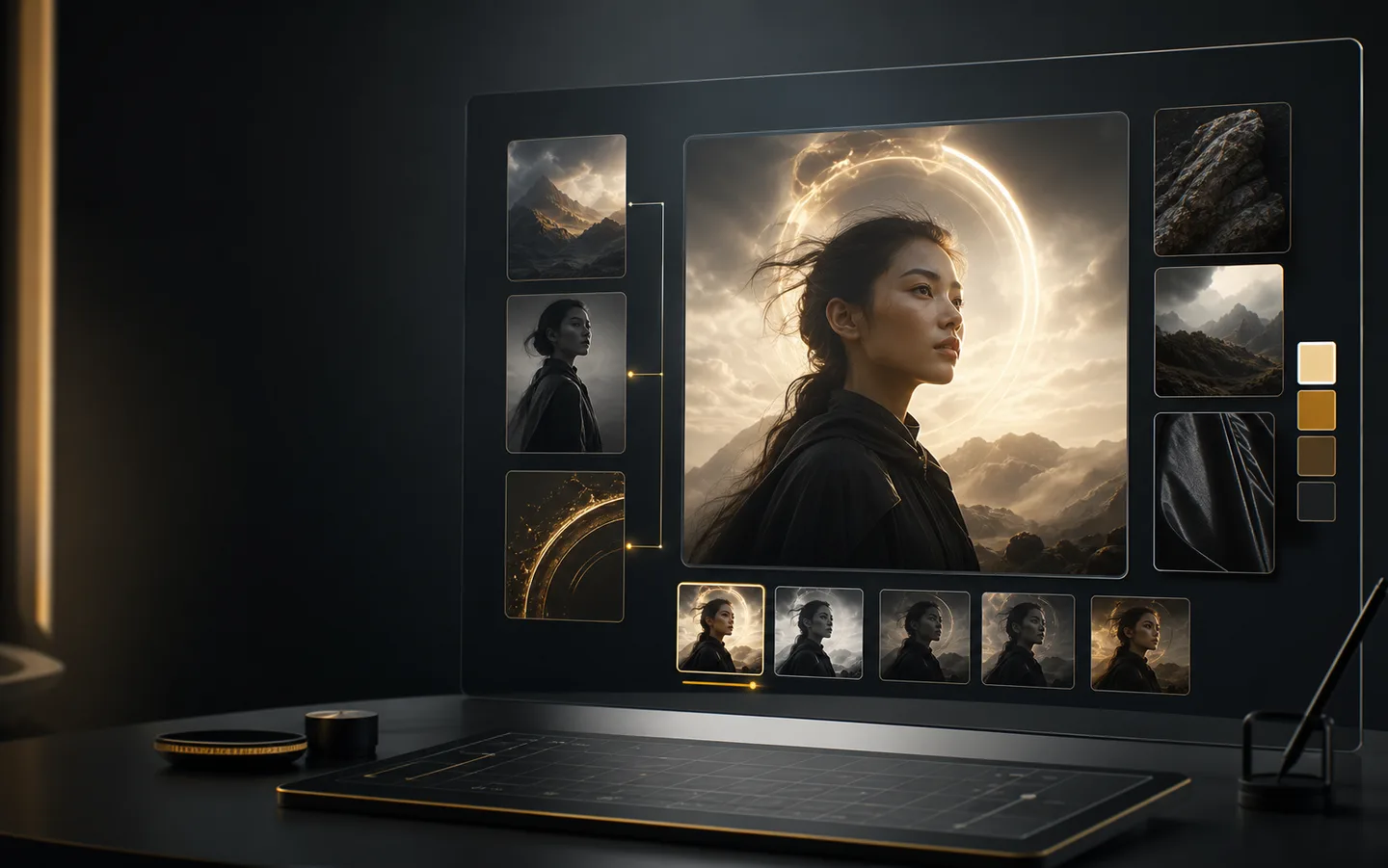
Seedream 5 Pro dirancang untuk menangani teks, penempatan, dan komposisi secara presisi pada poster, visual produk, konsep merek, dan desain terstruktur lainnya.
Seedream 5 Pro adalah model gambar unggulan ByteDance di Creatii AI untuk generasi presisi, tipografi yang jelas, tata letak terstruktur, dan pengeditan berbasis referensi. Buat gambar 1K atau 2K dari prompt dan hingga 4 referensi, dengan 1–4 variasi per tugas.
Sorotan model
Seedream 5 Pro dirancang untuk menangani teks, penempatan, dan komposisi secara presisi pada poster, visual produk, konsep merek, dan desain terstruktur lainnya.
Mulai dari prompt dan tambahkan hingga 4 gambar referensi untuk mengarahkan subjek, gaya, atau komposisi. Pilih 1K atau 2K serta Auto, 1:1, 4:3, 3:4, 16:9, atau 9:16.
Gunakan Seedream 5 Pro untuk visual merek, konsep produk, gambar editorial, dan rangkaian materi iklan yang konsisten, lalu ulangi dengan petunjuk tersimpan dan alat gambar Creatii AI terkait.
Bagaimana cara kerjanya
Buat dengan Seedream 5 Pro dari ruang kerja gambar Creatii AI dalam beberapa langkah terfokus.
Mulai dari halaman model Seedream 5 Pro, lalu buka generator gambar Creatii AI dengan Seedream 5 Pro yang telah dipilih sebelumnya.
Tulis perintah gambar, tambahkan gambar referensi bila berguna, dan pilih rasio aspek, resolusi, kualitas, dan jumlah keluaran.
Tinjau hasilnya, pertahankan arah terkuat, dan sesuaikan perintah atau referensi Anda hingga gambar sesuai dengan sasaran kreatif Anda.
Seedream 5 Pro adalah model gambar AI unggulan ByteDance yang tersedia di Creatii AI. Model ini mendukung generasi presisi, tipografi, tata letak, dan pengeditan berbasis referensi dalam 1K atau 2K.
Buka halaman model ini, klik tombol buat, dan Creatii AI akan membawa Anda ke generator gambar dengan Seedream 5 Pro yang sudah dipilih.
Seedream 5 Pro mendukung Auto, 1:1, 4:3, 3:4, 16:9, dan 9:16 untuk gambar persegi, potret, dan lanskap.
Ya. Seedream 5 Pro mendukung hingga 4 gambar referensi di Creatii AI untuk mengarahkan detail subjek, gaya, dan komposisi.
Seedream 5 Pro mendukung 1K dan 2K serta dapat menghasilkan 1–4 gambar per tugas.
Di Creatii AI, satu gambar 1K memerlukan 6 credits dan satu gambar 2K memerlukan 12 credits. Totalnya mengikuti jumlah output dan ditampilkan sebelum generasi.
Masih ada pertanyaan? Hubungi kami di support@creatii.ai.