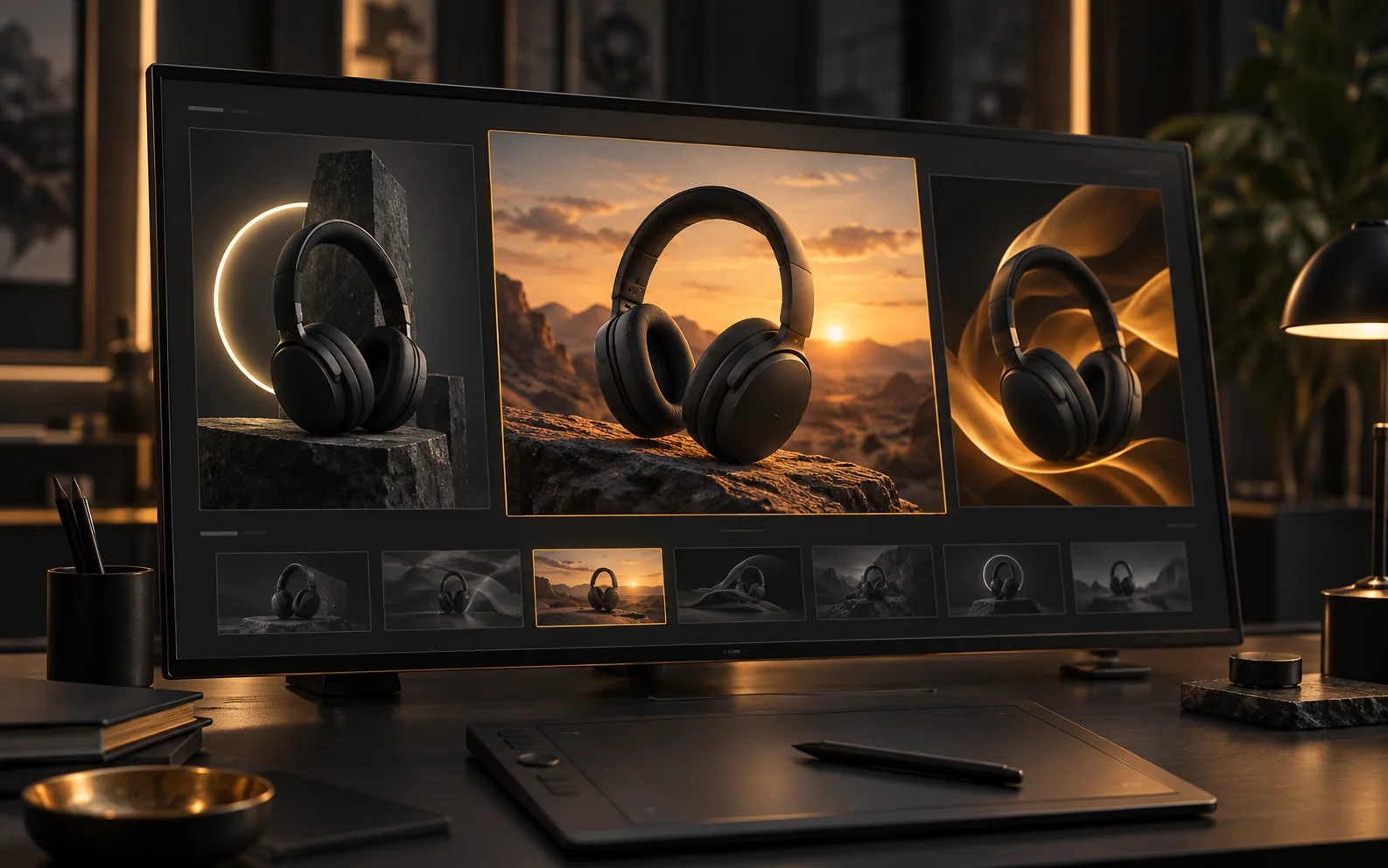
GPT Image 2.5 Flare で表現の幅を広げる
ひとつの企画から背景や構図の異なる案を広げ、仕上げたい方向を選びましょう。
クリエイター視点で見る GPT Image 2.5 Flare
典型的な制作場面をもとに作成した一人称のレビュー例です。署名は架空の人物です。
新商品のビジュアル案
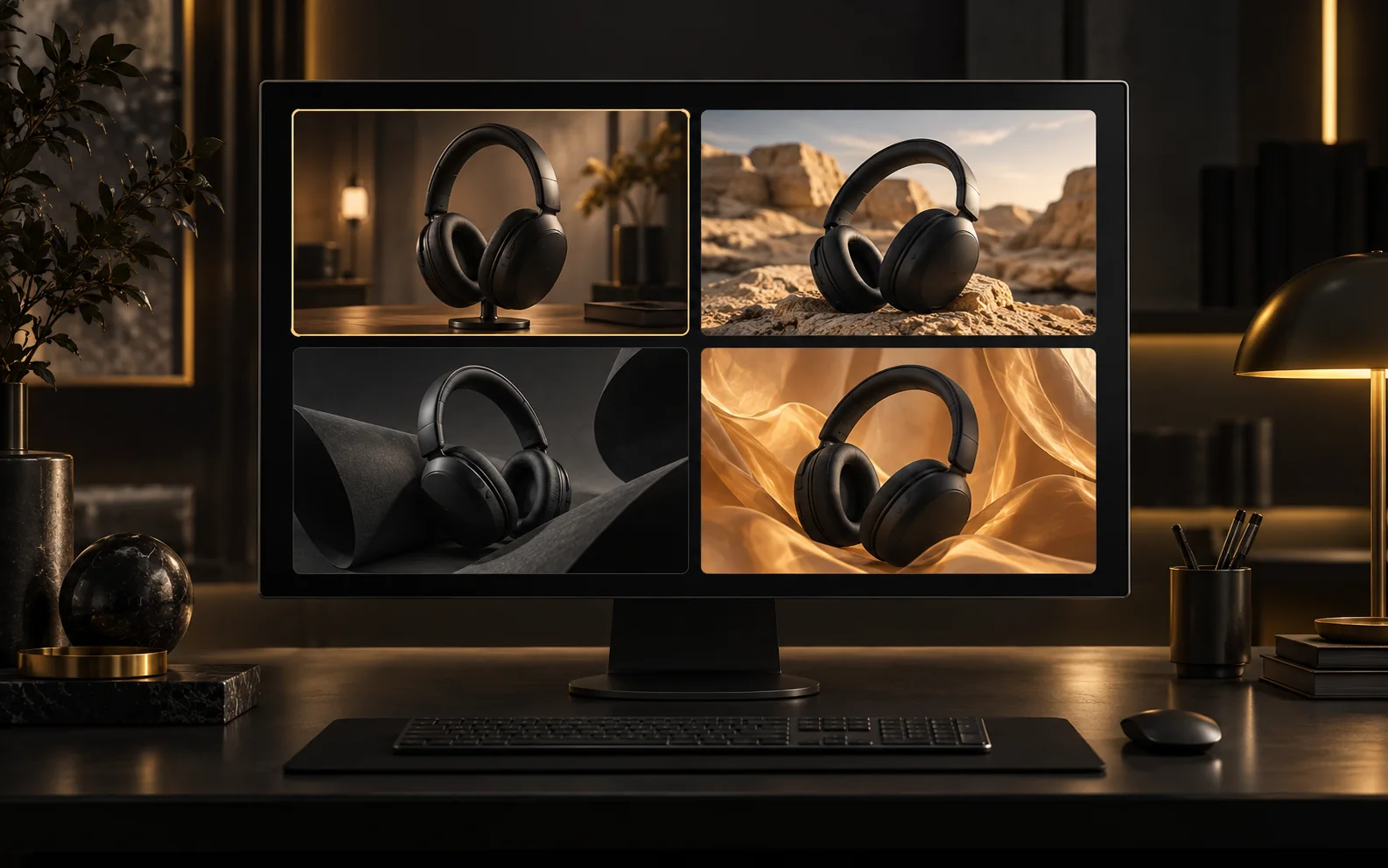
新商品では、同じ製品を違う背景に置いて比べたいです。Flare なら、まずキャンペーンの方向を探すところから使いたいと思います。
SNS 投稿のラフ
SNS 用では、主役の見やすさと見出しの余白を重視します。Flare への指示も、ターゲットと掲載先から具体的に伝えたいです。
季節のショップ画像
ショップ画像で変えたいのは季節の背景で、商品自体ではありません。Flare に商品写真を渡し、形や包装を確認して選びたいです。
参考画像の役割分担
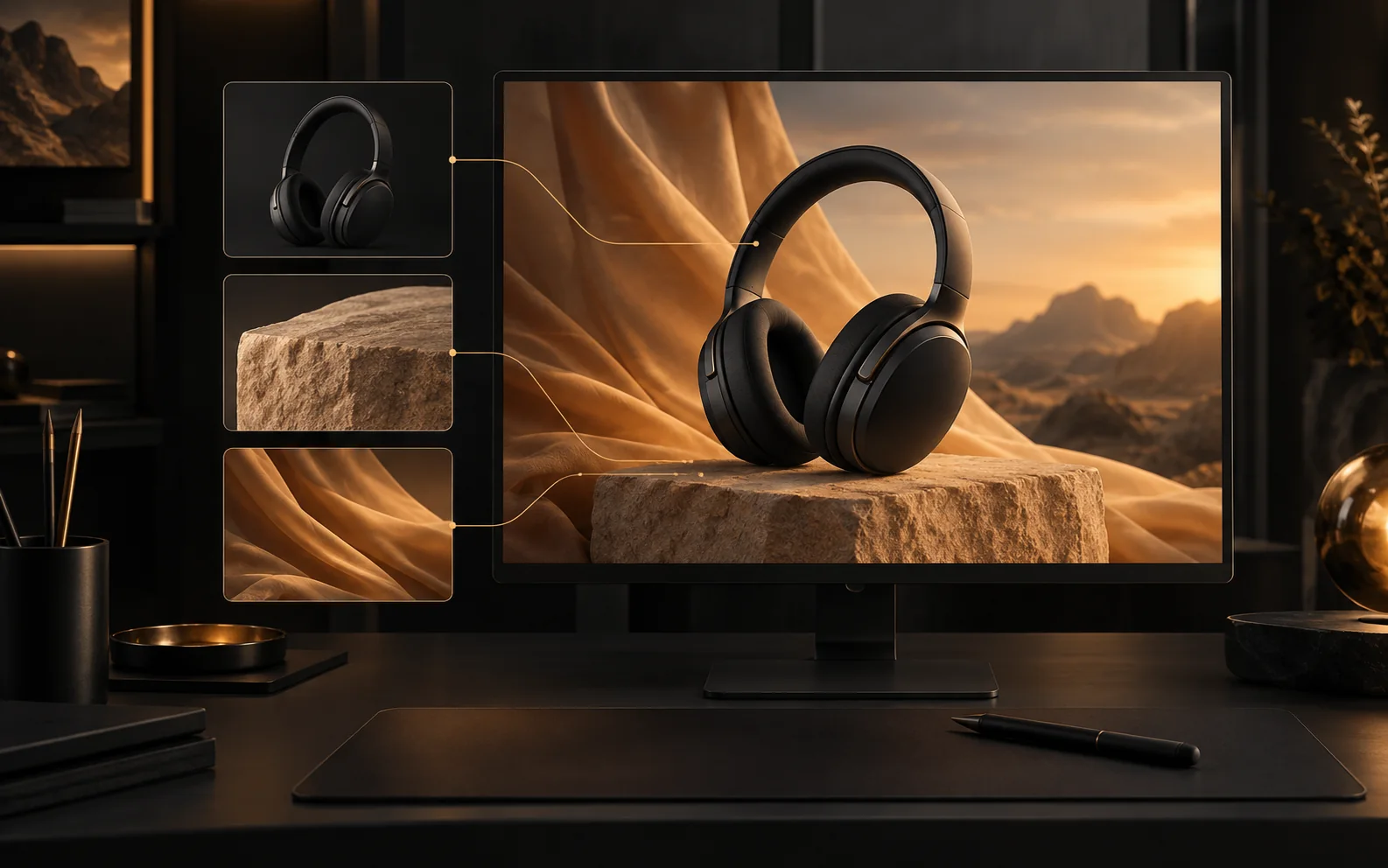
Flare の参考画像には、商品、素材、背景とそれぞれ役割を持たせたいです。枚数を増やすことより、指示の明確さを大切にします。
選んでから仕上げる
私は先に Flare の構図案を比べたいです。方向を選んでから、次の制作に必要な品質を決める方が進めやすいと思います。
すべてのクリエイター向けのプラン
制作ワークフローに合うプランを選べます。
基本
50%オフ素早いテスト、個人プロジェクト、日常制作に。
$19.9$9.95/mo
毎年請求される
年間で$119.40節約/いつでもキャンセル可能
800 クレジット / 月
~ 100 Nano Banana 2 画像
~ 200 GPT Image 2 画像
~ 14 Seedance 2.0 ビデオ
~ 33 Kling 3.0 ビデオ
機能
- 選択した画像モデルへのアクセス
- 選択したビデオモデルへのアクセス
- 選択したアプリへのアクセス
- 1つの同時タスク
- 待ち行列はありません
- 透かしなし
- 民間世代
- 商用ライセンス
最も人気のある
プロ
60%オフより多くのクレジットと全モデルを使いたいアクティブなクリエイター向け。
$39.9$15.96/mo
毎年請求される
年間で$287.28節約/いつでもキャンセル可能
2000 クレジット/月
~ 250 Nano Banana 2 画像
~ 500 GPT Image 2 画像
~ 34 Seedance 2.0 ビデオ
~ 83 Kling 3.0 ビデオ
機能
- 20% クレジットボーナス
- すべての画像モデルへのアクセス
- すべてのビデオ モデルへのアクセス
- すべてのアプリへのアクセス
- すべてのビデオエフェクトへのアクセス
- 2つの同時タスク
- 待ち行列はありません
- 透かしなし
- 民間世代
- 商用ライセンス
- 高度な AI 機能への早期アクセス
ベストバリュー
マックス
70%オフ高頻度で制作し、最大のクレジット枠が必要な個人クリエイター向け。
$119.9$35.97/mo
毎年請求される
年間で$1,007.16節約/いつでもキャンセル可能
7200 クレジット/月
~ 900 Nano Banana 2 画像
~ 1800 GPT Image 2 画像
~ 120 Seedance 2.0 ビデオ
~ 300 Kling 3.0 ビデオ
機能
- 30% クレジットボーナス
- すべての画像モデルへのアクセス
- すべてのビデオ モデルへのアクセス
- すべてのアプリへのアクセス
- すべてのビデオエフェクトへのアクセス
- 4つの同時タスク
- 待ち行列はありません
- 透かしなし
- 民間世代
- 商用ライセンス
- 高度な AI 機能への早期アクセス
まだ購読する準備ができていませんか?
スターター クレジット パック
200 クレジット
$5
よくある質問
手持ちの画像を編集できますか?
1〜16枚の画像をアップロードし、変更する部分と残す部分を指定します。商品のバリエーション、広告レイアウト、キャラクター制作に活用できます。
選べる解像度と縦横比は?
1K・2Kでは 1:1、4:3、3:4、16:9、9:16 に対応。4Kでは 16:9 と 9:16 のみ選べます。
クレジットはどう計算されますか?
品質、解像度、生成枚数で決まります。テキストからの生成と画像編集は同じ料金で、参照画像の枚数による追加料金はありません。生成ボタンに合計が表示されます。
Flare と Sunburst の違いは?
Flare は速度重視、Sunburst は高い画質や編集精度を求める用途向けです。同じプロンプト、サイズ、品質設定で比較すると選びやすくなります。
一度に何枚生成できますか?
1回に1〜4枚を生成できます。品質は low、medium、high、xhigh、max から選び、生成前に必要クレジットを確認できます。
まだご不明な点がありますか?support@creatii.ai までお問い合わせください。