01
مصمم لإنشاء فيديو Seedance بالكامل مع مدخلات النص والصورة والصوت والفيديو
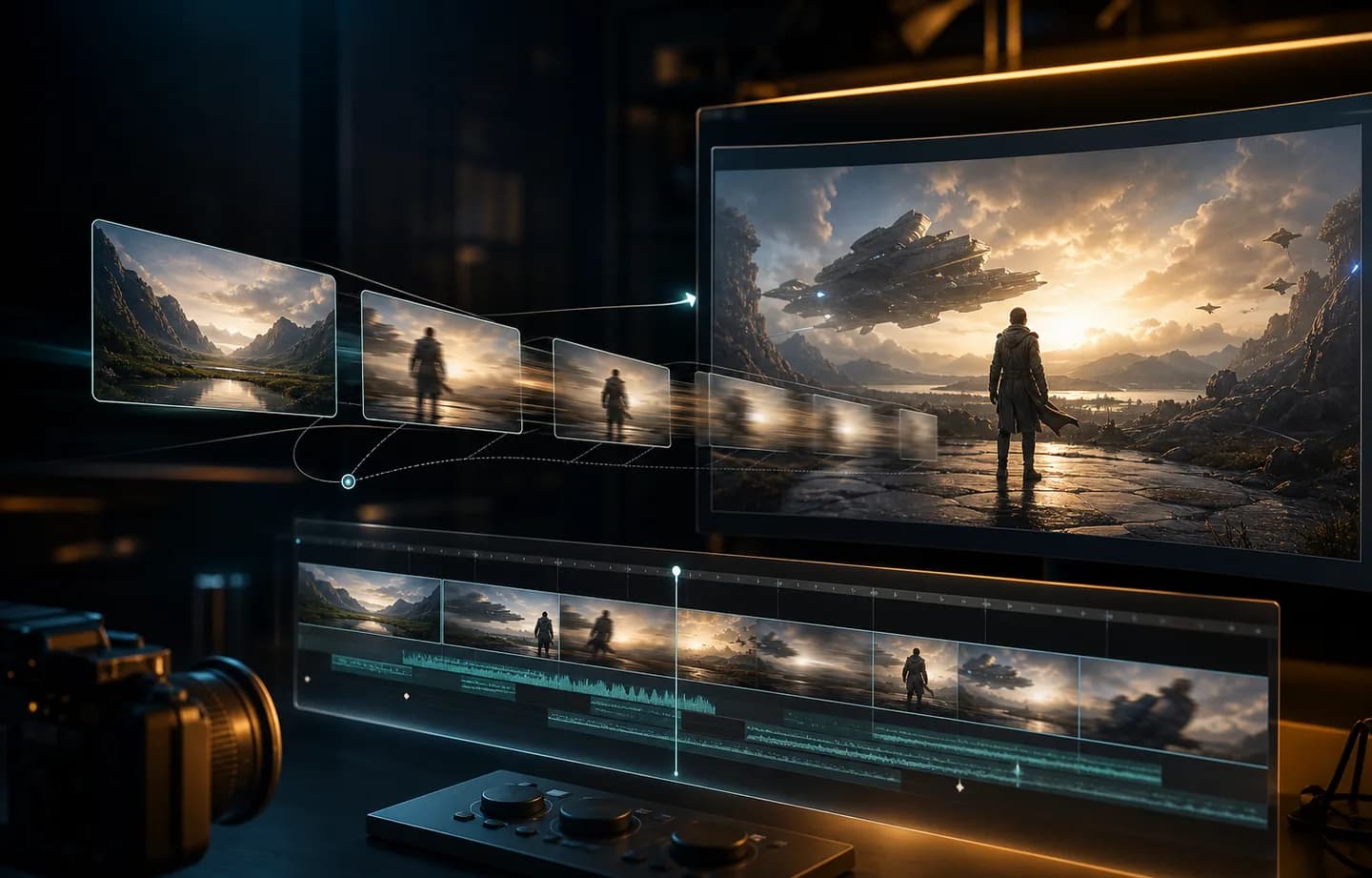
تم تصميم Seedance 2.0 للحركة المستقرة وخيارات المدة الأطول وإنشاء مقاطع فيديو متعددة المدخلات، مما يساعدك على إنشاء مقاطع فيديو من اتجاه إبداعي واضح.
يساعد Seedance 2.0 منشئي المحتوى على تحويل المطالبات النصية والصور والإطارات الرئيسية والمراجع والمدة وخيارات الصوت إلى مقاطع قصصية وإعلانات اجتماعية وحركة منتج ومفاهيم إبداعية سينمائية. استخدم Creatii لإنشاء الحركة ومقارنة الإعدادات والانتقال بسرعة من المفهوم إلى المقطع.
يسلط الضوء على النموذج
تم تصميم Seedance 2.0 للحركة المستقرة وخيارات المدة الأطول وإنشاء مقاطع فيديو متعددة المدخلات، مما يساعدك على إنشاء مقاطع فيديو من اتجاه إبداعي واضح.
قم بتوجيه المقطع باستخدام المطالبات النصية والصور والإطارات الرئيسية والمراجع والمدة وخيارات الصوت، ثم اختر المدة والدقة ونسبة العرض إلى الارتفاع وخيارات الصوت حيثما تكون مدعومة.
استخدم Seedance 2.0 لمقاطع القصص والإعلانات الاجتماعية وحركة المنتج والمفاهيم الإبداعية السينمائية، ثم قم بتحسين المطالبات وإطارات المصدر حتى تصبح الحركة جاهزة للمشاركة.
كيف يعمل
قم بالإنشاء باستخدام Seedance 2.0 من مساحة عمل الفيديو Creatii في بضع خطوات مركزة.
ابدأ من صفحة نموذج Seedance 2.0، ثم افتح مولد الفيديو Creatii مع تحديد Seedance 2.0 مسبقًا.
اكتب مطالبة بالمشهد أو قم بتحميل الصور، ثم قم بتعيين المدة والدقة ونسبة العرض إلى الارتفاع وخيارات الصوت التي يدعمها النموذج.
قم بمعاينة النتيجة، واحتفظ بالاتجاه الأقوى، واضبط الإطار الموجه أو المصدر لشكل آخر.
Seedance 2.0 هو نموذج فيديو AI متوفر في Creatii لإنشاء فيديو Seedance بالكامل مع مدخلات النص والصورة والصوت والفيديو. يمكن أن يساعد في إنشاء مقاطع فيديو قصيرة من المطالبات أو الصور أو المراجع اعتمادًا على سير العمل المحدد.
افتح صفحة النموذج هذه، وانقر فوق زر الإنشاء، وسيأخذك Creatii إلى منشئ الفيديو مع تحديد Seedance 2.0 بالفعل.
يدعم Seedance 2.0 سير عمل الفيديو القائم على الصور في Creatii عند تكوينه لإنشاء صورة إلى فيديو أو إطار رئيسي.
يمكن استخدام Seedance 2.0 لسير عمل تحويل النص إلى فيديو عند تمكين هذه الإمكانية، مما يتيح لك وصف المشهد وحركة الكاميرا والحالة المزاجية واتجاه الحركة.
يعد Seedance 2.0 مفيدًا لمقاطع القصص والإعلانات الاجتماعية وحركة المنتج والمفاهيم الإبداعية السينمائية، خاصة عندما تريد حركة مستقرة وخيارات أطول مدة وإنشاء فيديو متعدد المدخلات.
تعتمد تكلفة رصيد الفيديو على النموذج والمدة والدقة وإعدادات الصوت. يُظهر Creatii الأرصدة المقدرة قبل الإنشاء.
هل لا تزال لديك أسئلة؟ تواصل معنا عبر support@creatii.ai.