01
Szybkie planowanie przestrzeni
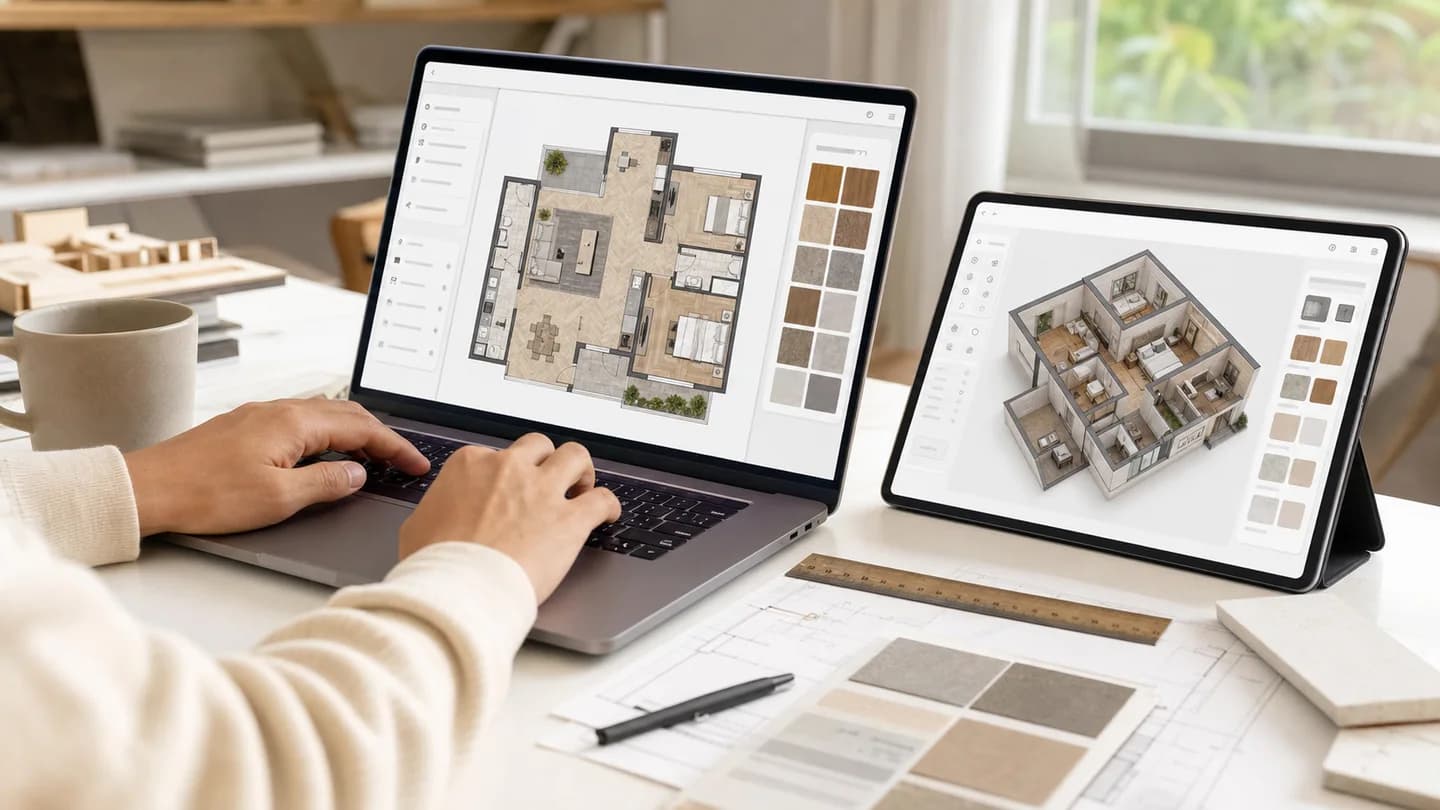
Opisz pokoje, wymiary, wejścia, okna, priorytety mebli i pożądany przepływ. Creatii zamienia wytyczne w wizualny kierunek planu piętra, bez zmuszania Cię do korzystania ze skomplikowanych narzędzi CAD.
Opisz potrzebną przestrzeń, pomieszczenia i układ, a następnie wygeneruj przejrzystą koncepcję planu piętra.

Uwzględnij rodzaj nieruchomości, powierzchnię, liczbę pokoi, niezbędne przestrzenie, wejścia, okna, miejsce do przechowywania oraz wszelkie uwagi dotyczące stylu lub nakładu.
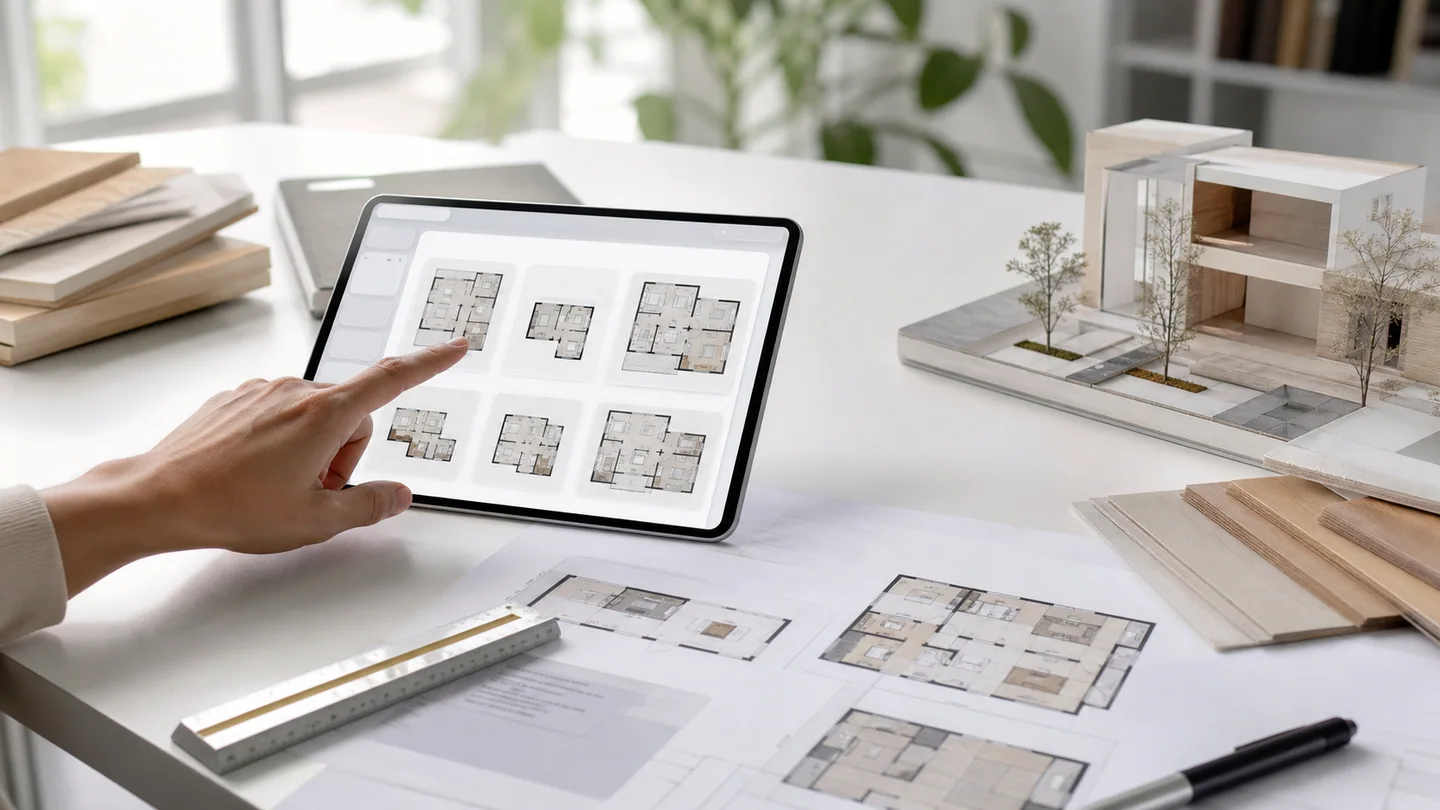
Wybierz szeroki widok planu dla domów i biur lub format kwadratowy, jeśli chcesz uzyskać kompaktowy podgląd koncepcji.
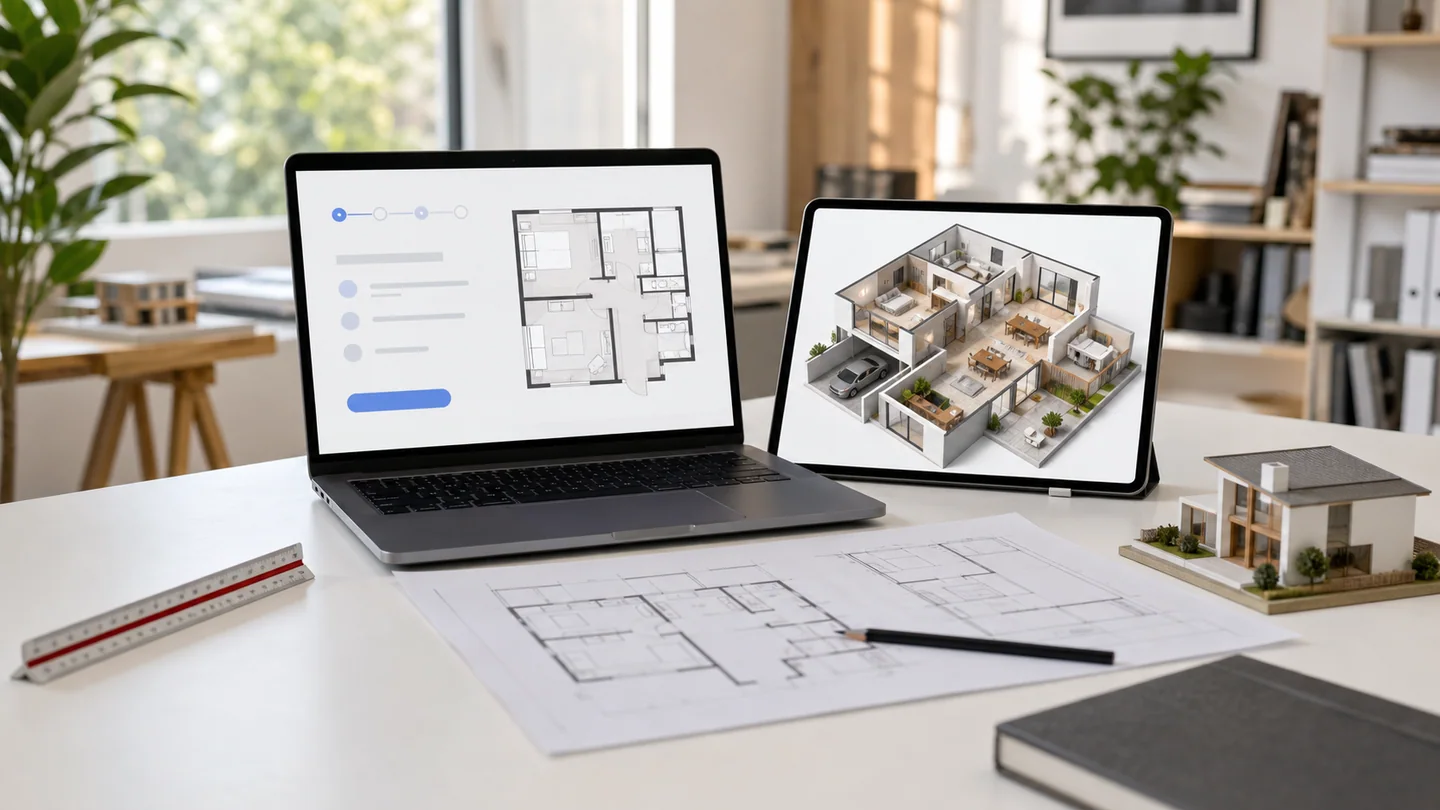
Utwórz plan piętra, a następnie sprawdź przyleganie pomieszczeń, przepływ, proporcje i czy koncepcja pasuje do Twoich wymagań.
Zamień wymagania dotyczące pomieszczeń, rodzaj nieruchomości, powierzchnię i informacje o ruchu w koncepcje czystego planu piętra. Creatii umożliwia właścicielom domów, twórcom i zespołom koncepcyjnym szybki sposób przeglądania układów przed rozpoczęciem rysowania od zera.
Opisz pokoje, wymiary, wejścia, okna, priorytety mebli i pożądany przepływ. Creatii zamienia wytyczne w wizualny kierunek planu piętra, bez zmuszania Cię do korzystania ze skomplikowanych narzędzi CAD.
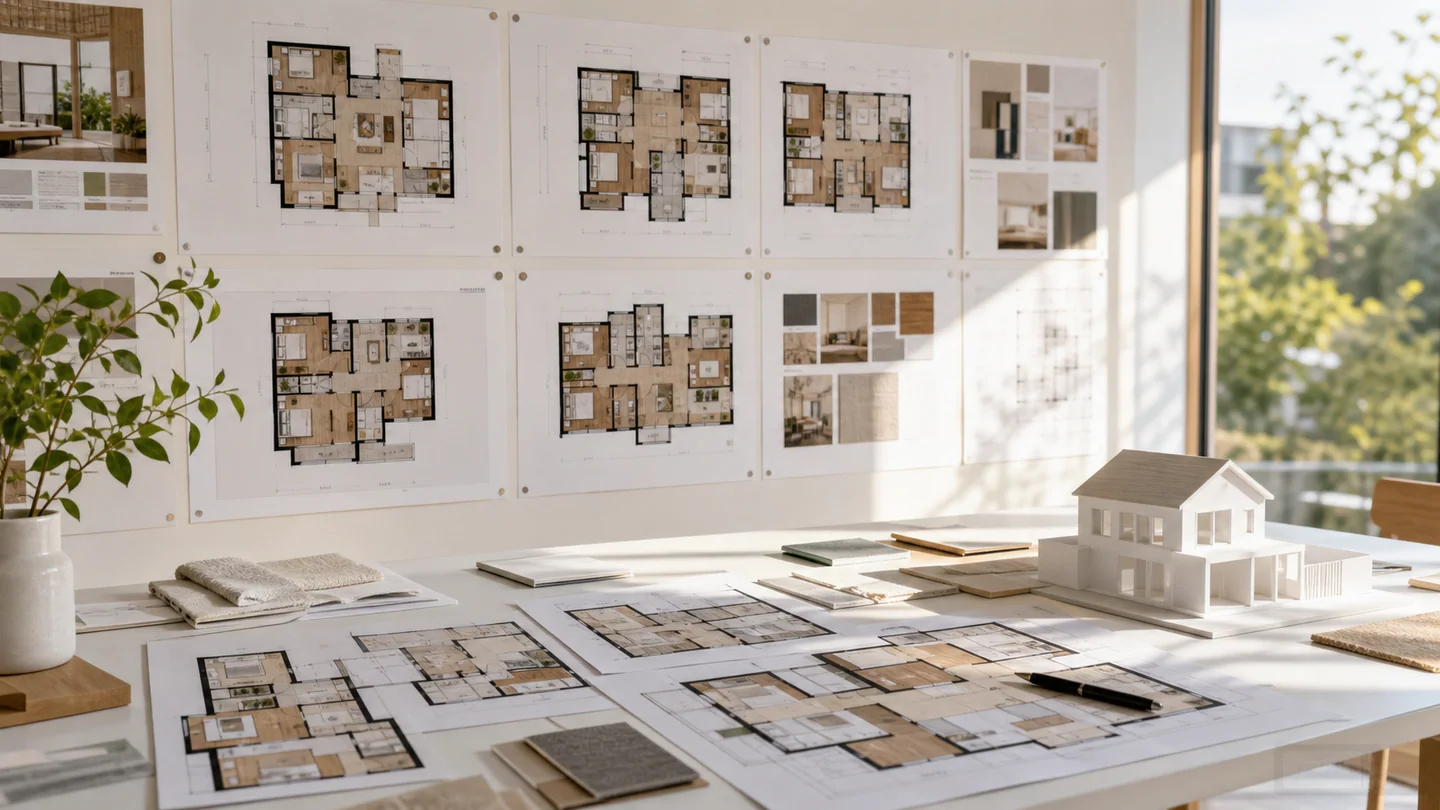
Przeglądaj plany mieszkań, willi, studiów, kawiarni, biur, powierzchni handlowych, sal lekcyjnych i pomysłów na renowację. Jeden monit może określać typ budynku, liczbę pomieszczeń i ograniczenia praktyczne.
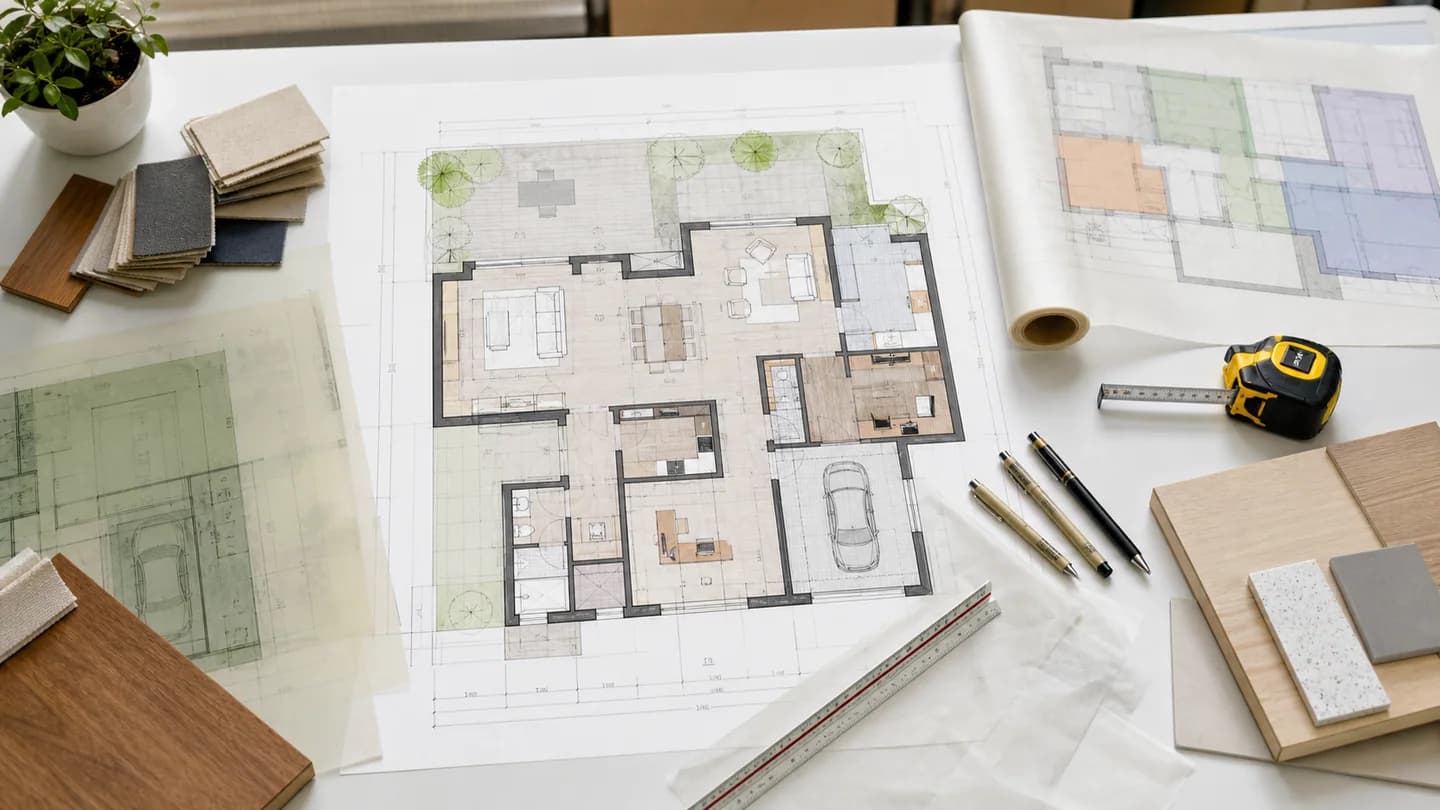
Użyj podpowiedzi, aby nadać priorytet otwartym kuchniom, prywatnym apartamentom, strefom pracy, przechowywaniu, dostępności, dostępowi do patio lub przepływowi klientów, tak aby wygenerowany plan wspierał sposób, w jaki powinna funkcjonować przestrzeń.
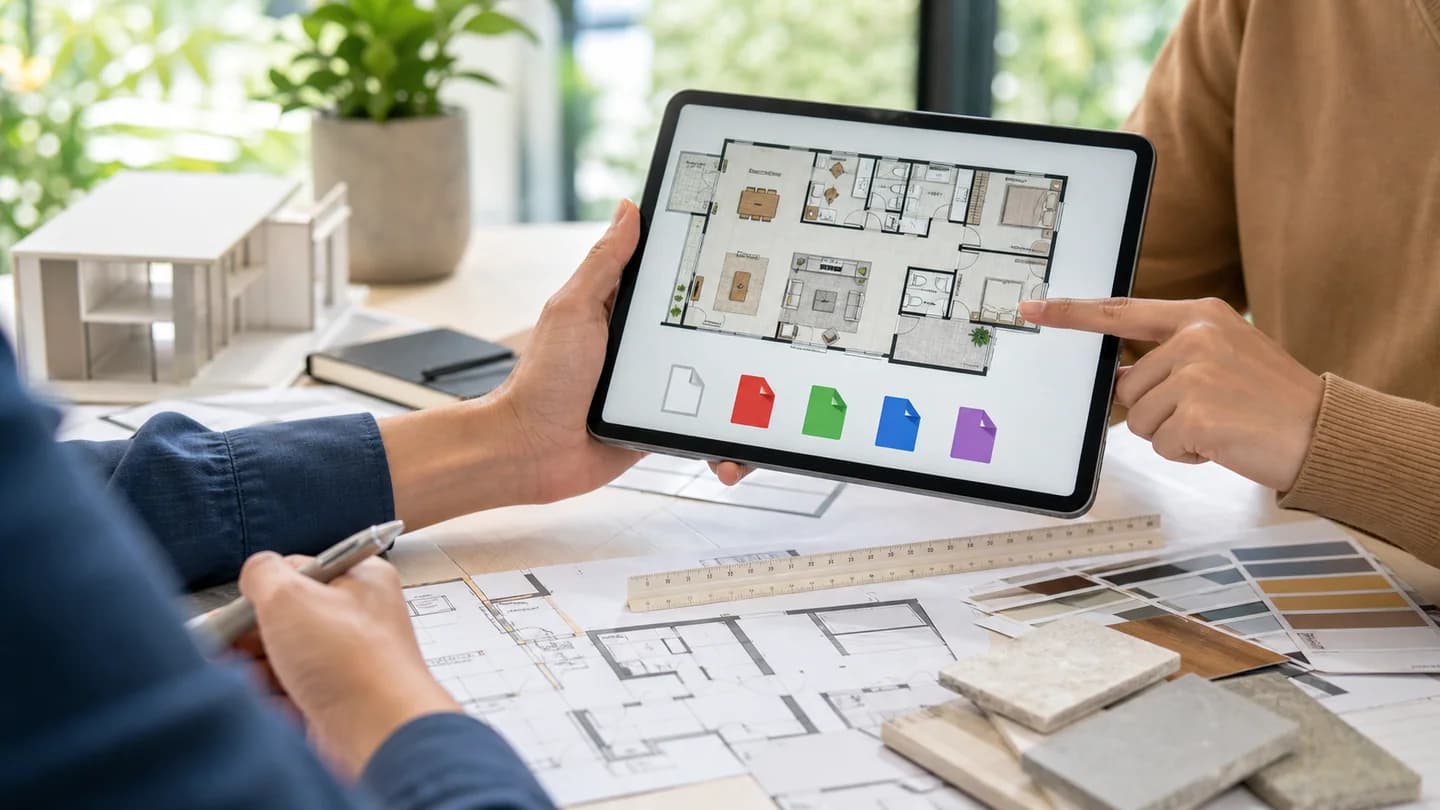
Generuj, przeglądaj, pobieraj i porównuj koncepcje planów z tej samej strony aplikacji. Wykorzystaj wyniki jako punkt wyjścia do tworzenia tablic nastroju, dyskusji z klientami lub bardziej szczegółowej dokumentacji projektowej.
Przeglądaj cztery realistyczne obrazy przypadków wygenerowane dla tej strony Generatora planów pięter, każdy ukształtowany wokół innego praktycznego przypadku użycia.
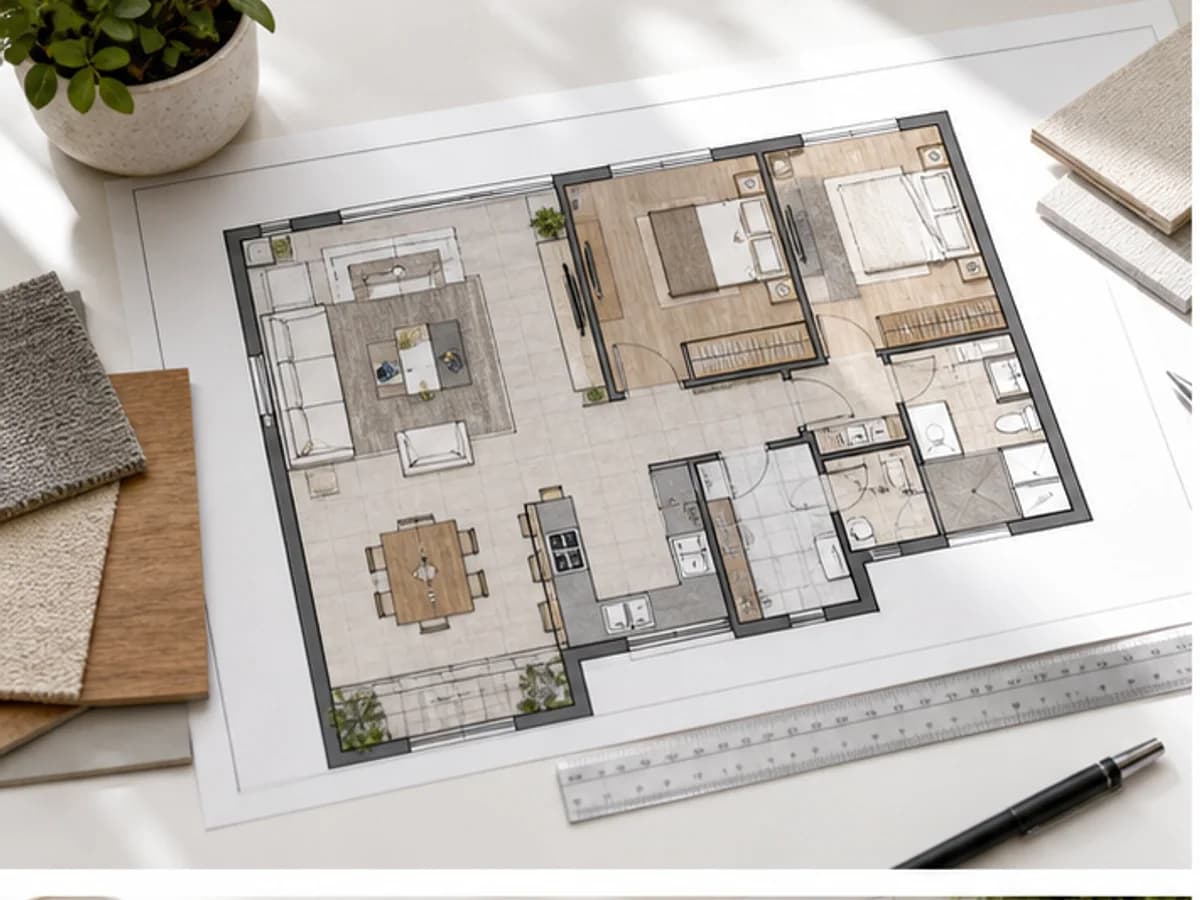
Realistyczny przykład generatora planów pięter dla kompaktowego układu mieszkania, przydatny jako punkt odniesienia dla podpowiedzi, wizualizacji SEO i wskazówek kreatywnych.
Realistyczny przykład generatora planów pięter dla projektu domu rodzinnego, przydatny jako punkt odniesienia dla podpowiedzi, wizualizacji SEO i wskazówek kreatywnych.
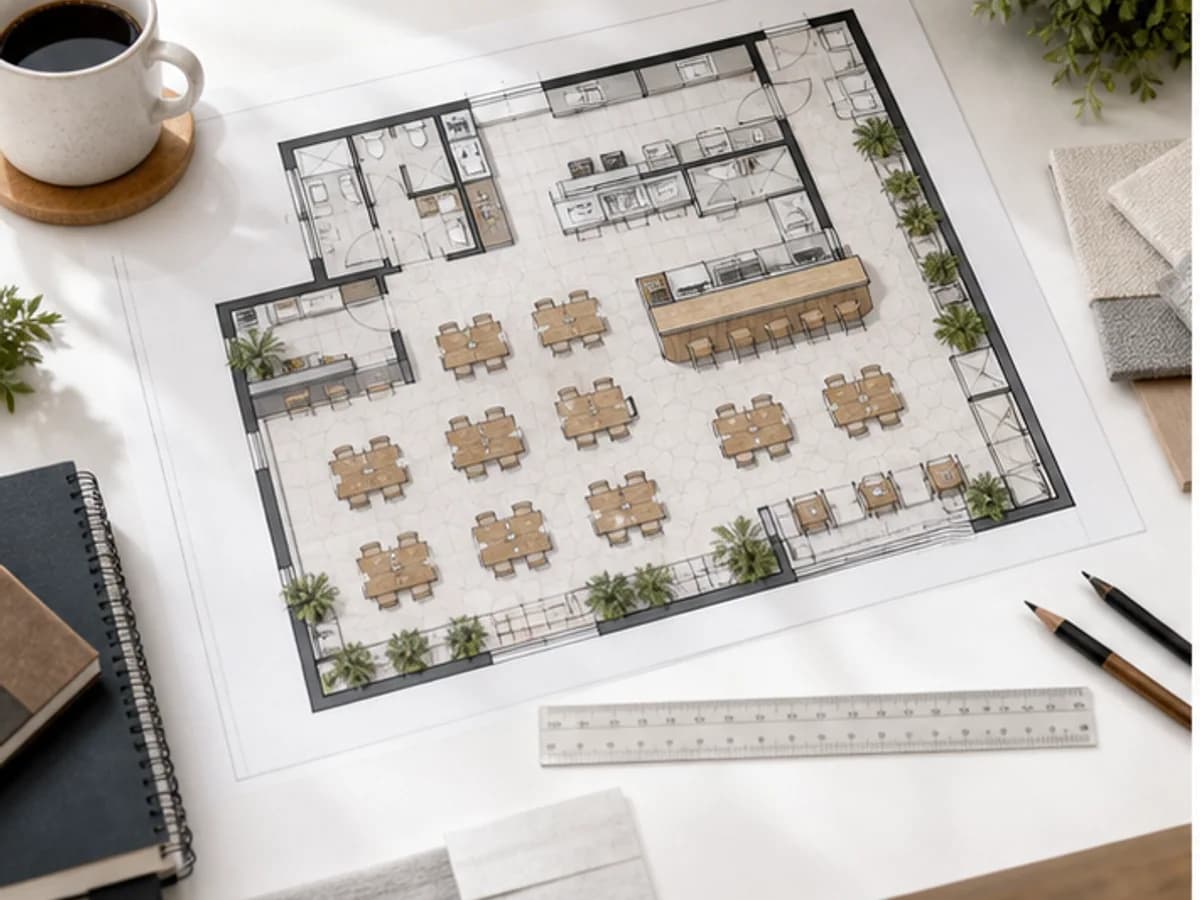
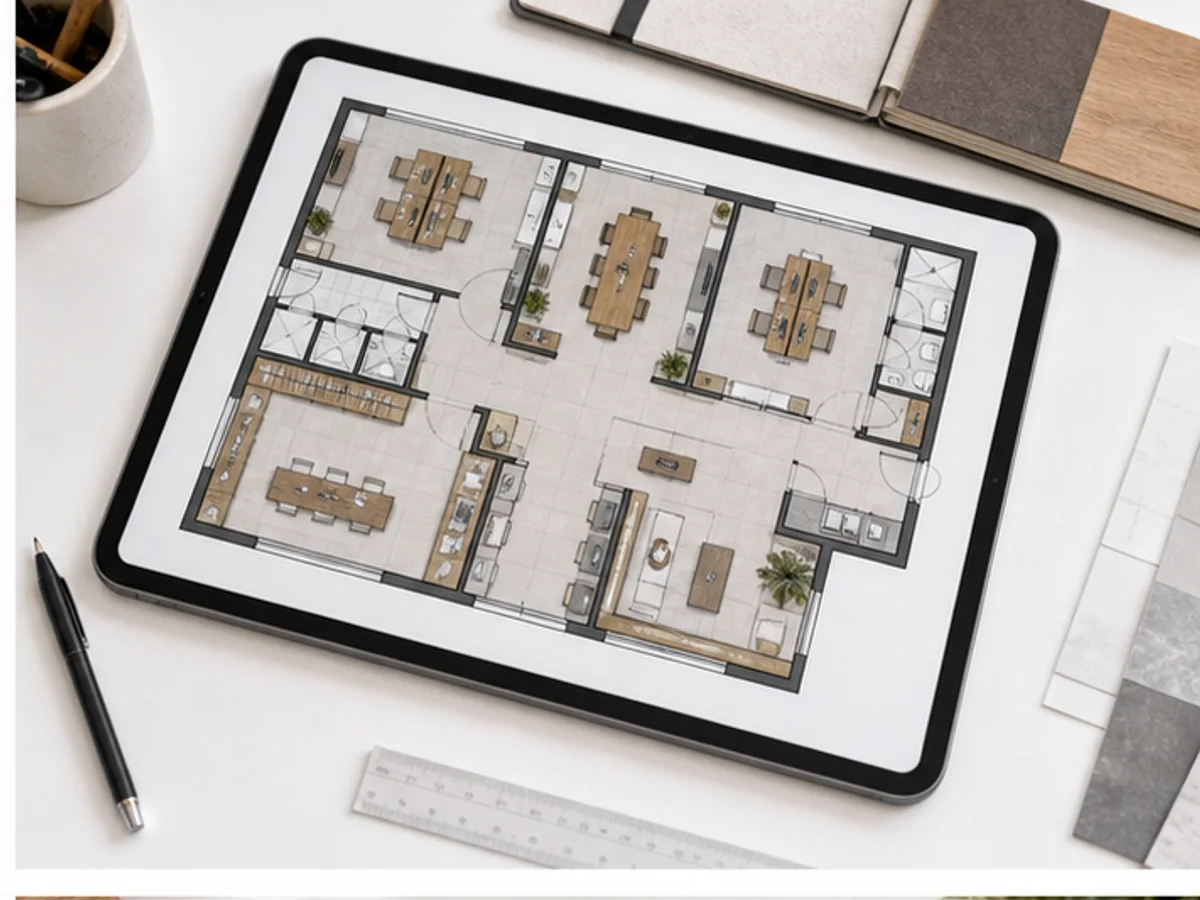
Realistyczny przykład generatora planów pięter dla planu miejsc w kawiarni, przydatny jako punkt odniesienia dla podpowiedzi, wizualizacji SEO i wskazówek kreatywnych.
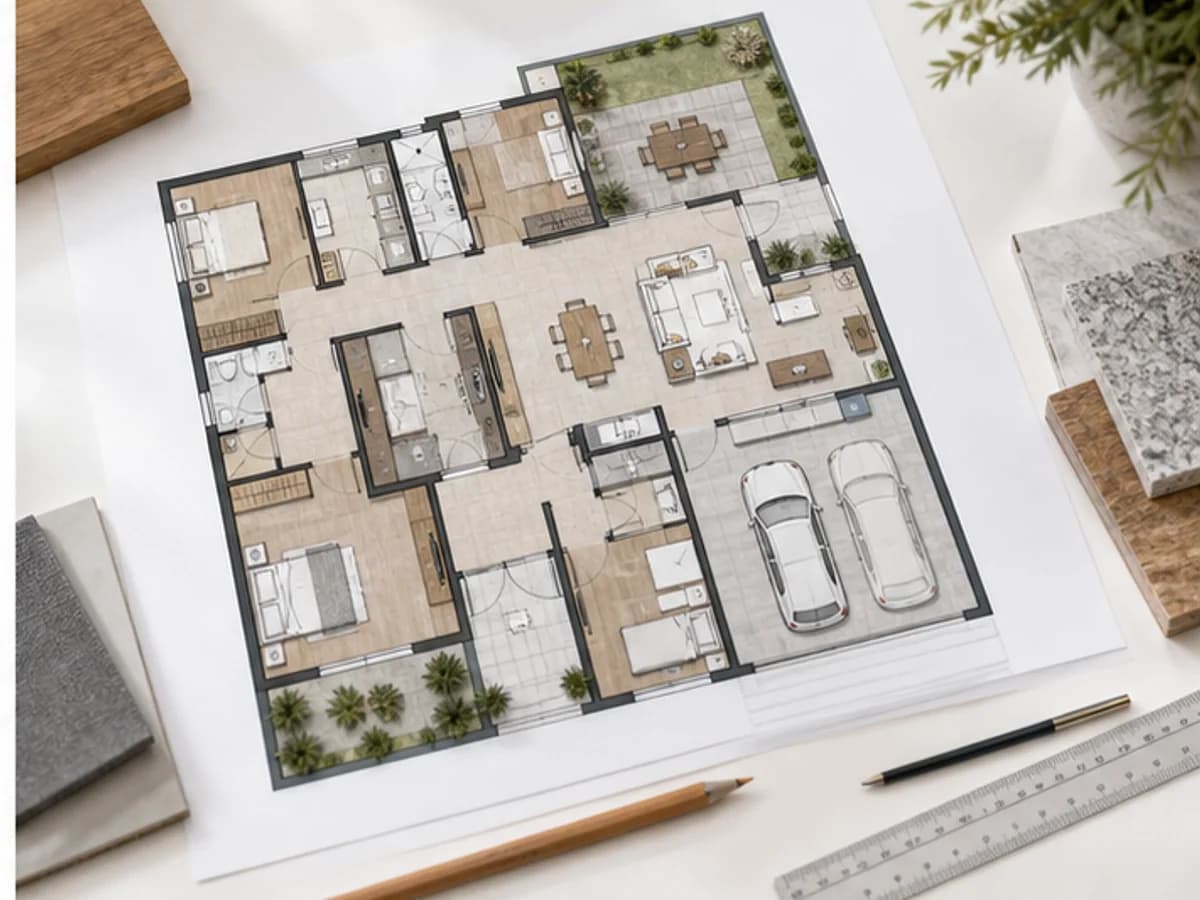
Realistyczny przykład generatora planów pięter dla planu biura studia, przydatny jako punkt odniesienia dla podpowiedzi, wizualizacji SEO i wskazówek kreatywnych.
Opisz pomysł na dom, mieszkanie, biuro, kawiarnię lub renowację, a następnie wygeneruj czystą koncepcję planu piętra AI, gotową do sprawdzenia i udoskonalenia.
Wybierz plan dopasowany do swojego workflow.
Do szybkich testów, projektów osobistych i codziennej twórczości.
Rozliczane corocznie · $119,40
800 kredytów / miesiąc
~ 100 obrazów Nano Banana 2
~ 200 obrazów GPT Image 2
~ 14 filmów Seedance 2.0
~ 33 filmy Kling 3.0
Funkcje
Dla aktywnych twórców, którzy chcą więcej kredytów i wszystkich modeli.
Rozliczane corocznie · $191,52
2000 kredytów / miesiąc
~ 250 obrazów Nano Banana 2
~ 500 obrazów GPT Image 2
~ 34 filmy Seedance 2.0
~ 83 filmy Kling 3.0
Funkcje
Dla twórców o dużym wolumenie, którzy potrzebują największej liczby kredytów.
Rozliczane corocznie · $431,64
7200 kredytów / miesiąc
~ 900 obrazów Nano Banana 2
~ 1800 obrazów GPT Image 2
~ 120 filmów Seedance 2.0
~ 300 filmów Kling 3.0
Funkcje
Nie jesteś jeszcze gotowy na subskrypcję?
Masz jeszcze pytania? Skontaktuj się z nami pod adresem support@creatii.ai.