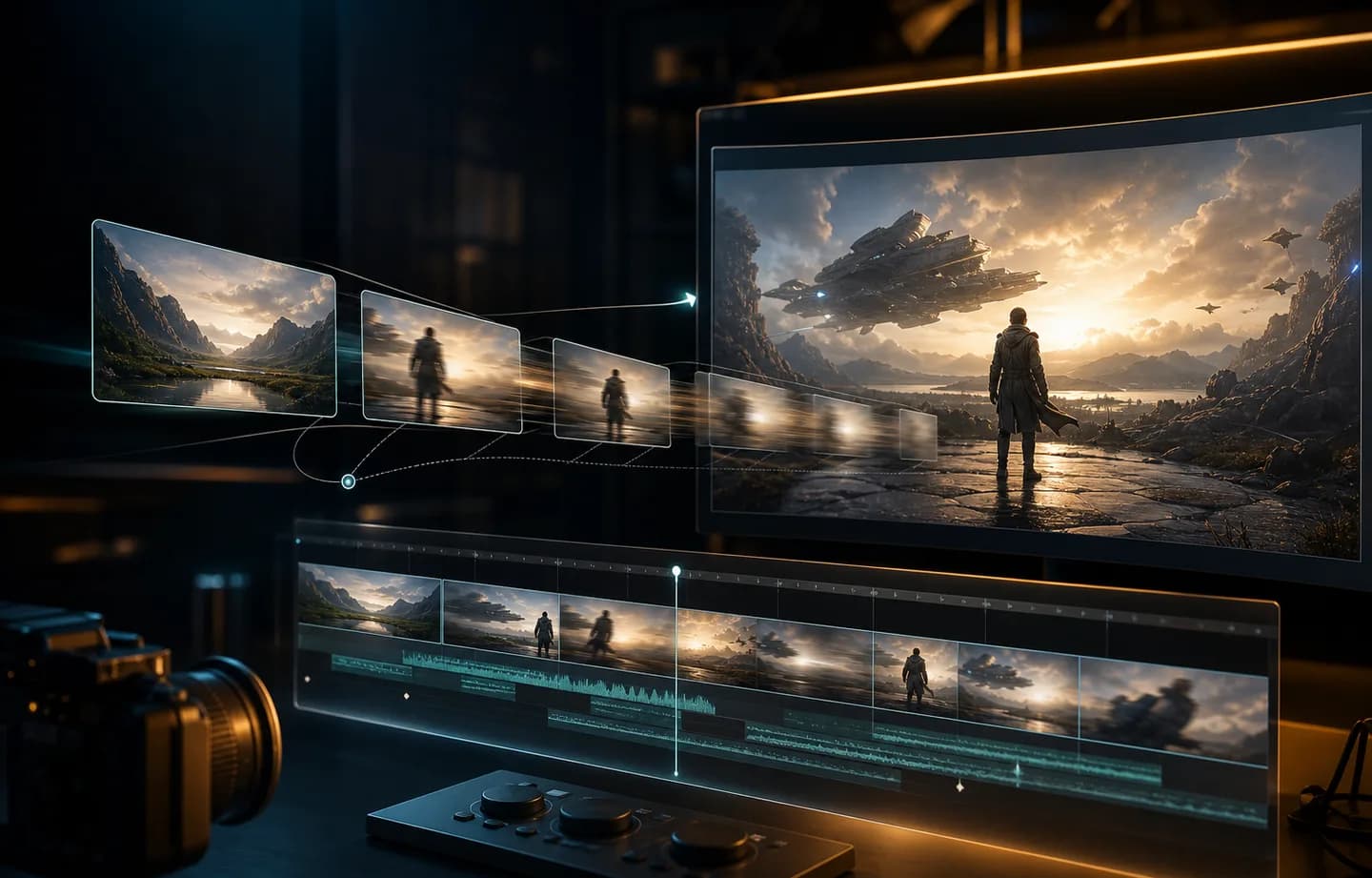
FLUX 3 AI Video Generator for Directed Shots

FLUX 3 brings Black Forest Labs' multimodal video model into a practical Creatii workflow. Start with a written scene, animate one approved opening frame, or define both the first and last frame for a controlled transition. Choose 5-20 seconds, 720p or 1080p, seven useful aspect ratios, and optional native audio while the generation button keeps the credit total visible.

Direct the Beginning, the Ending, and Everything Between

FLUX 3 is most useful when a clip needs a clear arc rather than generic motion. Creatii exposes the controls that shape that arc—prompt, opening image, optional ending image, duration, format, resolution, and audio—without mixing in unsupported reference modes.

FLUX 3 text-to-video prompt organized as a directed shot
01

Write a complete shot, not just a visual style

Text-to-video gives you up to 20 seconds for an action, camera move, reaction, and finishing beat. Describe the scene in order: establish the subject and setting, specify what changes, name the camera behavior, then state how the moment should resolve. That sequence gives FLUX 3 a usable production brief for ads, explainers, title sequences, and story concepts.

Direct a FLUX 3 shot
FLUX 3 image-to-video workflow from an approved opening frame
02

Protect an opening composition with image to video

Upload a product shot, character pose, design frame, or storyboard panel as the first frame. FLUX 3 adds movement while the starting image anchors composition and identity. This is the focused route when the opening visual is approved but the ending can emerge naturally from the action described in your prompt.

Direct a FLUX 3 shot
FLUX 3 first and last frame transition controls
03

Choreograph a transition with two keyframes

Add an end frame when the destination matters as much as the starting point. First-and-last-frame generation is suited to product reveals, before-and-after transformations, logo resolves, scene changes, and planned camera arrivals. The prompt explains the path between the two images instead of leaving the final composition to chance.

Direct a FLUX 3 shot
FLUX 3 dynamic credit estimate for duration and resolution
04

Make output and cost decisions before rendering

Choose 720p at 17 credits per second or 1080p at 29 credits per second, then set any duration from 5 to 20 seconds. Optional audio does not change the rate. Creatii recalculates the generation total as settings change, so a 5-second 720p test shows 85 credits while a 20-second 1080p render shows 580.

Direct a FLUX 3 shot

From Opening Plate to Final Beat

Explore FLUX 3 ideas built around a visible transformation: packaging that assembles into its hero pose, a storyboard panel that becomes a moving scene, a portrait that crosses from daylight into neon, or a title card that resolves on an exact end frame. Real generated examples can be added here as they are approved.

What Our Users Say

The end frame makes the brief concrete

For product reveals, I often know exactly how the shot should start and where the pack needs to land. Giving FLUX 3 both frames turns that into a much clearer creative brief, and the prompt can focus on the movement between them instead of repeatedly describing the final composition.
Maya Chen

Twenty seconds gives the action room

A longer window is useful when the scene needs more than a quick loop. I can establish the location, show one deliberate action, and leave enough time for the final reaction. That makes the first generation easier to judge as an actual shot rather than a motion sample.
Daniel Harper

Audio is easy to test without repricing

Being able to toggle audio without changing the displayed rate keeps review simple. I can test whether ambience, speech, or effects improve the idea, then switch audio off when the clip will sit under an existing soundtrack. The cost remains visible either way.
Olivia Bennett

Format changes are clear before rendering

I like deciding the placement before I generate. Moving between vertical, square, landscape, and ultrawide formats changes how the scene should be composed, while the duration and resolution controls immediately show what that choice will cost in credits.
Jordan Ellis

One frame is enough for open-ended motion

Not every clip needs a designed ending. When I already have a strong campaign frame, the single-image route lets me preserve that opening and prompt a camera move or performance. If a client later requires an exact finish, I can add the second keyframe.
Priya Raman

Turn a planned moment into a finished FLUX 3 clip

Open the FLUX 3 AI Video Generator with the model already selected. Add a prompt, choose text or keyframe input, set the delivery format, and review the exact credit estimate before creating your 5-20 second video.

Create with FLUX 3

Plans for every creator

Choose the plan that fits your workflow.

Basic

50% OFF

For quick tests, personal projects, and everyday creation.

$19.9$9.95/mo

Billed annually

Save $119.40/year/Cancel anytime

800 Credits / month

~ 100 Nano Banana 2 Images

~ 200 GPT Image 2 Images

~ 14 Seedance 2.0 videos

~ 33 Kling 3.0 videos

Features

  • Access to selected image models
  • Access to selected video models
  • Access to selected Apps
  • 1 concurrent task
  • No queue waiting
  • No watermark
  • Private generation
  • Commercial license
Most Popular

Pro

60% OFF

For active creators who want more credits and every model.

$39.9$15.96/mo

Billed annually

Save $287.28/year/Cancel anytime

2000 Credits / month

~ 250 Nano Banana 2 Images

~ 500 GPT Image 2 Images

~ 34 Seedance 2.0 videos

~ 83 Kling 3.0 videos

Features

  • 20% credits bonus
  • Access to all image models
  • Access to all video models
  • Access to all Apps
  • Access to all video effects
  • 2 concurrent tasks
  • No queue waiting
  • No watermark
  • Private generation
  • Commercial license
  • Early access to advanced AI features
Best Value

Max

70% OFF

For high-output creators who need the most credits to create often.

$119.9$35.97/mo

Billed annually

Save $1,007.16/year/Cancel anytime

7200 Credits / month

~ 900 Nano Banana 2 Images

~ 1800 GPT Image 2 Images

~ 120 Seedance 2.0 videos

~ 300 Kling 3.0 videos

Features

  • 30% credits bonus
  • Access to all image models
  • Access to all video models
  • Access to all Apps
  • Access to all video effects
  • 4 concurrent tasks
  • No queue waiting
  • No watermark
  • Private generation
  • Commercial license
  • Early access to advanced AI features

Not ready to subscribe yet?

Starter credit pack

200 credits

$5

Frequently Asked Questions

What is FLUX 3?

FLUX 3 is Black Forest Labs' multimodal model family for video, audio, images, and action prediction. The Creatii integration focuses on the currently connected video workflows: text-to-video and image-to-video with either one opening frame or a first-and-last-frame pair. It does not present unsupported reference-video features as available.

Is the FLUX 3 AI Video Generator live in Creatii?

Yes. Select FLUX 3 in the Creatii video workspace or open this page and start with the model preselected. The backend routes text, single-image, and first-last-frame jobs to their matching FLUX 3 endpoints and uses the same endpoint-specific path when checking status and fetching the result.

Can FLUX 3 create video from one image or two keyframes?

Both are supported. Upload only a start frame when you want to anchor the opening composition and let the prompt guide what follows. Add an end frame when the clip must arrive at a defined final composition. Creatii automatically uses the correct image-to-video route for the chosen inputs.

How long can a FLUX 3 video be?

Creatii supports any whole-second duration from 5 to 20 seconds. Short runs are useful for motion and prompt tests; longer runs give an action, camera move, dialogue beat, or transition more time to develop. Keep the number of events realistic for the duration you choose.

Which resolution and aspect ratios are available?

Choose 720p or 1080p. Available aspect ratios are 21:9, 2:1, 16:9, 4:3, 1:1, 3:4, and 9:16. Pick the destination first: vertical for Shorts and Reels, square or portrait for feeds, landscape for web and presentations, or ultrawide for cinematic layouts.

Does FLUX 3 generate audio?

Yes. FLUX 3 supports optional native audio, including speech, sound effects, and ambience generated with the video. Creatii provides an audio on/off control for both text and image workflows. Audio is included at the same credit rate, so toggling it does not change the estimate.

How many credits does FLUX 3 use?

The total is resolution rate multiplied by duration: 17 credits per second at 720p and 29 credits per second at 1080p. For example, 5 seconds costs 85 or 145 credits, while 20 seconds costs 340 or 580 credits. The Generate button updates whenever resolution or duration changes.

How should I write a FLUX 3 prompt?

Write in shot order. Name the subject and setting, the main action, the camera movement, important timing or sound, and the final beat. With keyframes, describe how the scene should travel between the images rather than repeating what is already visible. One coherent sequence is usually easier to direct than unrelated events.

When should I choose FLUX 3 instead of a reference-heavy model?

Choose FLUX 3 when you value a 20-second window, optional native audio, seven delivery formats, or precise first-to-last-frame transitions. Choose a reference-heavy model such as MiniMax H3 when the workflow must accept several images, videos, or audio files as guidance. The best route depends on the source material you actually have.

Still have questions? Contact us at support@creatii.ai.