MiniMax H3 AI Video Generator for Reference-Controlled Shots

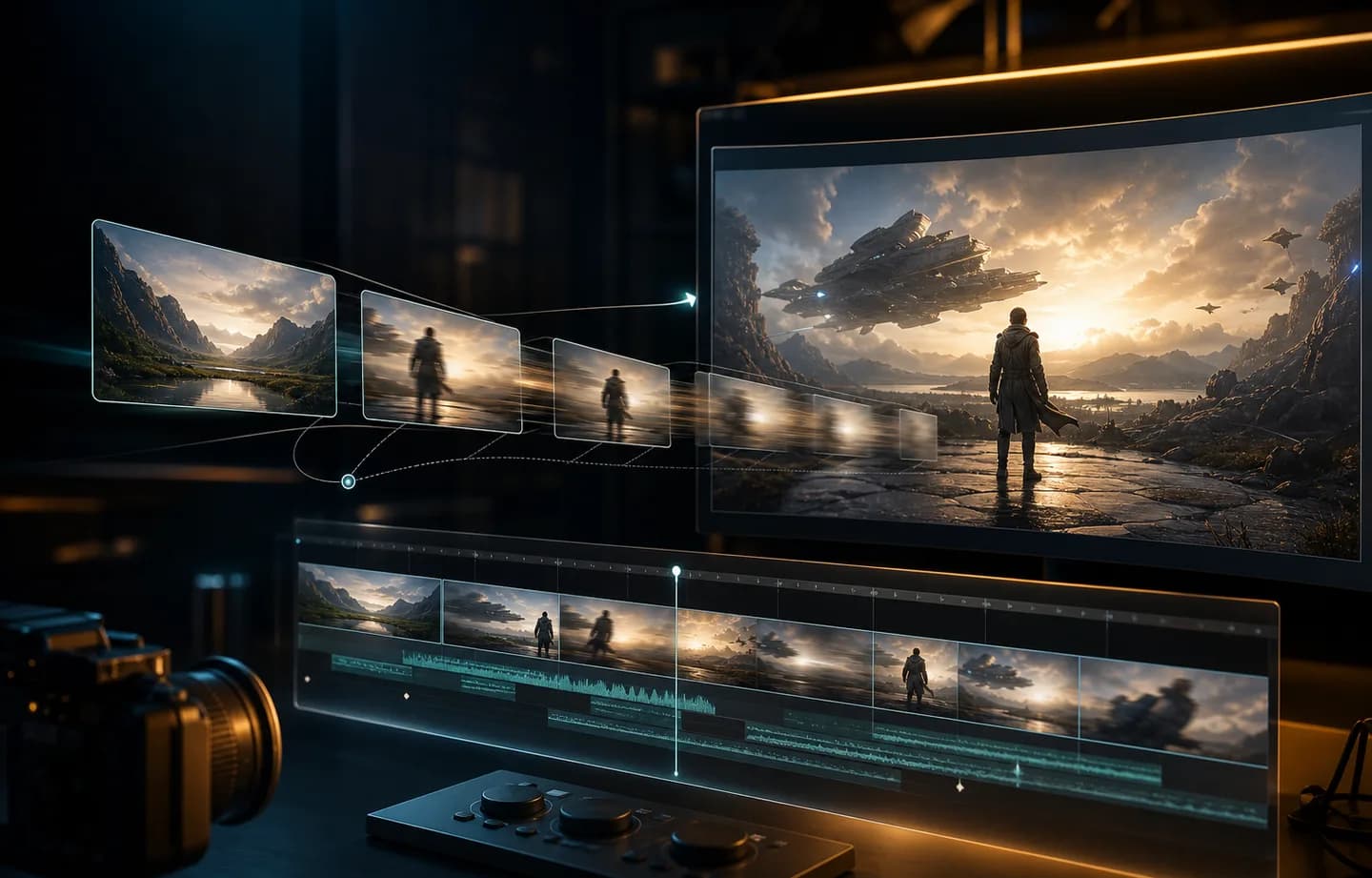
MiniMax H3 is the Creatii choice for briefs that are easier to show than explain. Generate a 5-15 second clip from text, guide the opening and ending with keyframes, or combine image, video, and audio references before choosing 768p, 2K, or 4K output.

Turn a Mixed-Media Brief Into One Directed Video

MiniMax H3 is most useful when identity, movement, timing, and composition must come from different sources. Creatii keeps those sources organized in one request and shows the duration, resolution, format, and credit total before generation.

MiniMax H3 mixed image video and audio reference workflow
01

Give every reference a specific job

Reference mode accepts up to 9 images, 3 videos, and 3 audio files, with 12 assets total and at least one visual reference. Use images for identity and art direction, video for movement or camera language, and audio for rhythm or performance cues. In the prompt, explain what each source should influence instead of asking every asset to control the whole scene.

Build a MiniMax H3 brief
MiniMax H3 first and last frame video control
02

Control where the shot starts and lands

Upload a first frame to protect the opening composition, then add an end frame when the final pose, product arrangement, or camera destination matters. The prompt becomes the bridge between the two images: describe the action in order, name the camera path, and state which visual details must remain stable through the transition.

Build a MiniMax H3 brief
MiniMax H3 768p 2K and 4K output options
03

Match resolution to the review stage

Use 768p at 8 credits per second for motion and framing tests, 2K at 13 credits per second for detail review, or 4K at 16 credits per second when the direction is settled. Keeping the prompt, references, duration, and seed consistent makes resolution comparisons more useful and prevents a higher-cost render from hiding a weak idea.

Build a MiniMax H3 brief
MiniMax H3 sequential prompt planning for a directed shot
04

Write prompts as a timed sequence

MiniMax H3 benefits from a shot description with a beginning, action, camera move, and final beat. For a 5-15 second clip, prioritize one coherent event over a list of unrelated moments. When references are present, identify them by role—subject, location, motion, sound, or ending—so the request reads like a compact production brief.

Build a MiniMax H3 brief

MiniMax H3 Workflows Built Around Real Source Material

This space is designed for approved MiniMax H3 examples such as a product reveal guided by two keyframes, a character shot held together by a reference sheet, a camera move borrowed from a video clip, or a performance paced to reference audio. Each example should show the inputs beside the finished result.

What Our Users Say

The references finally have clear roles

I like being able to separate identity, movement, and timing instead of forcing one image to communicate everything. Once we label the role of each reference in the prompt, the team can review the brief before spending credits and spot conflicting direction much earlier.
Lena Ortiz

First and last frames make review easier

For transition shots, the end frame changes the conversation. We are no longer approving a vague promise that the product might finish in the right place; everyone sees the intended opening and closing composition, while the prompt concentrates on how the scene should travel between them.
Marcus Reed

768p is useful before the expensive pass

Our first pass is usually about silhouette, framing, and pace, so 768p is the sensible starting point. If the motion works, moving the same brief to 2K or 4K becomes a deliberate finishing decision instead of an expensive way to discover that the concept is wrong.
Aisha Bell

Video references explain motion better

A short reference clip communicates a turn, gesture, or camera rhythm more clearly than a paragraph of motion adjectives. MiniMax H3 gives us a practical way to bring that language into the request while still anchoring the subject with images and explaining intent in text.
Theo Grant

The prompt feels like a production brief

The best results come when we write the prompt in shot order and explain what each file contributes. That discipline makes MiniMax H3 feel less like a random generator and more like handing a compact brief to a collaborator who has all the source material in front of them.
Nina Patel

Direct a MiniMax H3 shot with the references you already have

Open MiniMax H3 in Creatii, choose text, keyframes, or mixed references, and shape one focused 5-15 second scene. Review the exact resolution-based credit estimate before you generate.

Create with MiniMax H3

Plany dla każdego twórcy

Wybierz plan dopasowany do swojego workflow.

Podstawowe

50% ZNIŻKI

Do szybkich testów, projektów osobistych i codziennej twórczości.

$19.9$9.95/mo

Rozliczane corocznie

zaoszczędź $119.40/year/Anuluj w dowolnym momencie

800 kredytów / miesiąc

~ 100 obrazów Nano Banana 2

~ 200 obrazów GPT Image 2

~ 14 filmów Seedance 2.0

~ 33 filmy Kling 3.0

Funkcje

  • Dostęp do wybranych modeli obrazów
  • Dostęp do wybranych modeli wideo
  • Dostęp do wybranych aplikacji
  • 1 równoległe zadanie
  • Bez czekania w kolejce
  • Brak znaku wodnego
  • Pokolenie prywatne
  • Licencja komercyjna
Najpopularniejsze

Zawodowiec

60% ZNIŻKI

Dla aktywnych twórców, którzy chcą więcej kredytów i wszystkich modeli.

$39.9$15.96/mo

Rozliczane corocznie

zaoszczędź $287.28/year/Anuluj w dowolnym momencie

2000 kredytów / miesiąc

~ 250 obrazów Nano Banana 2

~ 500 obrazów GPT Image 2

~ 34 filmy Seedance 2.0

~ 83 filmy Kling 3.0

Funkcje

  • 20% bonus kredytów
  • Dostęp do wszystkich modeli obrazów
  • Dostęp do wszystkich modeli wideo
  • Dostęp do wszystkich aplikacji
  • Dostęp do wszystkich efektów wideo
  • 2 równoległe zadania
  • Bez czekania w kolejce
  • Brak znaku wodnego
  • Pokolenie prywatne
  • Licencja komercyjna
  • Wczesny dostęp do zaawansowanych funkcji AI
Najlepsza wartość

Maks

70% ZNIŻKI

Dla twórców o dużym wolumenie, którzy potrzebują największej liczby kredytów.

$119.9$35.97/mo

Rozliczane corocznie

zaoszczędź $1,007.16/year/Anuluj w dowolnym momencie

7200 kredytów / miesiąc

~ 900 obrazów Nano Banana 2

~ 1800 obrazów GPT Image 2

~ 120 filmów Seedance 2.0

~ 300 filmów Kling 3.0

Funkcje

  • 30% bonus kredytów
  • Dostęp do wszystkich modeli obrazów
  • Dostęp do wszystkich modeli wideo
  • Dostęp do wszystkich aplikacji
  • Dostęp do wszystkich efektów wideo
  • 4 równoległe zadania
  • Bez czekania w kolejce
  • Brak znaku wodnego
  • Pokolenie prywatne
  • Licencja komercyjna
  • Wczesny dostęp do zaawansowanych funkcji AI

Nie jesteś jeszcze gotowy na subskrypcję?

Pakiet kredytów na start

Kredyty 200

$5

Frequently Asked Questions

What is MiniMax H3?

MiniMax H3 is a multimodal AI video model available in Creatii. The current integration supports text-to-video, first-and-last-frame image-to-video, and reference-to-video generation using images, videos, and audio files as guidance. It is especially useful when a shot depends on source material that would be difficult to describe with text alone.

What can I upload to MiniMax H3 reference mode?

You can add up to 9 reference images, 3 reference videos, and 3 reference audio files, with a maximum of 12 assets in one request. At least one image or video is required. A good prompt assigns a role to each source—for example identity, setting, motion, camera behavior, rhythm, or performance.

Can MiniMax H3 use first and last frames?

Yes. Start-frame input anchors the opening composition, and an optional end frame defines where the shot should finish. Use both when the final product position, character pose, transformation, or camera arrival must be planned. Describe the movement between the frames rather than repeating what the images already show.

Which MiniMax H3 resolutions and durations are available?

Creatii exposes 768p, 2K, and 4K output for durations from 5 to 15 seconds. Shorter 768p runs are useful for comparing motion and composition. Higher resolutions are better reserved for a direction that has already passed creative review.

Which aspect ratios does MiniMax H3 support?

Text and reference modes support 21:9, 16:9, 4:3, 1:1, 3:4, and 9:16. In image-to-video mode, the uploaded frame determines the format. Choose the intended placement before writing the shot so subject position and camera movement fit the final crop.

How many credits does MiniMax H3 use?

MiniMax H3 costs 8 credits per generated second at 768p, 13 credits per second at 2K, and 16 credits per second at 4K. The Generate button updates the total when duration or resolution changes, so you can compare a draft and finishing pass before submitting either job.

Does MiniMax H3 generate audio in Creatii?

Creatii does not currently expose a separate generate-audio switch for MiniMax H3. Reference audio can guide timing, rhythm, or performance in reference mode, but it should be treated as an input to the brief rather than a user-controlled promise of a separate audio output.

When should I use reference video instead of keyframes?

Use keyframes when the opening and ending compositions are the main constraints. Use reference video when movement, gesture, camera behavior, or timing is easier to demonstrate than describe. You can combine both kinds of guidance in reference mode when the request remains focused and the role of each asset is clear.

Can I use MiniMax H3 videos commercially?

Commercial use depends on your Creatii plan, the current model terms, and the rights attached to every prompt and uploaded asset. Obtain permission for people, brands, music, footage, and reference material, then review the generated clip for identity, text, product, and safety issues before publishing.

Masz jeszcze pytania? Skontaktuj się z nami pod adresem support@creatii.ai.