01
Plan the action from start to finish
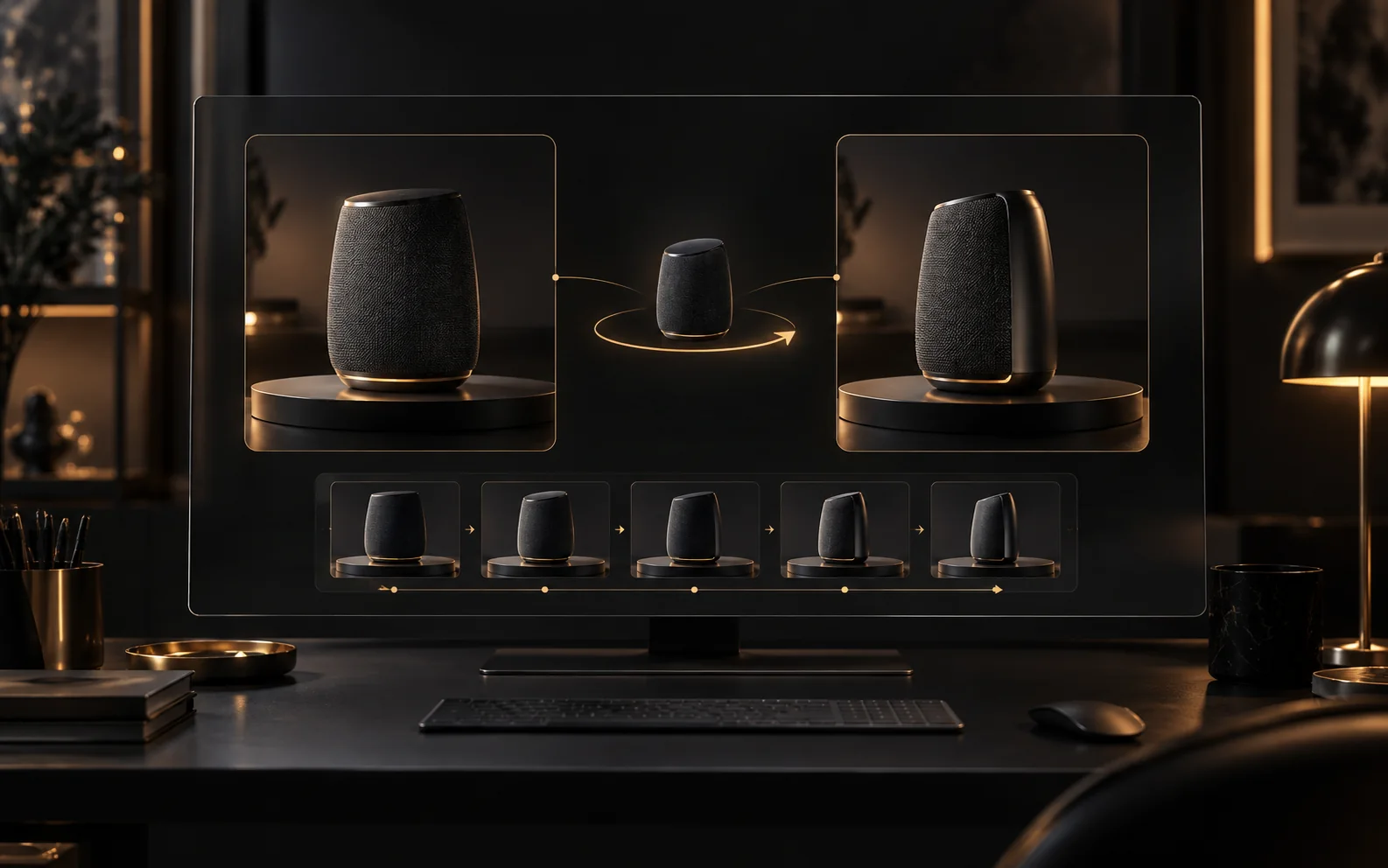
Use one opening frame and an optional ending frame to guide the shot. Describe the camera movement and the action between those two moments.
Start creatingCreate 5–15 second videos with MiniMax H3 Max. Start from text, first and last frames, or mixed references, with audio included.
Build a short shot around one action. Use keyframes for its endpoints or mixed references to describe movement and sound.
Use one opening frame and an optional ending frame to guide the shot. Describe the camera movement and the action between those two moments.
Start creating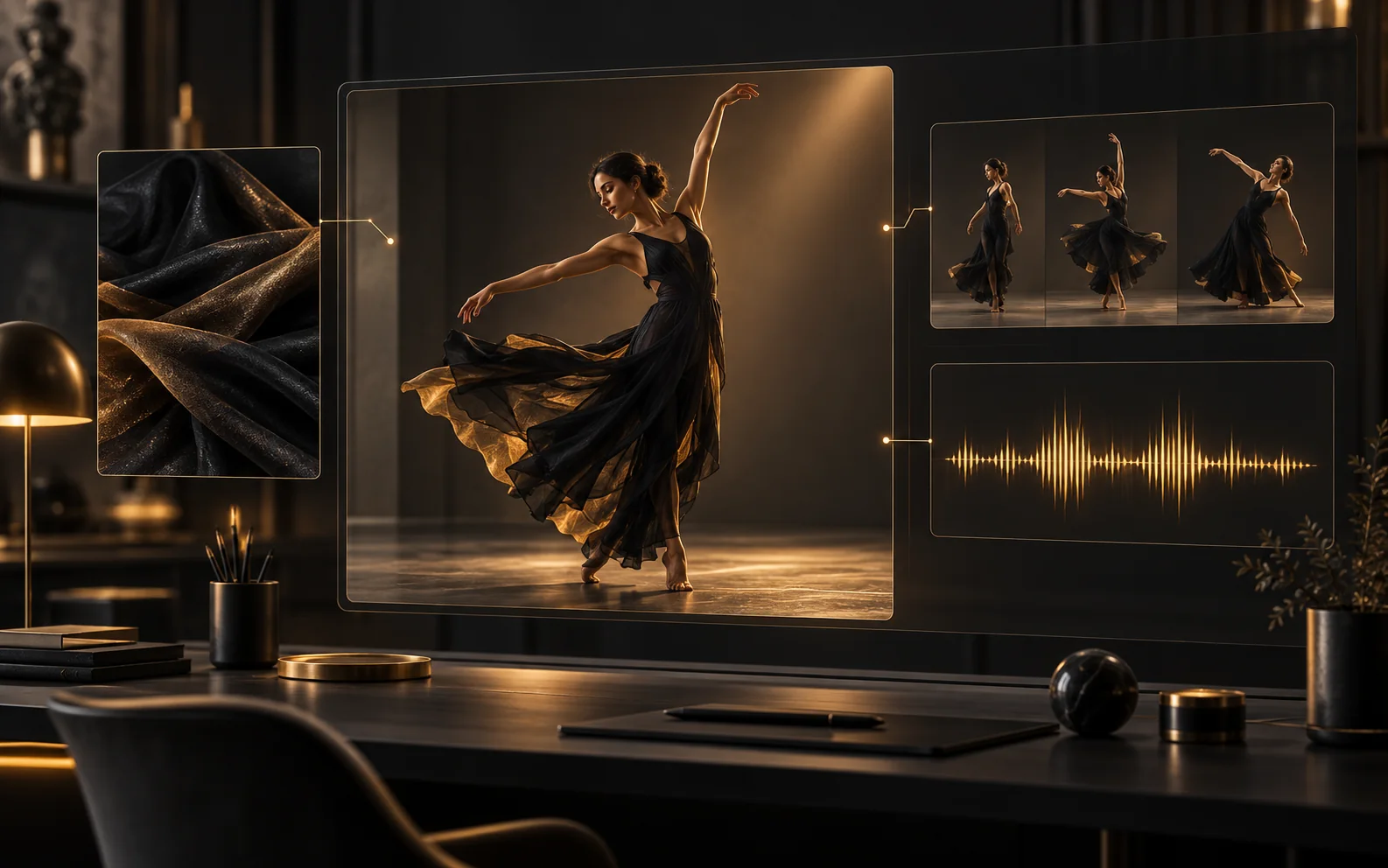
Use up to 12 images, videos, and audio files combined, including at least one image or video. Video and audio references each have a separate 15-second total limit.
Start creating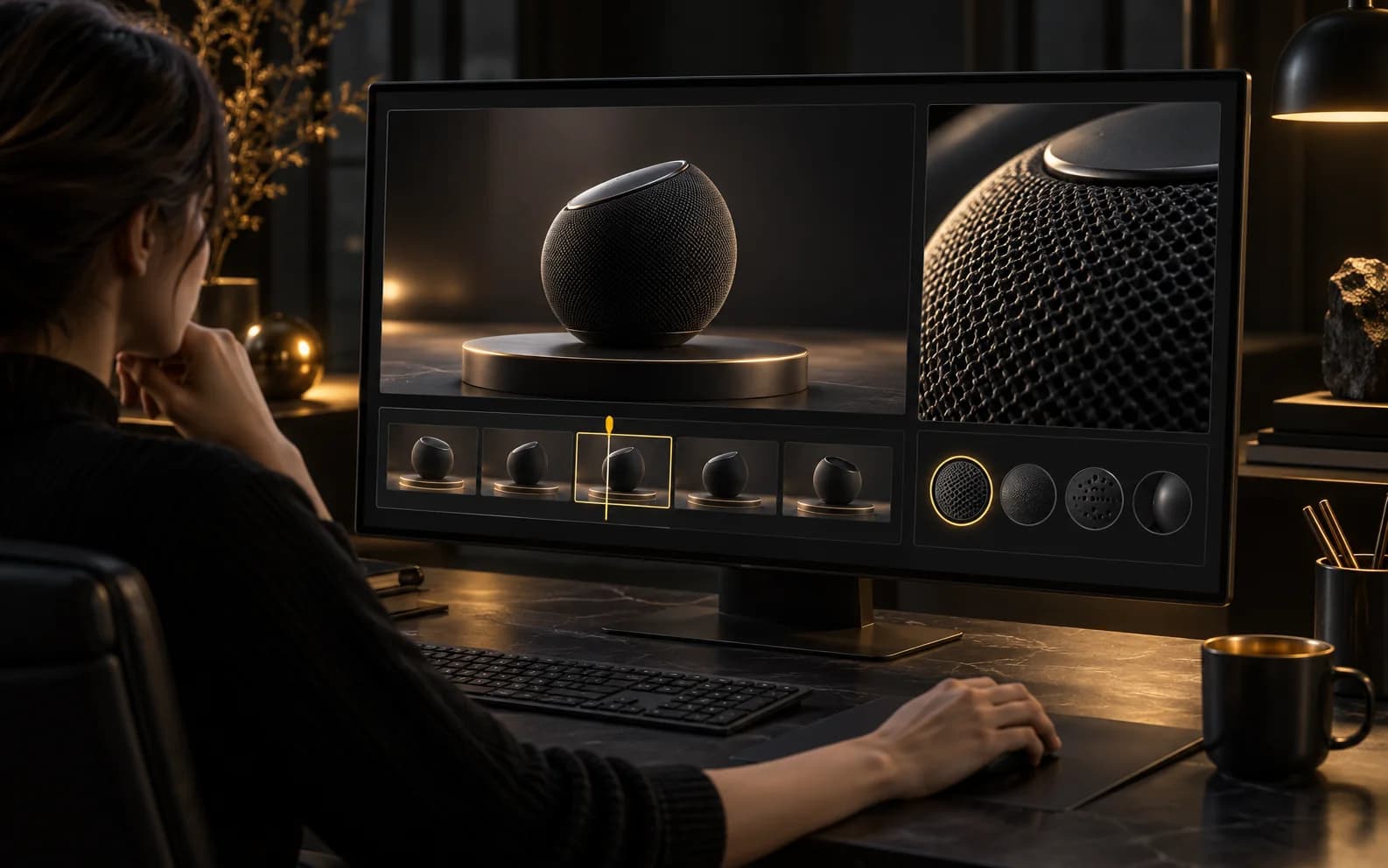
Choose 5–15 seconds at 480p or 768p. Frame mode follows the opening image; text and reference modes offer landscape, square, and portrait formats.
Start creatingIllustrative first-person reviews written for typical creative scenarios; names are fictional.
For a speaker reveal, I would give H3 Max a front view and a three-quarter ending. What matters to me is whether the rotation between them makes sense, not just whether the first frame looks good.
For a dance concept, I would start with one gesture and one costume reference. With H3 Max, I want to judge the pose transition and fabric movement before planning a longer routine.
My ad opener needs one clear action and a sound that fits it. Since H3 Max generates audio with the video, I would review the sound and picture together in that first short draft.
I would use an image for the subject, a clip for movement, and audio for the sound direction. With H3 Max, explaining those roles matters more to me than filling every reference slot.
For a short product action, I want to choose the duration around the movement. H3 Max’s 5–15 second range lets me plan that brief before deciding how much resolution the draft needs.
Choose the opening image and the action that follows. Shape a focused short clip with MiniMax H3 Max.
Start creatingChoose the plan that fits your workflow.
For quick tests, personal projects, and everyday creation.
Billed annually
800 Credits / month
~ 100 Nano Banana 2 Images
~ 200 GPT Image 2 Images
~ 14 Seedance 2.0 videos
~ 33 Kling 3.0 videos
Features
For active creators who want more credits and every model.
Billed annually
2000 Credits / month
~ 250 Nano Banana 2 Images
~ 500 GPT Image 2 Images
~ 34 Seedance 2.0 videos
~ 83 Kling 3.0 videos
Features
For high-output creators who need the most credits to create often.
Billed annually
7200 Credits / month
~ 900 Nano Banana 2 Images
~ 1800 GPT Image 2 Images
~ 120 Seedance 2.0 videos
~ 300 Kling 3.0 videos
Features
Not ready to subscribe yet?
200 credits
Choose 5–15 seconds at 480p or 768p. Frame mode follows the opening image; text and reference modes offer landscape, square, and portrait formats.
480p costs 5 credits per second; 768p costs 8. A 5-second clip costs 25 or 40 credits. All three input modes use the same rates.
H3 Max generates audio with the video. Creatii does not expose an audio-off switch for this model.
Use up to 12 images, videos, and audio files combined, including at least one image or video. Video and audio references each have a separate 15-second total limit.
Use one opening frame and an optional ending frame to guide the shot. Describe the camera movement and the action between those two moments.
Still have questions? Contact us at support@creatii.ai.