
Effects/Microwave

Microwave

The main subject spins through a smooth 360-degree rotation.

Microwave

Duration5s

AI video effect template

Create Microwave Videos with an AI Effect Generator

Use the Microwave AI video effect to transform a source image into a short cinematic clip with a focused motion style, clear creative direction, and fast generation flow.

AI 360 spin videomicrowave effect videorotation video effect AIAI video effect generatorimage to video effectAI effect templatecinematic AI effectvertical AI video
A selected AI video effect generator creating a polished cinematic result
01

Focused effect direction

Each template packages the core motion idea so you can start with a strong effect instead of a blank prompt.

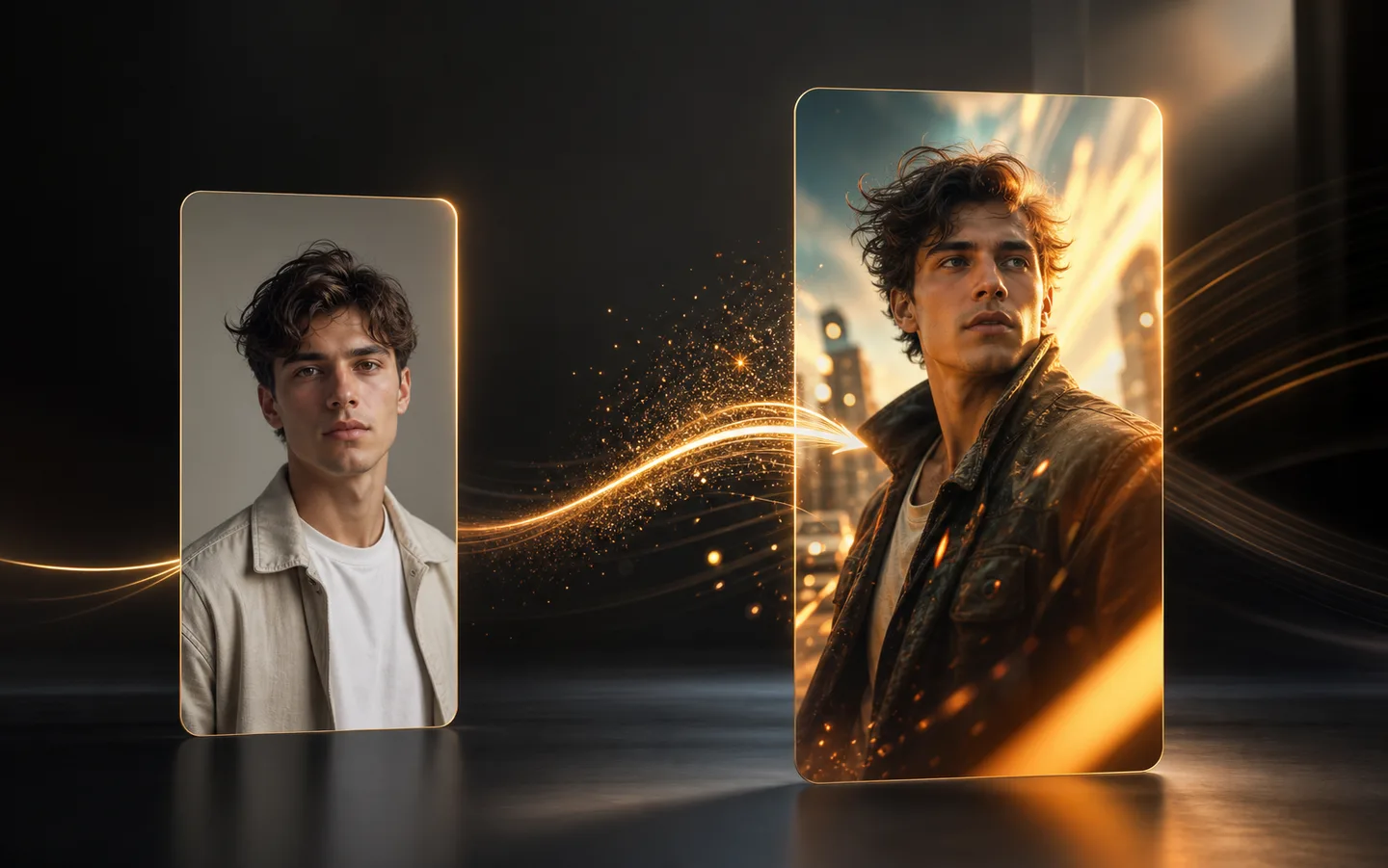
A source portrait transforming into a dramatic AI video effect frame
02

Simple source image workflow

Upload one image, choose output quality, and generate a short effect video from the same page.

A cinematic vertical AI video result framed for social sharing
03

Made for fast publishing

The vertical effect format works naturally for social clips, creative tests, and quick visual storytelling.

How it works

How to create a Microwave AI video

Use the Microwave template to turn one source image into a short effect video with a focused motion style.

  1. 01

    Upload a clear source image

    Choose an image where the main subject is easy to see, with enough face, body, or object detail for the Microwave effect to follow.

  2. 02

    Review the Microwave settings

    Keep the template direction, choose the output quality, and make sure the result format fits the clip you want to create.

  3. 03

    Generate and compare results

    Create the Microwave video, review the motion, and try again with a stronger image or a related effect when you want another variation.

Frequently Asked Questions

The Microwave effect is a Creatii AI video template that transforms a source image into a short stylized video with a specific motion and visual direction.

Upload a clear source image, keep the Microwave template selected, choose your output settings, and generate the AI effect video from the same page.

No. The template already includes the main creative direction, so you can focus on choosing the right image and reviewing the generated result.

Use a sharp image with the main subject clearly visible and not heavily blocked. Good lighting and a simple background usually help the effect look cleaner.

Yes. The effect is designed for short, easy-to-share creative videos that can work well for social posts, creative tests, and trend-style clips.

Yes. You can return to the effects library and try related templates when you want a different motion style or visual transformation.