Happy Horse 1.1 AI Video Generator for Multi-Format Campaigns

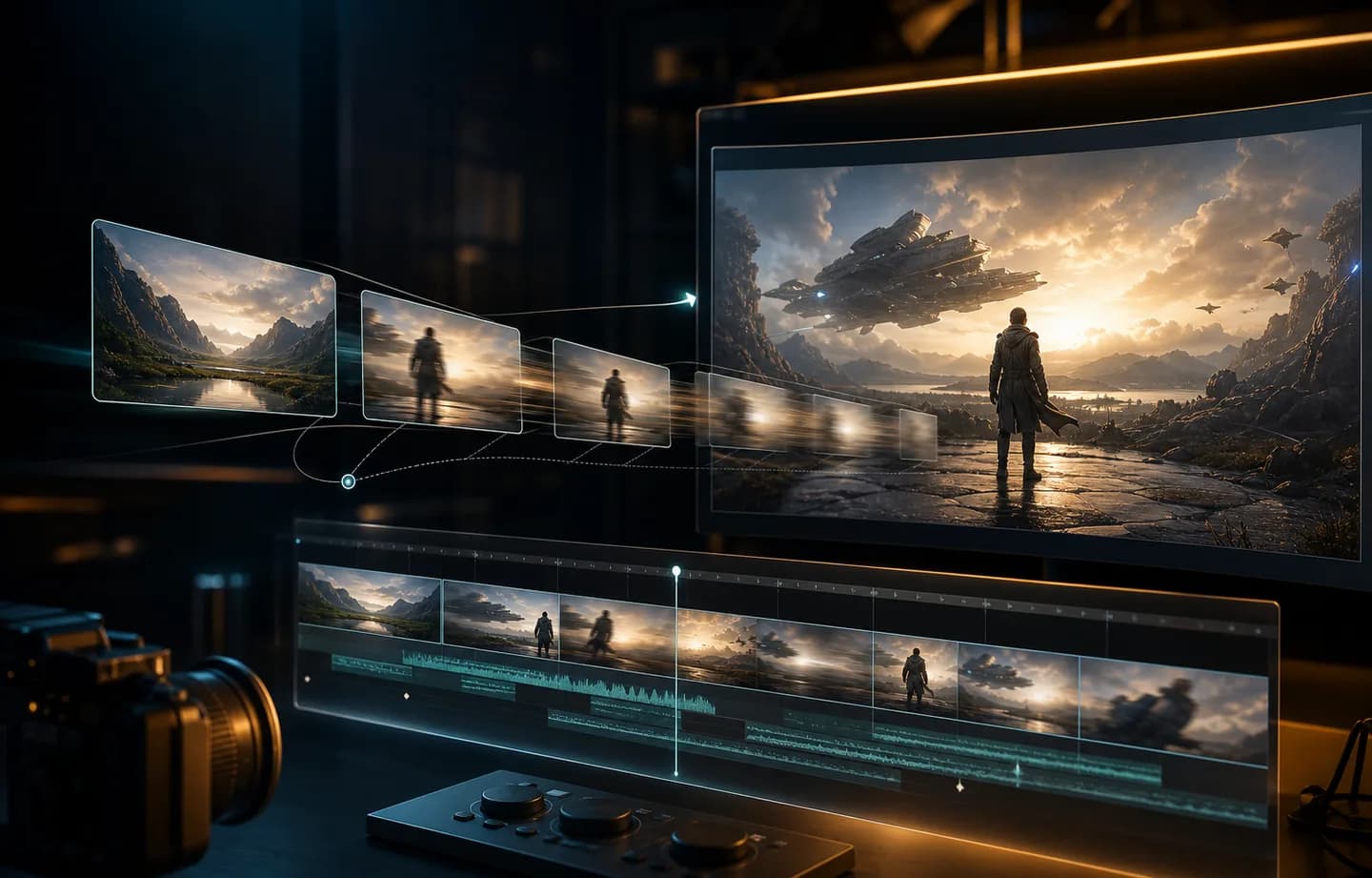
Happy Horse 1.1 gives product, brand, and social teams a flexible short-video workflow. Generate 3-15 second clips from text, animate one approved first frame, or guide the result with up to 9 reference images, then choose 720p or 1080p output for nine campaign-ready formats.

Create One Visual Direction for Nine Different Placements

Happy Horse 1.1 is a practical choice when the same campaign language must work across feeds, stories, product pages, displays, and presentations. Creatii connects format, source images, duration, resolution, and credit estimates in one focused generation workflow.

Happy Horse 1.1 nine aspect ratios for campaign video
01

Choose the placement before composing the shot

Text and reference modes support 16:9, 9:16, 1:1, 4:3, 3:4, 21:9, 9:21, 5:4, and 4:5. That range covers standard landscape, vertical, square, classic, ultrawide, extra-tall, and editorial formats. Pick the destination first so the prompt can place the subject, movement, and negative space where the final crop needs them.

Create a Happy Horse 1.1 video
Happy Horse 1.1 first-frame image-to-video for a product shot
02

Animate an approved product or character frame

Image-to-video uses one first frame and follows its format. Start from a product hero image, character key art, fashion look, storyboard panel, or designed campaign still when the opening composition must remain recognizable. Use the prompt for action, camera movement, pace, and ending behavior rather than spending time producing a second keyframe.

Create a Happy Horse 1.1 video
Happy Horse 1.1 nine-image reference video brief
03

Build a visual family with up to nine references

Reference mode accepts 1-9 images. Combine a subject sheet, product angles, material details, location references, palette cues, or storyboard panels when one image cannot explain the whole brief. Assign a purpose to each source and state which details must stay consistent, especially when the images come from different shoots or visual styles.

Create a Happy Horse 1.1 video
Happy Horse 1.1 720p and 1080p credit comparison
04

Draft at 720p and finish at 1080p with clear costs

Use 720p at 14 credits per second for layout, motion, and campaign-variant tests. Move a proven direction to 1080p at 18 credits per second when the clip needs cleaner detail for review or delivery. Creatii recalculates the total as duration and resolution change, making a 3-15 second production decision visible before generation.

Create a Happy Horse 1.1 video

Happy Horse 1.1 Ideas Designed for Real Placements

Use approved examples to compare the same product idea as a vertical story, square feed clip, widescreen product-page moment, or ultrawide presentation visual. Other useful showcases include first-frame animation, multi-angle product references, consistent character styling, and 720p-to-1080p review passes.

What Our Users Say

The aspect-ratio range solves real delivery work

Our deliverables rarely stop at one landscape clip. Starting with the actual placement helps us compose movement for a vertical story, square feed, or wider product page instead of generating once and discovering that every crop damages the shot. The nine-format range makes that planning much more realistic.
Elena Park

One product frame is enough to start

For image-to-video, we usually already have the campaign hero shot. Happy Horse 1.1 lets that approved frame become the opening without asking the design team for a matching ending image. We can test camera energy and product movement while protecting the composition everyone already signed off.
Noah Bennett

References keep the campaign family together

A product line needs more than one pack shot to explain materials, variants, and styling. Using several references gives the prompt a proper visual family, and writing down the role of each image makes the brief easier for both the creative team and the model to follow.
Priya Shah

720p and 1080p have clear jobs

We use 720p to settle the crop and motion, then 1080p when the direction is ready for a closer look. Because the per-second rate is visible before generation, that upgrade feels intentional. We are not paying for extra detail while the framing is still changing.
Lucas Meyer

Version 1.1 is easy to compare with the original

Keeping Happy Horse and Happy Horse 1.1 as separate choices matters. The original remains available for existing workflows, while 1.1 has its own reference limit, wider format set, and lower 1080p rate. That clarity makes repeat projects easier to reproduce and new projects easier to plan.
Zoe Kim

Build the next campaign clip with Happy Horse 1.1

Open Happy Horse 1.1 in Creatii, choose text, first-frame, or multi-image reference input, and set the placement, duration, resolution, and exact credit total before creating your video.

Create with Happy Horse 1.1

모든 크리에이터를 위한 계획

작업 흐름에 맞는 플랜을 선택하세요.

기본

50% 할인

빠른 테스트, 개인 프로젝트, 일상 제작에 적합합니다.

$19.9$9.95/mo

매년 청구됨

$119.40/year 저장/언제든지 취소

800 크레딧/월

~ 100 Nano Banana 2 이미지

~ 200 GPT Image 2 이미지

~ 14 Seedance 2.0 비디오

~ 33 Kling 3.0 비디오

기능

  • 선택한 이미지 모델에 대한 액세스
  • 선택된 비디오 모델에 대한 액세스
  • 선택된 앱에 액세스
  • 동시 작업 1개
  • 대기열이 없습니다
  • 워터마크 없음
  • 개인 세대
  • 상업용 라이센스
가장 인기있는

프로

60% 할인

더 많은 크레딧과 모든 모델이 필요한 활발한 크리에이터에게 적합합니다.

$39.9$15.96/mo

매년 청구됨

$287.28/year 저장/언제든지 취소

2000 크레딧/월

~ 250 Nano Banana 2 이미지

~ 500 GPT Image 2 이미지

~ 34 Seedance 2.0 비디오

~ 83 Kling 3.0 비디오

기능

  • 20% 크레딧 보너스
  • 모든 이미지 모델에 액세스
  • 모든 비디오 모델에 액세스
  • 모든 앱에 액세스
  • 모든 비디오 효과에 액세스
  • 동시 작업 2개
  • 대기열이 없습니다
  • 워터마크 없음
  • 개인 세대
  • 상업용 라이센스
  • 고급 AI 기능에 대한 조기 액세스
최고의 가치

맥스

70% 할인

자주 제작하며 가장 많은 크레딧이 필요한 개인 크리에이터에게 적합합니다.

$119.9$35.97/mo

매년 청구됨

$1,007.16/year 저장/언제든지 취소

7200 크레딧/월

~ 900 Nano Banana 2 이미지

~ 1800 GPT Image 2 이미지

~ 120 Seedance 2.0 비디오

~ 300 Kling 3.0 비디오

기능

  • 30% 크레딧 보너스
  • 모든 이미지 모델에 액세스
  • 모든 비디오 모델에 액세스
  • 모든 앱에 액세스
  • 모든 비디오 효과에 액세스
  • 4개의 동시 작업
  • 대기열이 없습니다
  • 워터마크 없음
  • 개인 세대
  • 상업용 라이센스
  • 고급 AI 기능에 대한 조기 액세스

아직 구독할 준비가 되지 않으셨나요?

스타터 크레딧 팩

200 크레딧

$5

Frequently Asked Questions

What is Happy Horse 1.1?

Happy Horse 1.1 is an Alibaba AI video model available in Creatii. The current integration supports text-to-video, first-frame image-to-video, and reference-to-video generation with 1-9 images. It is designed here as a flexible short-form workflow for product, brand, social, and visual campaign clips.

Is Happy Horse 1.1 different from the original Happy Horse model?

Yes. Creatii keeps them as separate model IDs and separate pages. Happy Horse 1.1 adds a wider nine-format configuration, supports up to 9 reference images instead of 4, and uses a different 1080p credit rate. Select the original Happy Horse when reproducing an existing workflow and 1.1 when you want the newer configuration.

Can Happy Horse 1.1 use first and last frames?

No. The current image-to-video route uses one first frame only and follows that image's format. Use the prompt to describe how the shot should evolve and finish. If an exact ending composition is mandatory, choose a model such as FLUX 3 or MiniMax H3 that supports first-and-last-frame guidance.

How many reference images can I add?

Happy Horse 1.1 reference-to-video accepts from 1 to 9 images. Use the set to define subject identity, product angles, materials, wardrobe, location, palette, or art direction. Explain the role of each image and resolve conflicting details in the prompt for a clearer brief.

Which resolutions and durations are supported?

Creatii supports 720p and 1080p Happy Horse 1.1 video from 3 to 15 seconds. Use a shorter duration for one quick product or social beat and a longer duration when the camera move or action needs more time to read. Keep the number of events realistic for the selected length.

Which aspect ratios can I use?

Text and reference modes support 16:9, 9:16, 1:1, 4:3, 3:4, 21:9, 9:21, 5:4, and 4:5. Image-to-video follows the first frame. Choose the intended placement before generation so the subject, movement, and negative space work in the final format.

How many credits does Happy Horse 1.1 use?

Happy Horse 1.1 costs 14 credits per generated second at 720p and 18 credits per second at 1080p. A 5-second clip therefore uses 70 credits at 720p or 90 credits at 1080p. Creatii updates the total whenever resolution or duration changes.

When should I use reference mode instead of first-frame mode?

Use first-frame mode when one approved image already defines the subject and opening composition. Use reference mode when several images are needed to explain a product family, character, material, location, palette, or sequence. Use text-to-video when you want to explore without a fixed visual source.

Can I use Happy Horse 1.1 videos commercially?

Commercial use depends on your Creatii plan, current model terms, and the rights for every uploaded image and prompt. Obtain permission for people, products, brands, artwork, and reference material, then review the result for identity, trademark, text, product, and safety issues before publishing or client delivery.

아직 궁금한 점이 있으신가요? support@creatii.ai로 문의해 주세요.