01
Build a scene with a beginning and ending
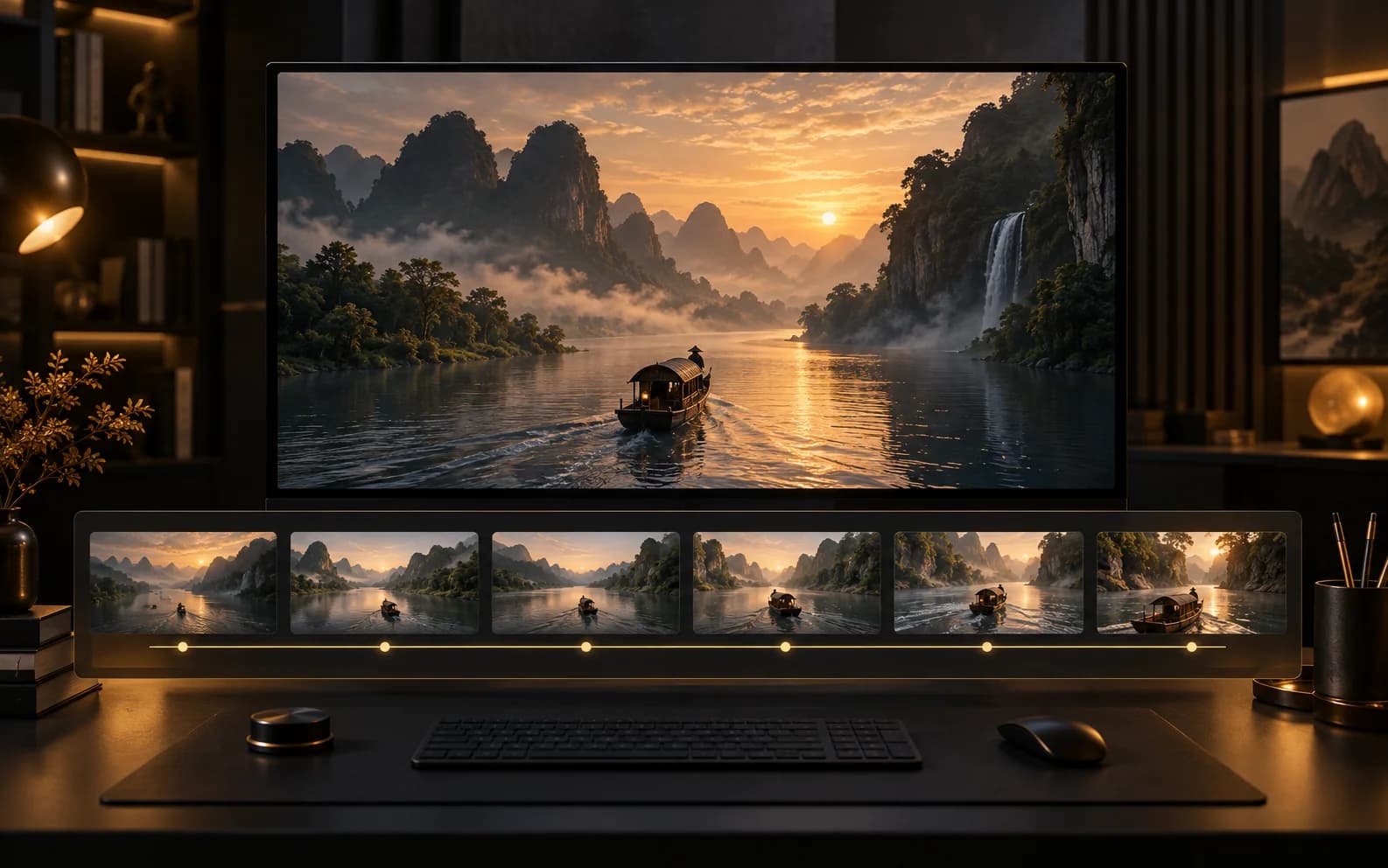
Plan one continuous action over 2–30 seconds. Use an opening frame and optional ending frame when composition at both ends matters.
Start creatingCreate 2–30 second videos with WAN 3.0. Use text, keyframes, or image, video, and audio references, with output up to 1080p.
Plan how a scene unfolds over time, from the opening composition to the final moment, with visual and audio references when needed.
Plan one continuous action over 2–30 seconds. Use an opening frame and optional ending frame when composition at both ends matters.
Start creating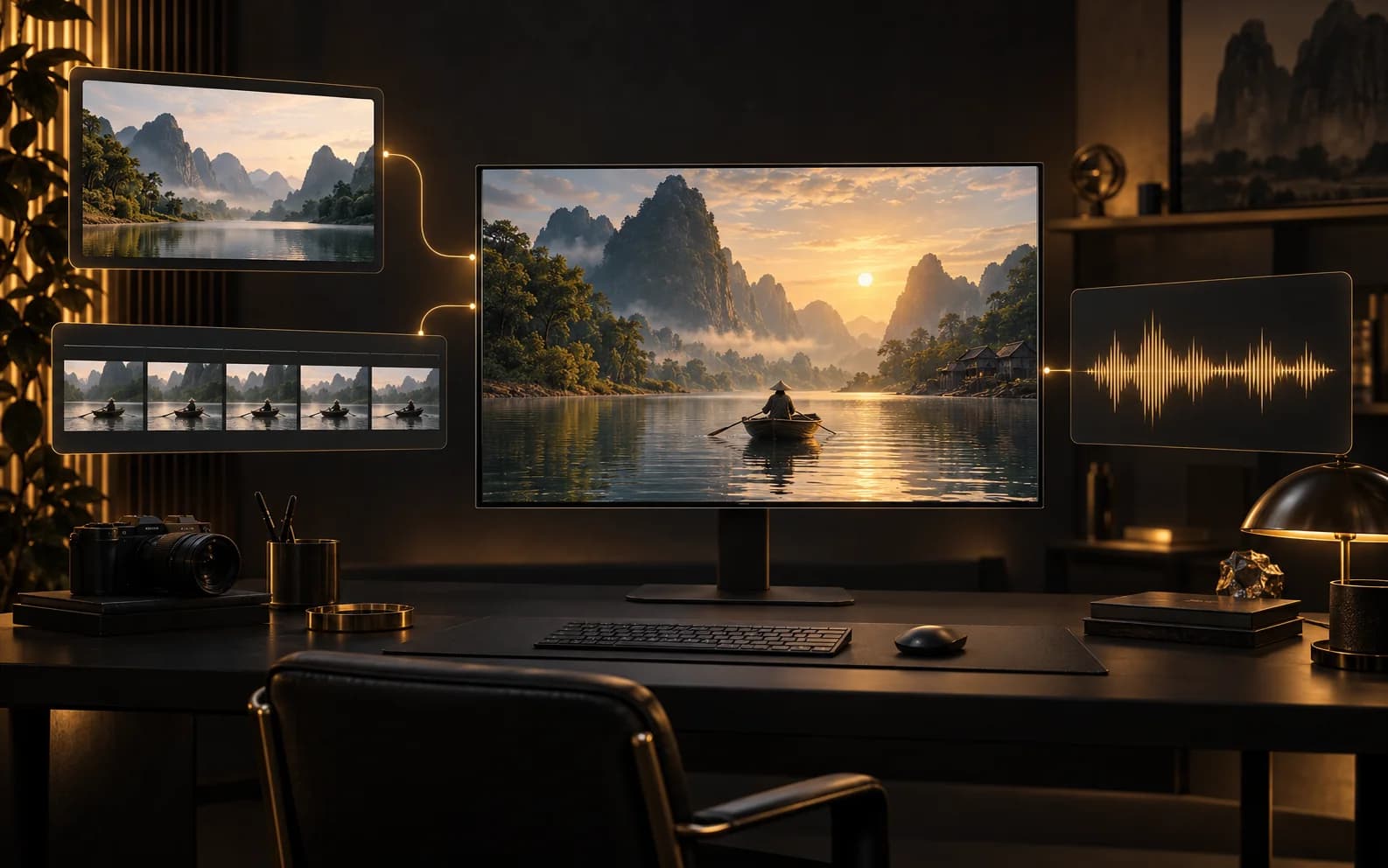
Use up to 10 images, 5 videos, and 5 audio files. Video and audio each allow 15 seconds in total; reference video must be at least 16 fps. Audio-only references are supported.
Start creating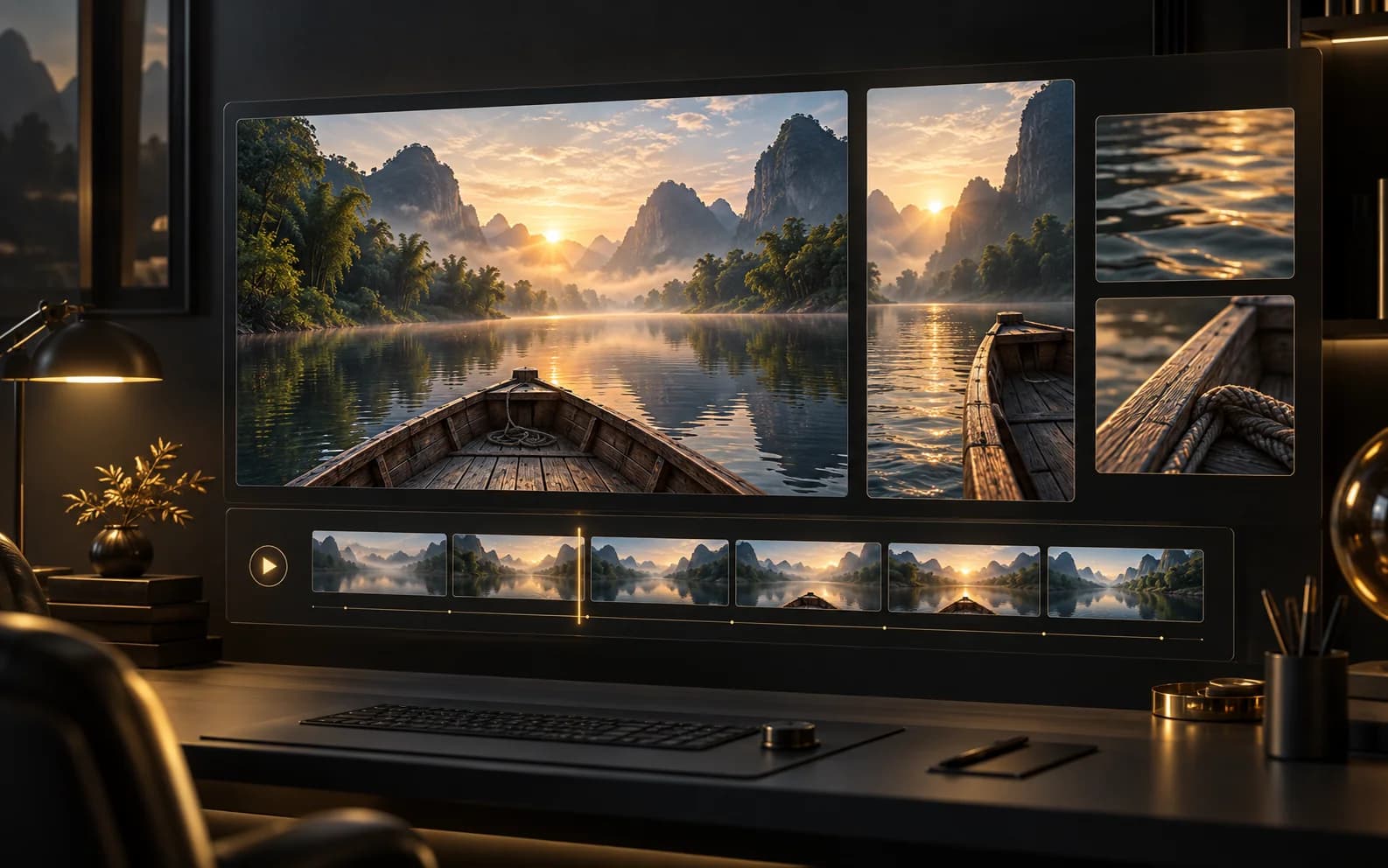
Choose 2–30 seconds at 480p, 720p, or 1080p. All modes offer adaptive, 16:9, 4:3, 1:1, 3:4, and 9:16 formats.
Start creatingIllustrative first-person reviews written for typical creative scenarios; names are fictional.
For a travel scene, I want the view to open up as the boat moves along the river. With WAN 3.0, I would plan the full camera path and judge the continuity beyond the opening frame.
For a room walkthrough, I care about the furniture staying spatially believable as the camera moves. I would review the whole WAN 3.0 clip, especially the approach to the window.
For a brand film, I sometimes need generated atmosphere and sometimes have a separate soundtrack ready. I would choose WAN 3.0’s audio setting to suit that editing plan.
I would use landscape images to describe the setting and a sound reference to describe the mood. My WAN 3.0 brief would keep those roles separate so the camera direction stays clear.
I do not need every scene to be 30 seconds. With WAN 3.0, I would pick the length that fits the sequence, then compare resolution and credits before generating.
Describe the path through your scene, choose its duration, and use WAN 3.0 to explore the full sequence.
Start creatingChoose the plan that fits your workflow.
For quick tests, personal projects, and everyday creation.
Billed annually
800 Credits / month
~ 100 Nano Banana 2 Images
~ 200 GPT Image 2 Images
~ 14 Seedance 2.0 videos
~ 33 Kling 3.0 videos
Features
For active creators who want more credits and every model.
Billed annually
2000 Credits / month
~ 250 Nano Banana 2 Images
~ 500 GPT Image 2 Images
~ 34 Seedance 2.0 videos
~ 83 Kling 3.0 videos
Features
For high-output creators who need the most credits to create often.
Billed annually
7200 Credits / month
~ 900 Nano Banana 2 Images
~ 1800 GPT Image 2 Images
~ 120 Seedance 2.0 videos
~ 300 Kling 3.0 videos
Features
Not ready to subscribe yet?
200 credits
Choose 2–30 seconds at 480p, 720p, or 1080p. All modes offer adaptive, 16:9, 4:3, 1:1, 3:4, and 9:16 formats.
The per-second rates are 5 credits at 480p, 10 at 720p, and 20 at 1080p. Audio and reference count do not change these rates.
Yes. Audio is on by default and can be switched off before generation. The credit rate stays the same.
Use up to 10 images, 5 videos, and 5 audio files. Video and audio each allow 15 seconds in total; reference video must be at least 16 fps. Audio-only references are supported.
Plan one continuous action over 2–30 seconds. Use an opening frame and optional ending frame when composition at both ends matters.
Still have questions? Contact us at support@creatii.ai.