01
Fokusert effektretning
Hver mal pakker kjernebevegelsesideen slik at du kan starte med en sterk effekt i stedet for en tom melding.
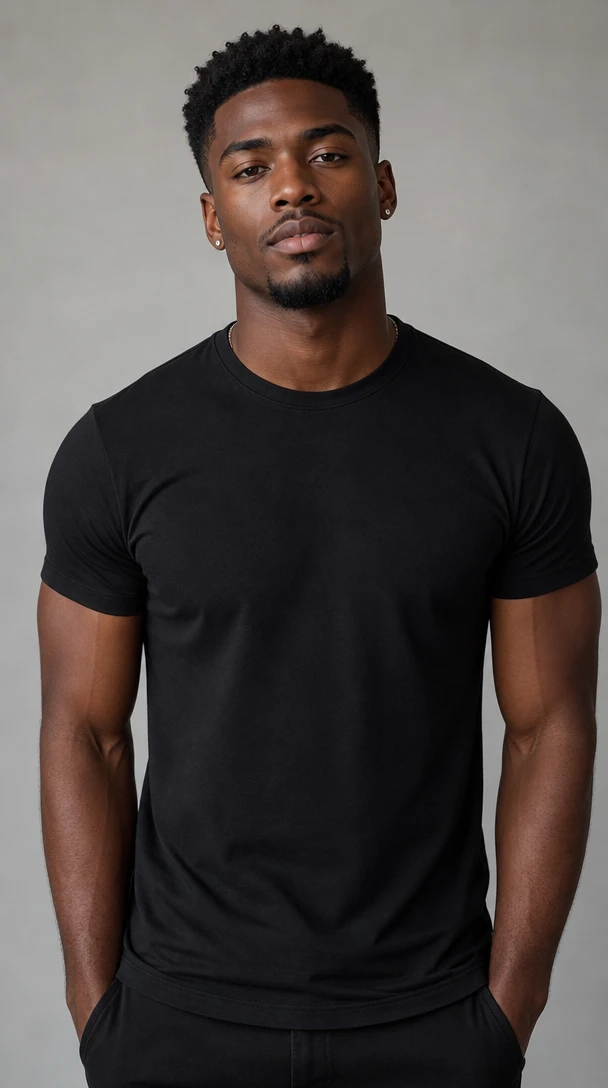
Forsøkspersonen river opp skjorta og bøyer begge armene.
AI-videoeffektmal
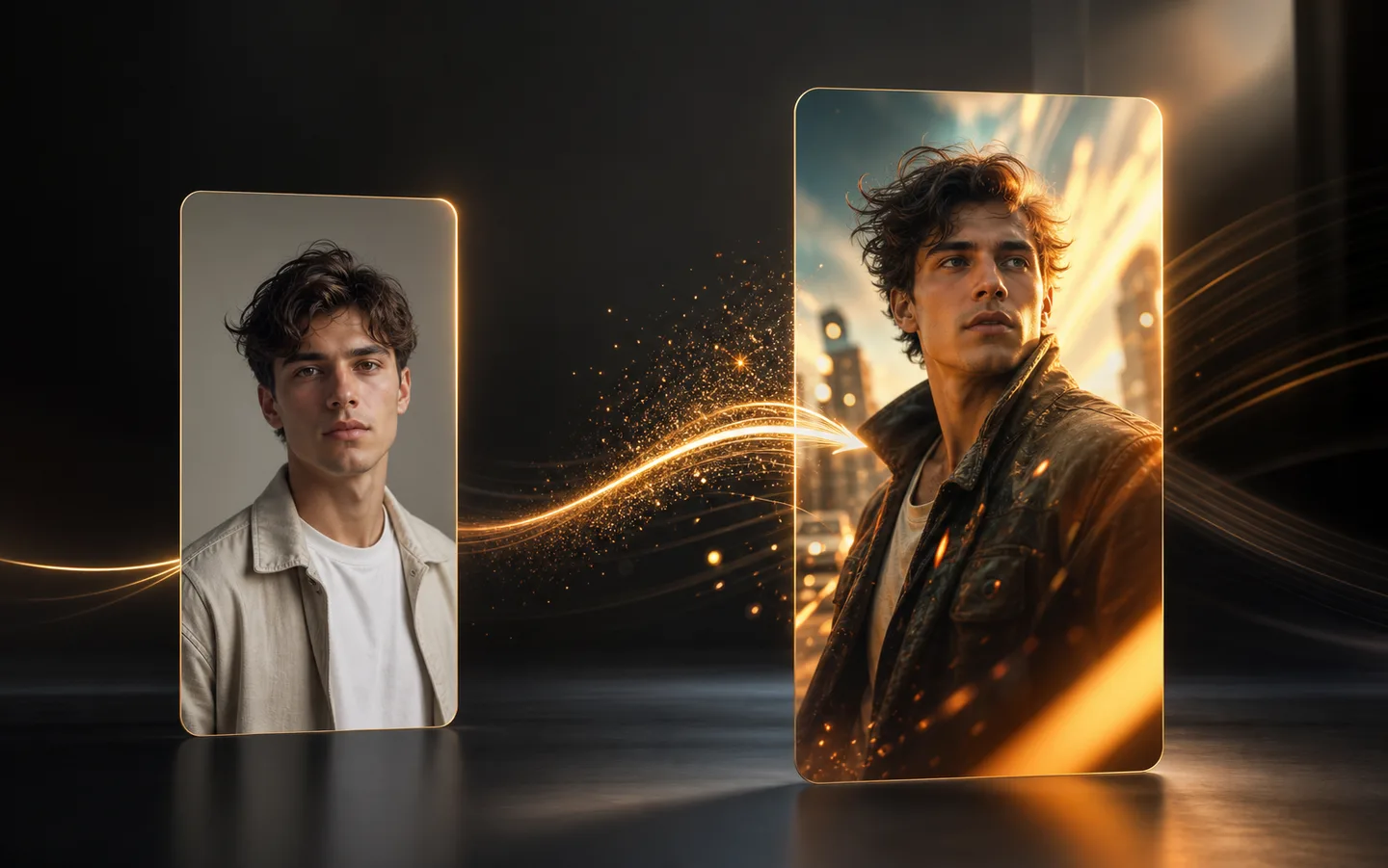
Bruk videoeffekten Muskelboost AI til å forvandle et kildebilde til et kort filmklipp med en fokusert bevegelsesstil, klar kreativ retning og rask generasjonsflyt.
Hver mal pakker kjernebevegelsesideen slik at du kan starte med en sterk effekt i stedet for en tom melding.
Last opp ett bilde, velg utskriftskvalitet og generer en kort effektvideo fra samme side.
Det vertikale effektformatet fungerer naturlig for sosiale klipp, kreative tester og rask visuell historiefortelling.
Hvordan det fungerer
Bruk Muskelboost-malen for å gjøre ett kildebilde til en kort effektvideo med en fokusert bevegelsesstil.
Velg et bilde der hovedmotivet er lett å se, med nok ansikts-, kropps- eller objektdetaljer til at Muskelboost-effekten kan følge.
Behold malretningen, velg utskriftskvaliteten og sørg for at resultatformatet passer til klippet du vil lage.
Lag Muskelboost-videoen, se gjennom bevegelsen og prøv igjen med et sterkere bilde eller en relatert effekt når du vil ha en annen variant.
Velg planen som passer arbeidsflyten din.
For raske tester, personlige prosjekter og daglig kreativt arbeid.
Faktureres årlig · $119,40
800 kreditter / måned
~ 100 Nano Banana 2 bilder
~ 200 GPT Image 2 bilder
~ 14 Seedance 2.0 videoer
~ 33 Kling 3.0 videoer
Funksjoner
For aktive skapere som vil ha flere kreditter og alle modeller.
Faktureres årlig · $187,20
2000 kreditter / måned
~ 250 Nano Banana 2 bilder
~ 500 GPT Image 2 bilder
~ 34 Seedance 2.0 videoer
~ 83 Kling 3.0 videoer
Funksjoner
For skapere med høyt volum som trenger flest kreditter.
Faktureres årlig · $428,40
7200 kreditter / måned
~ 900 Nano Banana 2 bilder
~ 1800 GPT Image 2 bilder
~ 120 Seedance 2.0 videoer
~ 300 Kling 3.0 videoer
Funksjoner
Ikke klar til å abonnere ennå?
Har du fortsatt spørsmål? Kontakt oss på support@creatii.ai.