01
Monity uwzględniające rozmieszczenie
Wspomnij o przedramieniu, ramieniu, klatce piersiowej, plecach, nadgarstku, udzie lub kostce, aby projekt odpowiadał kształtowi ciała.
Twórz pomysły na tatuaże ze stylem, rozmieszczeniem, szkicem, symboliką, rozmiarem i kierunkiem przepływu ciała.
Określ symbol, powierzchnię ciała, rozmiar oraz to, czy tatuaż ma być subtelny czy odważny.
Wspomnij o grubości linii, cieniowaniu, kolorze, przestrzeni ujemnej i wszelkich motywach, które należy uwzględnić lub których należy unikać.
Porównaj opcje dotyczące przepływu, czytelności i tego, czy projekt pasuje do zamierzonego rozmieszczenia.
Zamień symbolikę, rozmieszczenie ciała, styl linii, skalę i odniesienia w koncepcję tatuażu, którą możesz omówić z profesjonalnym artystą.
Wspomnij o przedramieniu, ramieniu, klatce piersiowej, plecach, nadgarstku, udzie lub kostce, aby projekt odpowiadał kształtowi ciała.
Zapytaj o kierunek delikatny, czarny, geometryczny, tradycyjny, neotradycyjny, akwarelowy, inspirowany plemiennymi lub minimalistyczny.
Opisz imiona, wspomnienia, zwierzęta, kwiaty, daty, mitologię lub abstrakcyjne wartości, aby tatuaż miał znaczenie.
Użyj wygenerowanych obrazów jako tablic koncepcyjnych, aby dopracować je z licencjonowanym artystą tatuażu przed wykonaniem tuszu.
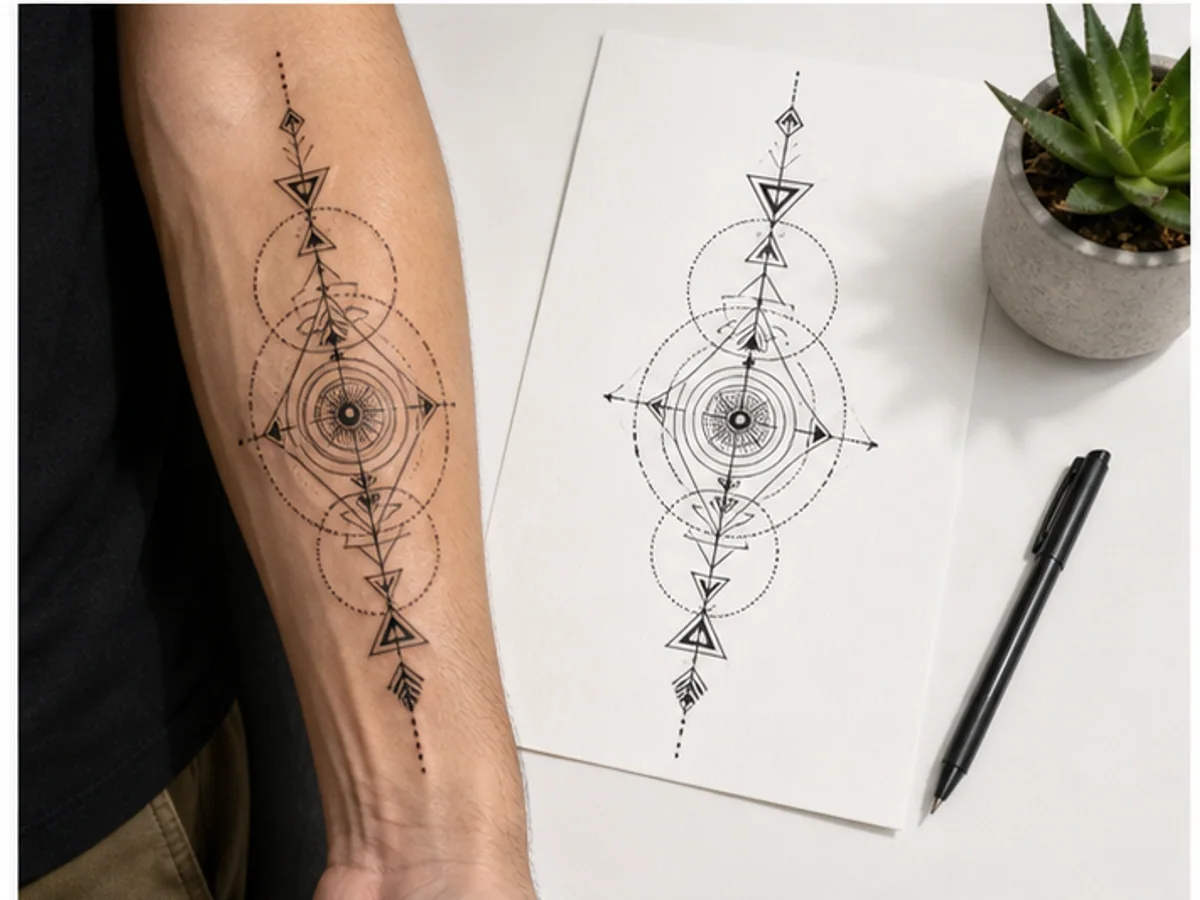
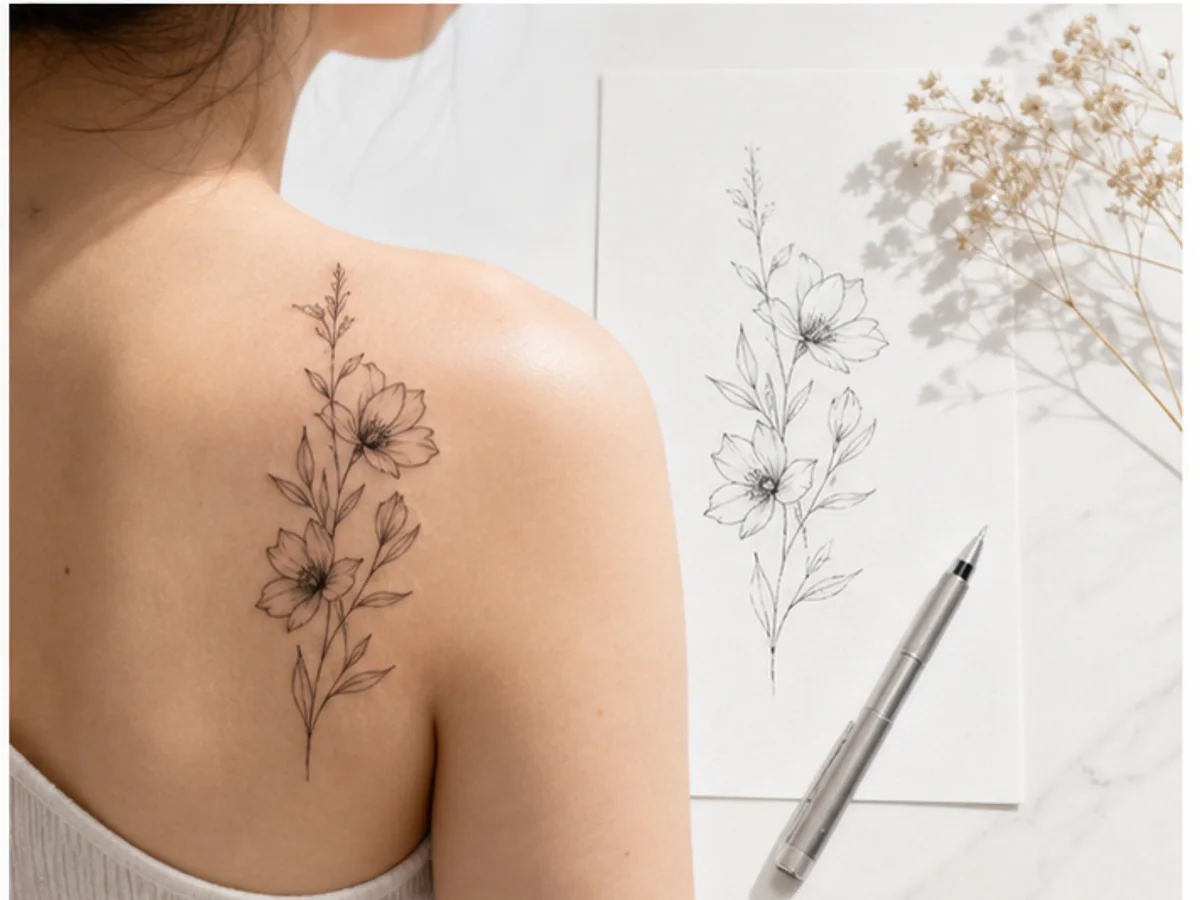
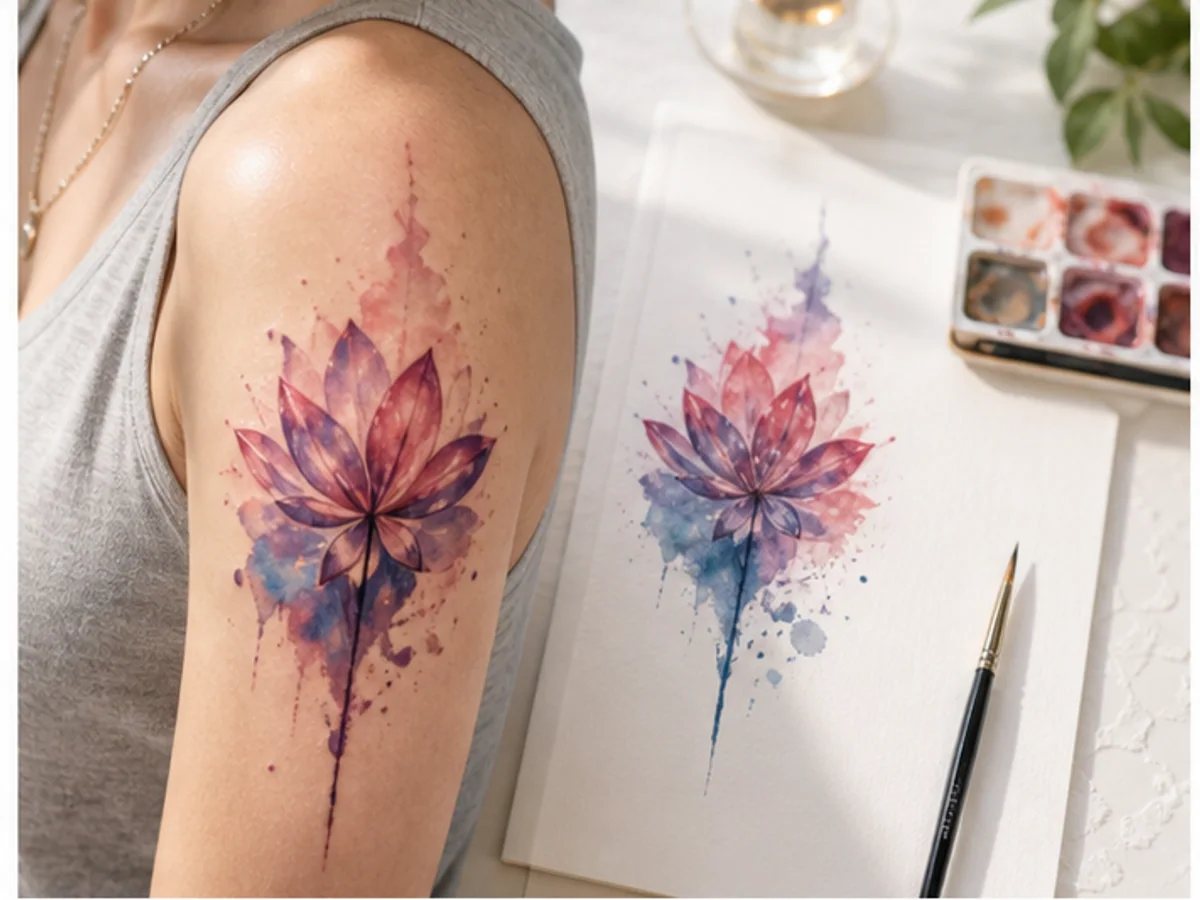
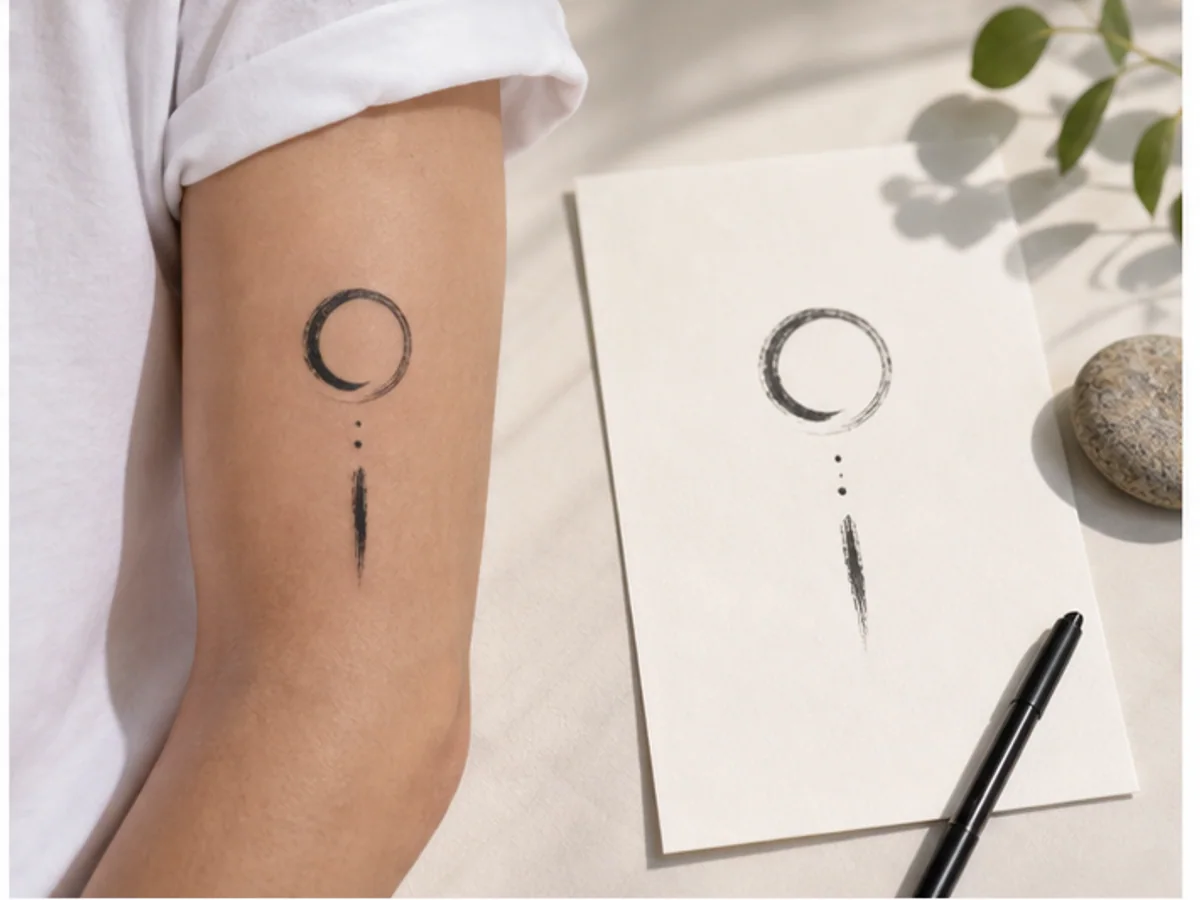
Te cztery wygenerowane przykłady pokazują różne sposoby wykorzystania generatora tatuaży AI, od praktycznych odniesień do produkcji po kreatywne poszukiwania.
Delikatna koncepcja przepływu ciała z czystym czarnym tuszem i negatywową przestrzenią.
Symetryczny pomysł na tatuaż ze strukturą, symboliką i odważnym umiejscowieniem.
Dynamiczna kompozycja inspirowana klasycznymi motywami tatuażu i ruchem.
Mały, znaczący znak przeznaczony do umieszczenia na nadgarstku, kostce lub obojczyku.
Twórz pomysły na tatuaże ze stylem, rozmieszczeniem, szkicem, symboliką, rozmiarem i kierunkiem przepływu ciała.
Wybierz plan dopasowany do swojego workflow.
Do szybkich testów, projektów osobistych i codziennej twórczości.
Rozliczane corocznie · $119,40
800 kredytów / miesiąc
~ 100 obrazów Nano Banana 2
~ 200 obrazów GPT Image 2
~ 14 filmów Seedance 2.0
~ 33 filmy Kling 3.0
Funkcje
Dla aktywnych twórców, którzy chcą więcej kredytów i wszystkich modeli.
Rozliczane corocznie · $191,52
2000 kredytów / miesiąc
~ 250 obrazów Nano Banana 2
~ 500 obrazów GPT Image 2
~ 34 filmy Seedance 2.0
~ 83 filmy Kling 3.0
Funkcje
Dla twórców o dużym wolumenie, którzy potrzebują największej liczby kredytów.
Rozliczane corocznie · $431,64
7200 kredytów / miesiąc
~ 900 obrazów Nano Banana 2
~ 1800 obrazów GPT Image 2
~ 120 filmów Seedance 2.0
~ 300 filmów Kling 3.0
Funkcje
Nie jesteś jeszcze gotowy na subskrypcję?
Masz jeszcze pytania? Skontaktuj się z nami pod adresem support@creatii.ai.