AI models

Google video model

Create AI videos with Veo 3.1 Fast

Veo 3.1 Fast helps creators turn prompts, images, reference frames, and audio options into rapid video drafts, social clips, preview motion, and campaign tests. Use Creatii to generate motion, compare settings, and move quickly from concept to clip.

Veo 3.1 Fast generatorfast AI video generatorGoogle Veo Fastimage to video AItext to video AI
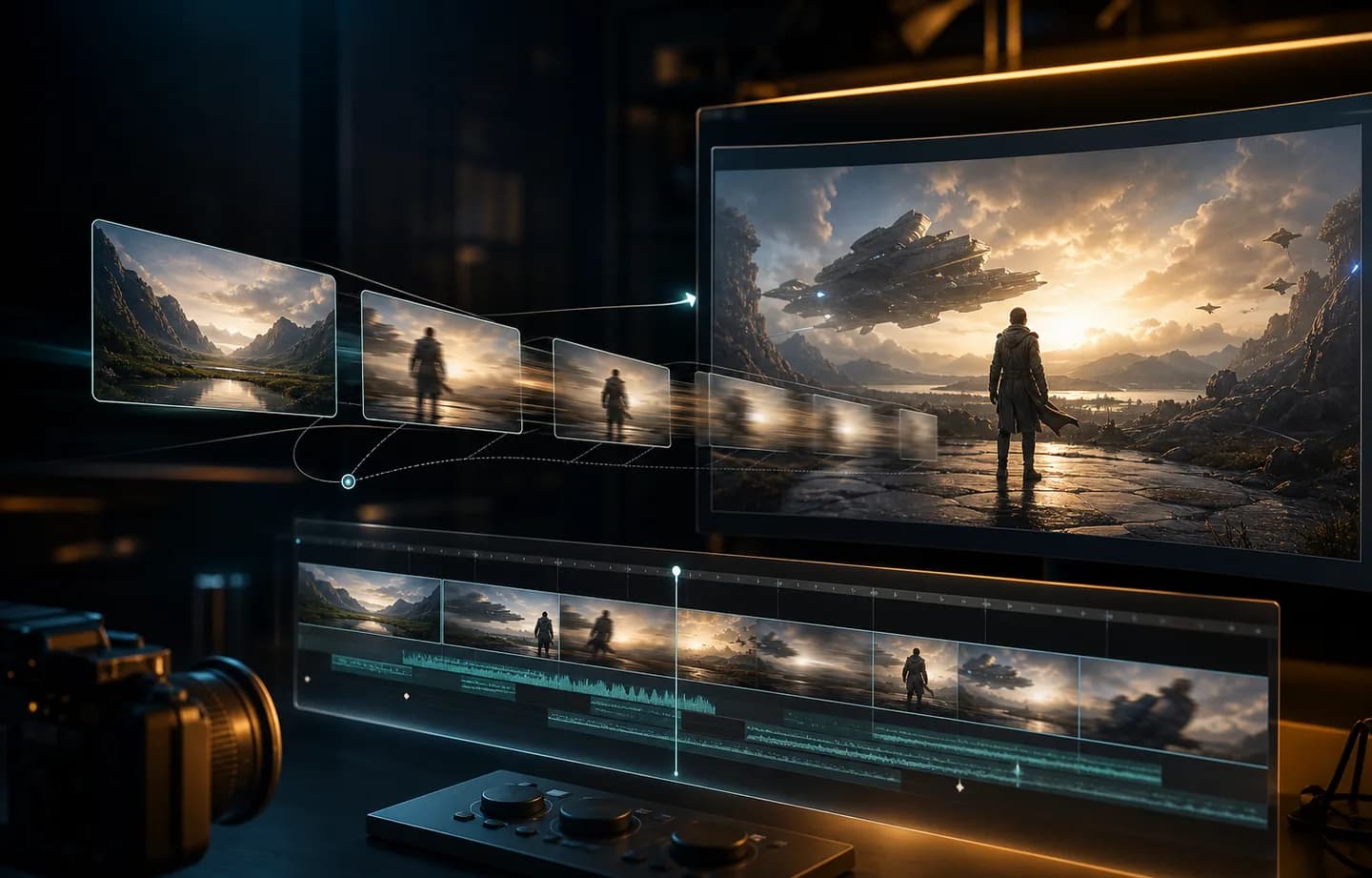
Veo 3.1 Fast AI video generator preview in the Creatii workspace

Model highlights

Why use Veo 3.1 Fast on Creatii

Veo 3.1 Fast feature preview for fast Veo-style video generation with lower credit rates
01

Built for fast Veo-style video generation with lower credit rates

Veo 3.1 Fast is designed for quick iteration, efficient video drafts, and flexible text or image starts, helping you create videos from a clear creative direction.

Veo 3.1 Fast text and image to video workflow preview
02

Text, image, and motion control

Guide the clip with prompts, images, reference frames, and audio options, then choose duration, resolution, aspect ratio, and audio options where supported.

Veo 3.1 Fast creative video production preview
03

Made for fast video iteration

Use Veo 3.1 Fast for rapid video drafts, social clips, preview motion, and campaign tests, then refine prompts and source frames until the motion feels ready to share.

How it works

How to use Veo 3.1 Fast

Create with Veo 3.1 Fast from the Creatii video workspace in a few focused steps.

  1. 01

    Open the video generator

    Start from the Veo 3.1 Fast model page, then open the Creatii video generator with Veo 3.1 Fast preselected.

  2. 02

    Choose the input workflow

    Write a scene prompt or upload images, then set duration, resolution, aspect ratio, and audio options supported by the model.

  3. 03

    Generate and compare clips

    Preview the result, keep the strongest direction, and adjust the prompt or source frame for another variation.

Frequently Asked Questions

What is Veo 3.1 Fast?

Veo 3.1 Fast is an AI video model available in Creatii for fast Veo-style video generation with lower credit rates. It can help generate short videos from prompts, images, or references depending on the selected workflow.

How do I use Veo 3.1 Fast in Creatii?

Open this model page, click the create button, and Creatii will take you to the video generator with Veo 3.1 Fast already selected.

Can Veo 3.1 Fast create videos from images?

Veo 3.1 Fast supports image-based video workflows in Creatii when configured for image-to-video or keyframe generation.

Can Veo 3.1 Fast create text-to-video clips?

Veo 3.1 Fast can be used for text-to-video workflows when that capability is enabled, letting you describe a scene, camera movement, mood, and motion direction.

What is Veo 3.1 Fast best for?

Veo 3.1 Fast is useful for rapid video drafts, social clips, preview motion, and campaign tests, especially when you want quick iteration, efficient video drafts, and flexible text or image starts.

How are Veo 3.1 Fast videos charged?

Video credit cost depends on model, duration, resolution, and audio settings. Creatii shows the estimated credits before generation.