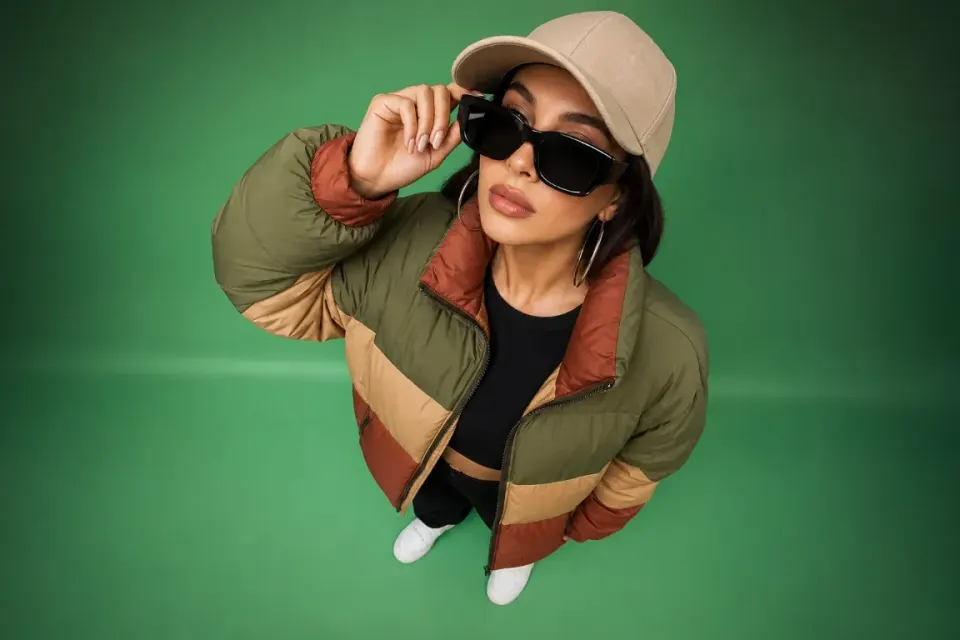

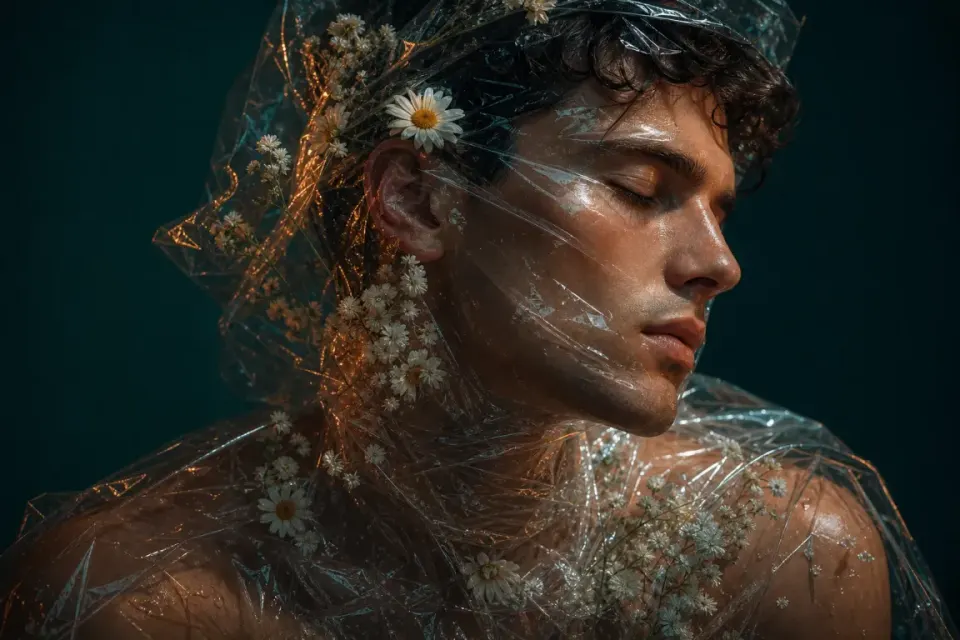
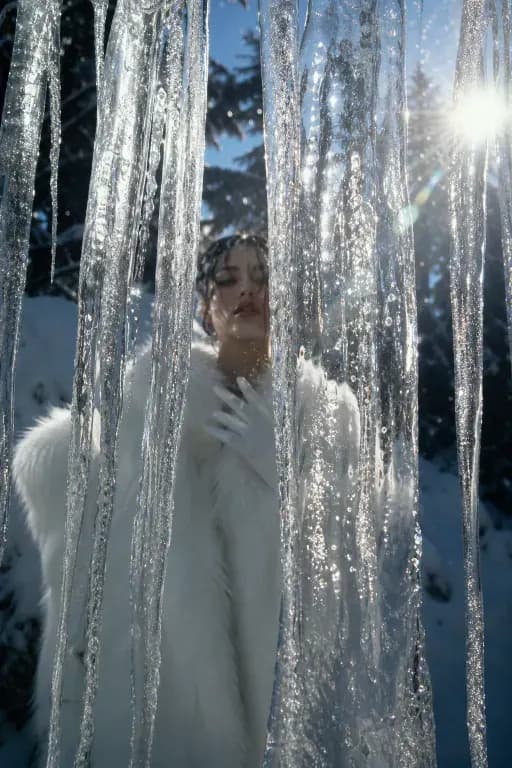
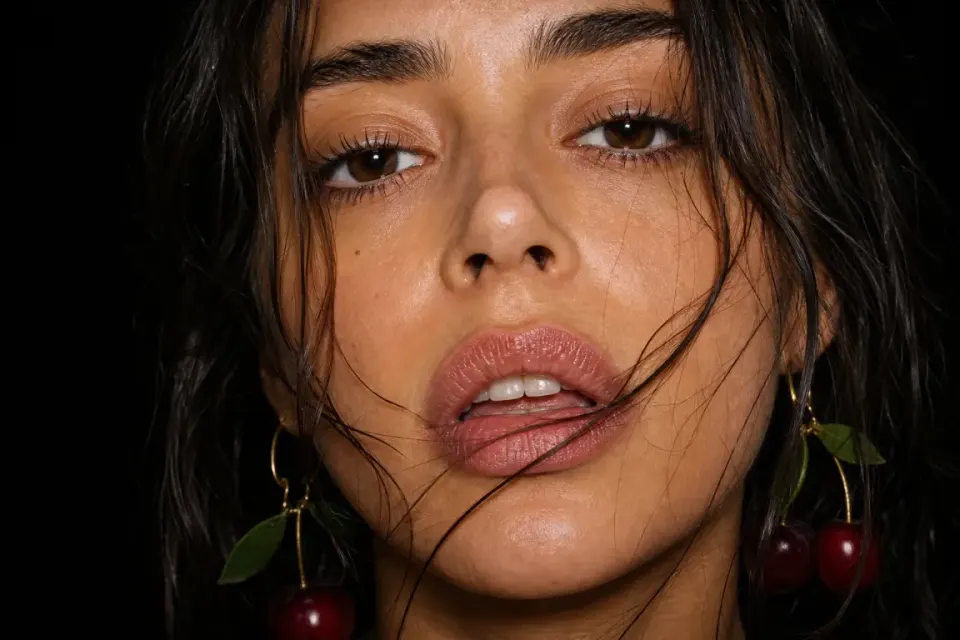


AI video generator
Create AI Videos from Text and Images
Generate cinematic AI videos from prompts, still images, and creative references with leading video models built for fast concepting, social ads, product motion, and visual storytelling.
AI video generatortext to video AIimage to video AIcinematic AI videoAI video makerprompt to videocreative video studio
01
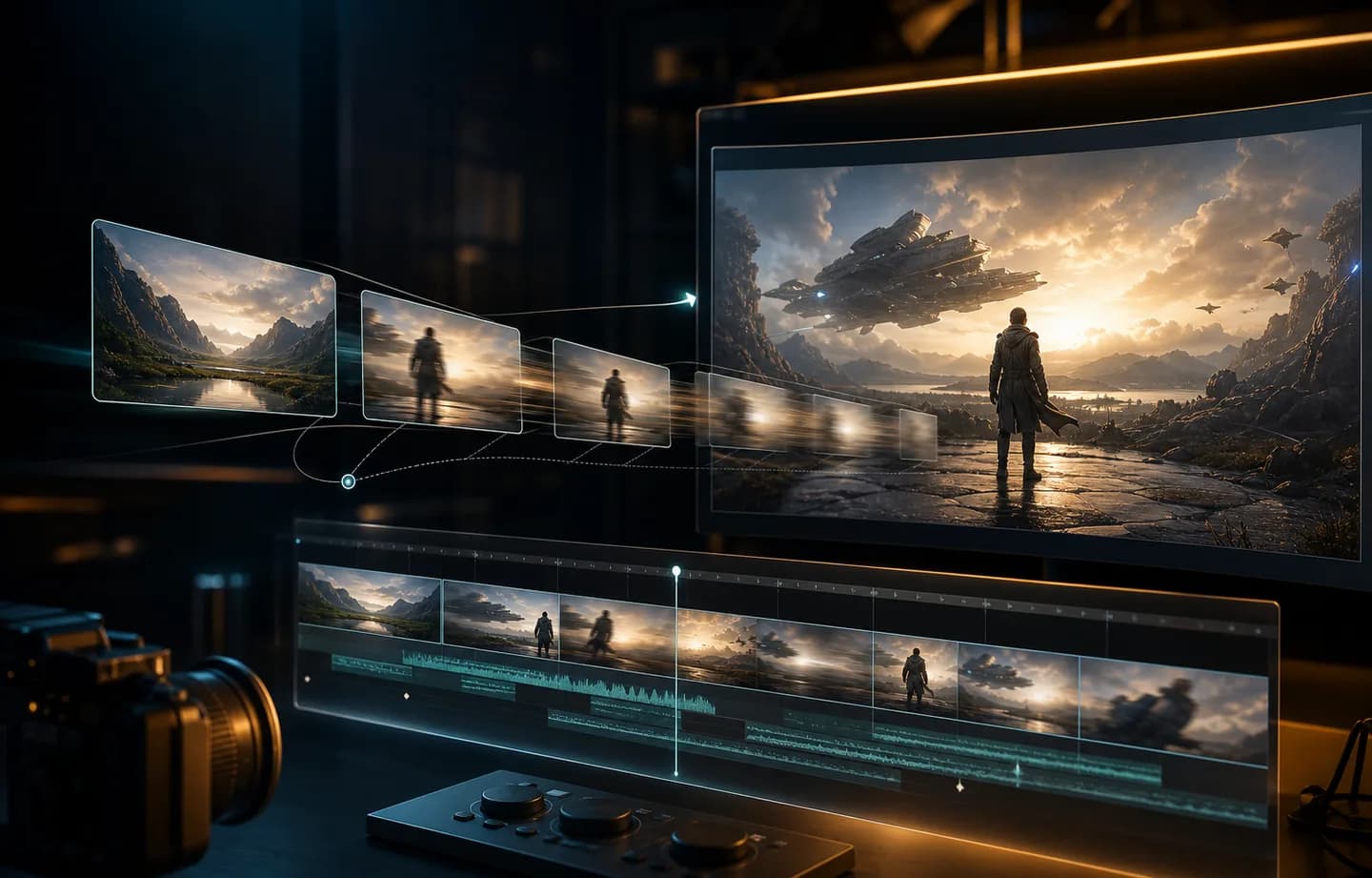
Text and image to video
Start from a written scene or a still image, then shape camera movement, motion style, pacing, and cinematic mood.
02
Model choice in one place
Create with multiple video generation models from one interface so each idea can use the right balance of quality, speed, and style.
03
Built for repeatable output
Review generated clips, reuse strong directions, and keep your video creation flow organized as concepts evolve.
How it works
How to create AI videos online
Move from a prompt or still image to a generated video with a guided workflow built for fast creative testing.
- 01
Start with text or an image
Describe the scene you want or upload a source image, then define the subject, camera movement, mood, and motion direction.
- 02
Choose the video model and settings
Select the model, quality, duration, and generation options that match your goal, whether you need speed, cinematic detail, or a specific style.
- 03
Generate and refine the clip
Preview the result, reuse strong directions, adjust the prompt or image reference, and keep iterating until the video feels right.
Plans for every creator
Choose the plan that fits your workflow.
Basic
50% OFFFor quick tests, personal projects, and everyday creation.
$19.9$9.95/mo
Billed annually · $119.40
Save $119.40/year/Cancel anytime
800 Credits / month
~ 100 Nano Banana 2 Images
~ 200 GPT Image 2 Images
~ 14 Seedance 2.0 videos
~ 33 Kling 3.0 videos
Features
- Access to selected image models
- Access to selected video models
- Access to selected Apps
- 1 concurrent task
- No queue waiting
- No watermark
- Private generation
- Commercial license
Most Popular
Pro
60% OFFFor active creators who want more credits and every model.
$39.9$15.96/mo
Billed annually · $191.52
Save $287.28/year/Cancel anytime
2000 Credits / month
~ 250 Nano Banana 2 Images
~ 500 GPT Image 2 Images
~ 34 Seedance 2.0 videos
~ 83 Kling 3.0 videos
Features
- 20% credits bonus
- Access to all image models
- Access to all video models
- Access to all Apps
- Access to all video effects
- 2 concurrent tasks
- No queue waiting
- No watermark
- Private generation
- Commercial license
- Early access to advanced AI features
Best Value
Max
70% OFFFor high-output creators who need the most credits to create often.
$119.9$35.97/mo
Billed annually · $431.64
Save $1,007.16/year/Cancel anytime
7200 Credits / month
~ 900 Nano Banana 2 Images
~ 1800 GPT Image 2 Images
~ 120 Seedance 2.0 videos
~ 300 Kling 3.0 videos
Features
- 30% credits bonus
- Access to all image models
- Access to all video models
- Access to all Apps
- Access to all video effects
- 4 concurrent tasks
- No queue waiting
- No watermark
- Private generation
- Commercial license
- Early access to advanced AI features
Not ready to subscribe yet?
Frequently Asked Questions
Still have questions? Contact us at support@creatii.ai.